

Building a massive castle block by block is satisfying — until you realize the walls are off by one tile and you need to tear down thousands of blocks. World Edit Mod eliminates that pain by giving you powerful terrain manipulation and construction tools that let you shape entire landscapes, duplicate structures, and undo mistakes in seconds. Whether you are carving out mountains with mathematical expressions or laying down an entire city district using building patterns, this mod transforms Minecraft into a true world-building sandbox.
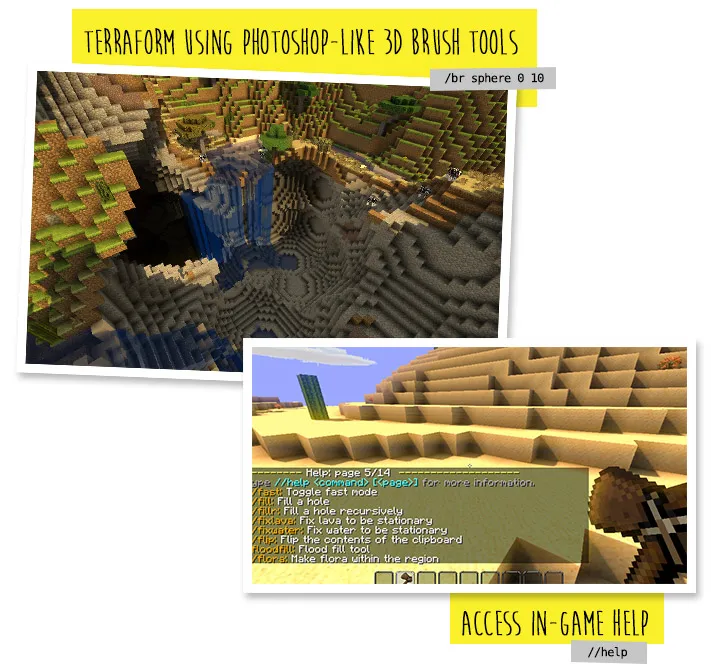
Developed by EngineHub, World Edit Mod supports Forge, Fabric, and NeoForge across a wide range of Minecraft versions from 1.7.10 all the way up to 1.21.11. It also introduces over 100 commands — including handy utilities like /jumpto for quick teleportation — and even lets you write JavaScript scripts for advanced world manipulation. You can back up your creations and restore them at any time, so experimentation carries no risk.
Key Features
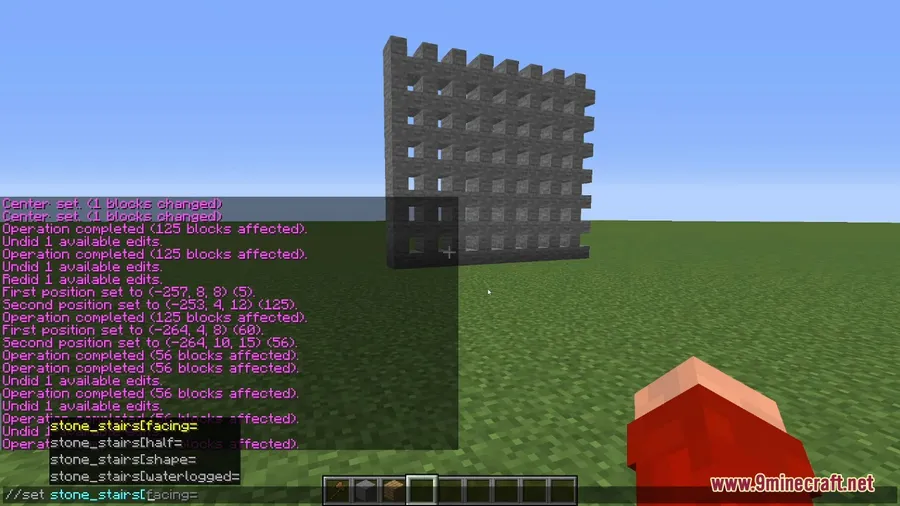
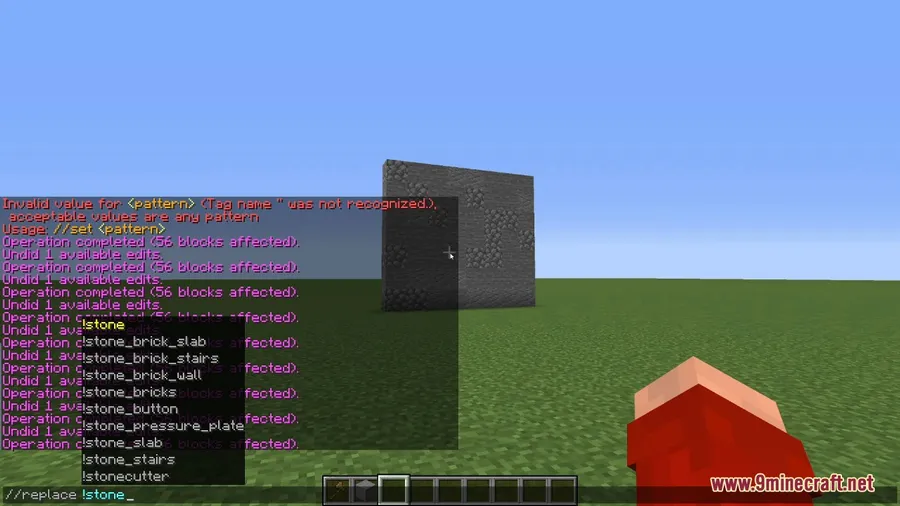
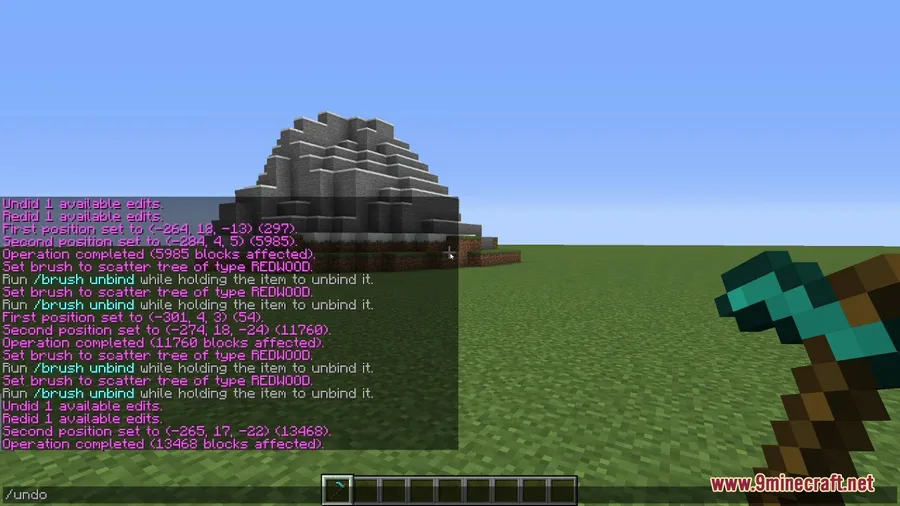
- Large-scale terrain editing — Select massive regions and fill, replace, smooth, or deform terrain without placing a single block by hand. Complex deformations like
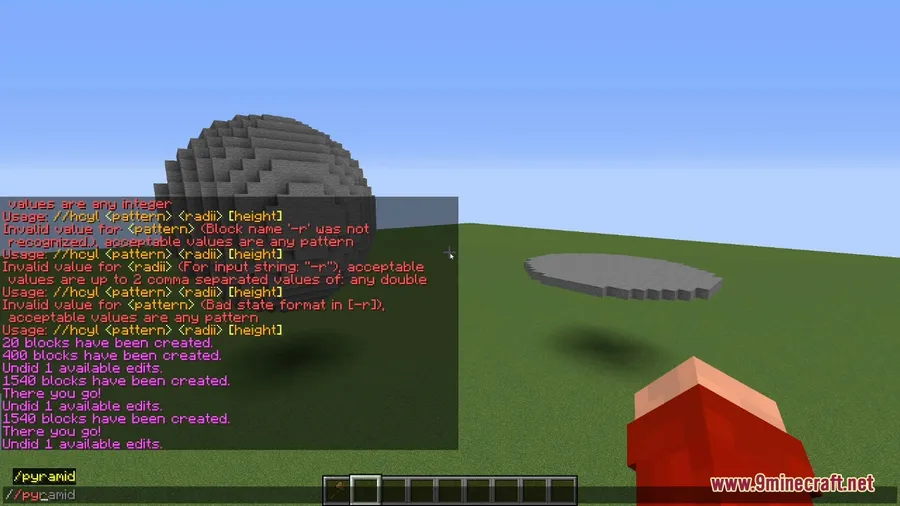
//deform x*=2;y*=2;z*=2let you stretch and reshape the world. - Mathematical shape generation — Create spheres, tori, and custom geometric shapes using math expressions. For example,
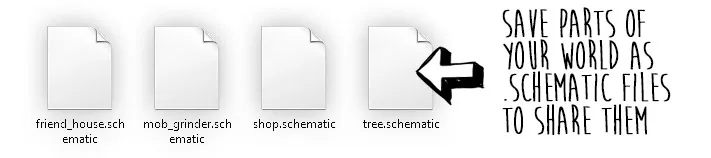
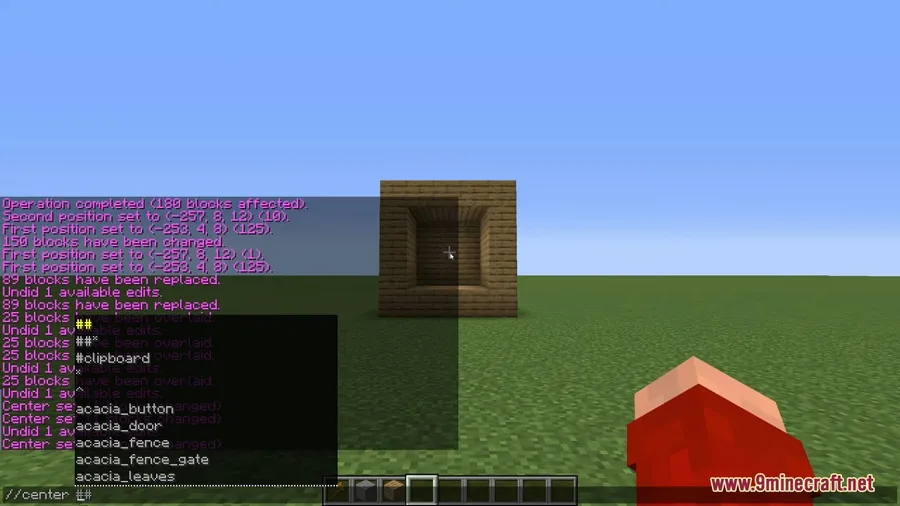
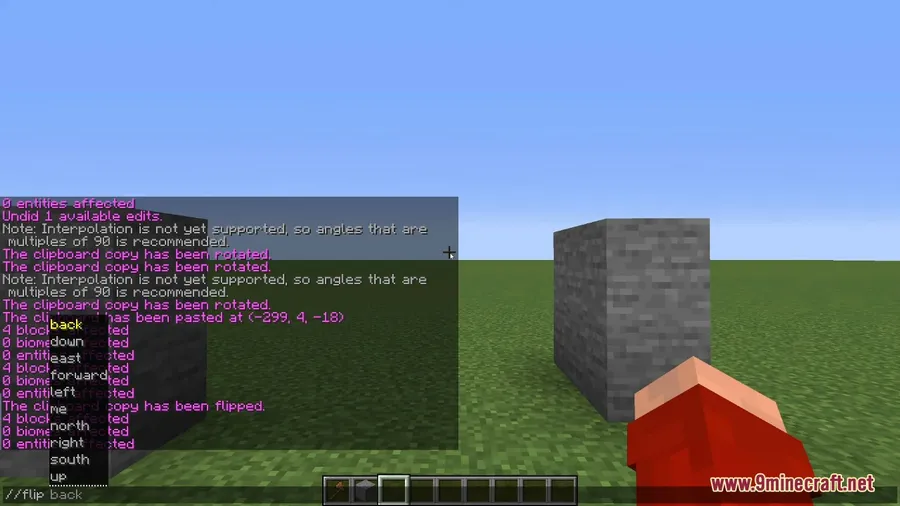
//g stone (0.75-sqrt(x^2+y^2))^2+z^2 < 0.25^2generates precise stone formations. - Building patterns and clipboard — Copy, cut, paste, and rotate structures to rapidly build villages, cities, or any repeating design. Save building patterns for reuse across projects.
- JavaScript scripting — Write complex scripts that harness the full power of WorldEdit for automated world manipulation, going far beyond what built-in commands offer.
- Backup and restore — Save snapshots of your creations and roll back changes whenever needed, making large-scale experimentation completely risk-free.
- 100+ utility commands — From
/jumptofor teleportation to terrain generation commands that create mountains, ravines, and lakes, the command library covers virtually every building scenario.
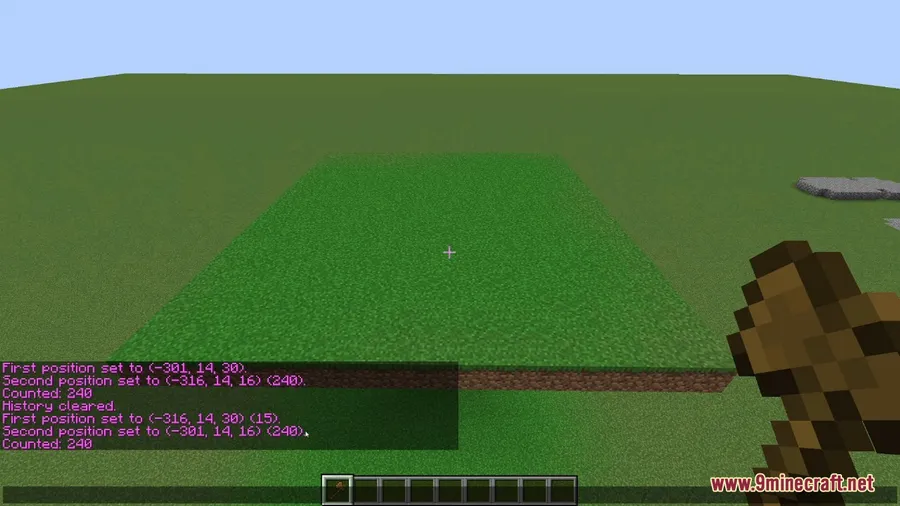
Screenshots


How to Install
- Download and install the required mod loader (Forge, Fabric, or NeoForge) for your Minecraft version.
- If using Fabric, also install the Fabric API.
- Download the World Edit Mod file matching your Minecraft version from the links below.
- Place the downloaded
.jarfile into your.minecraft/modsfolder. - Launch Minecraft with the correct mod loader profile and verify WorldEdit loads on the title screen.
Requirements
| Requirement | Details |
|---|---|
| Mod Loader | Minecraft Forge, Fabric, or NeoForge |
| Dependencies | Fabric API (Fabric versions only) |
| Minecraft Version | 1.7.10 – 1.21.11 |
Pros & Cons
Pros
- Saves enormous amounts of time on large builds and terrain projects
- Supports Forge, Fabric, and NeoForge across dozens of Minecraft versions
- Over 100 commands covering nearly every building and editing scenario
- Mathematical expressions allow precise, complex shape generation
- Built-in backup and restore system protects against mistakes
- JavaScript scripting support for advanced automation
Cons
- Steep learning curve — mastering the command syntax takes time
- Not all mod loader options are available for every Minecraft version
- Primarily a creative and server administration tool, less useful for survival gameplay
Download
Always download mods from official sources to stay safe.
FAQ
Does World Edit Mod work in multiplayer servers?
Yes, WorldEdit is widely used as a server utility tool. Server administrators can install it server-side to manage terrain and builds. It supports both singleplayer and multiplayer environments.
Which mod loader should I use for the latest Minecraft versions?
For Minecraft 1.20.6 and newer (including 1.21.x), WorldEdit is available for NeoForge. Older versions like 1.16.5–1.20.4 primarily use Forge, while Fabric versions are available for 1.14.4 through 1.17.1.
Can I undo changes made with WorldEdit?
Yes, WorldEdit includes a backup and restore system that lets you save snapshots of your world and roll back any changes. This makes it safe to experiment with large-scale edits without worrying about permanent mistakes.


![[Let's Do] Candlelight - Farm&Charm compat Mod (1.21.1) - thumbnail](http://mcinside.com/wp-content/uploads/2026/04/thumbnail-81-52x52.webp)


![[Let's Do] Meadow Mod (1.21.1) - thumbnail](http://mcinside.com/wp-content/uploads/2026/04/thumbnail-64-52x52.webp)


![Not Enough Recipe Book [NERB] Mod (1.21.11) - thumbnail](http://mcinside.com/wp-content/uploads/2026/04/thumbnail-63-52x52.webp)