

Ever rearranged your storage room only to realize you need to break and re-place every chest just to merge them? Wrenchest Mod eliminates that tedious process by adding a single craftable tool — the Chest Wrench — that lets you connect and disconnect chests in place, items and all. It's a small quality-of-life addition that saves surprisingly large amounts of time, especially in big builds where reorganizing storage is a constant task.
Key Features
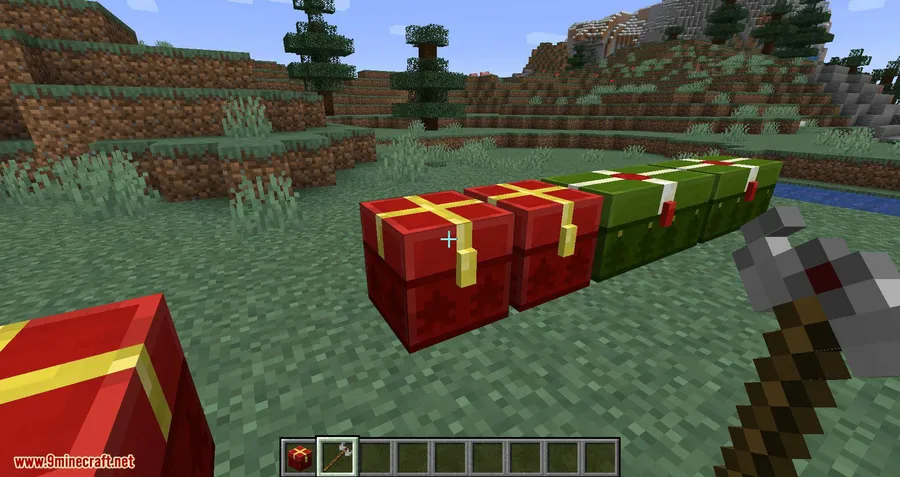
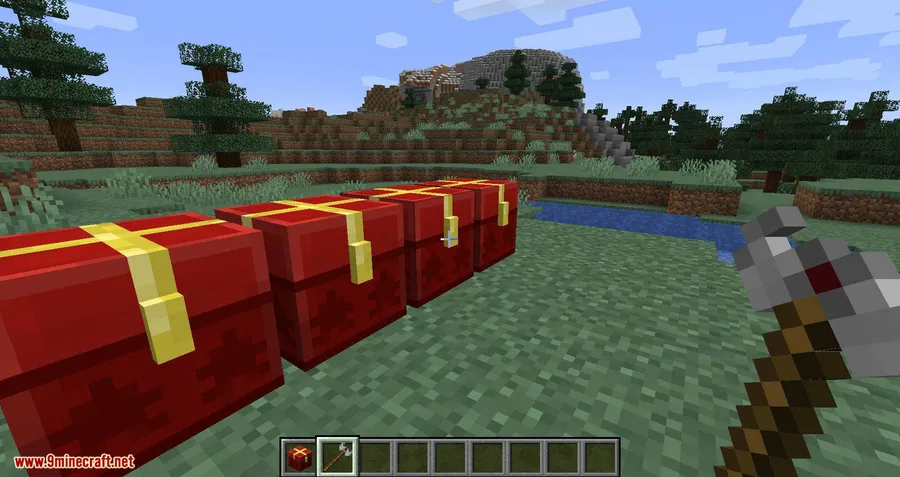
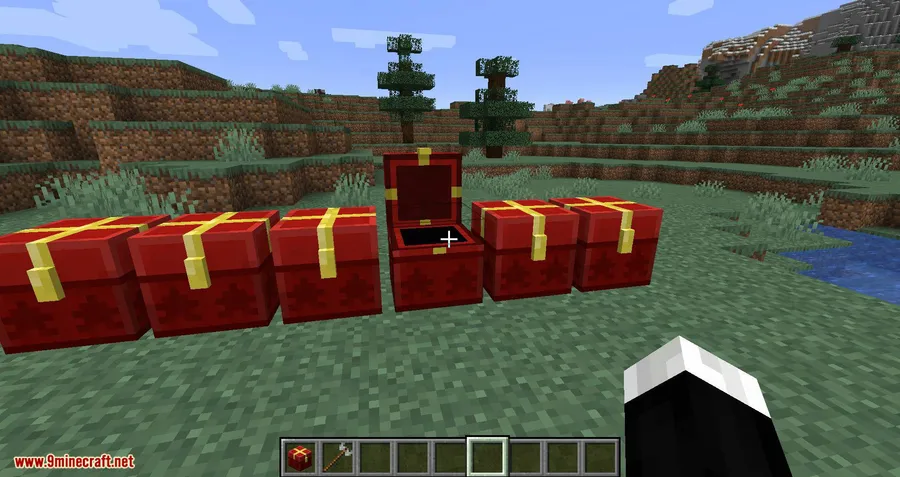
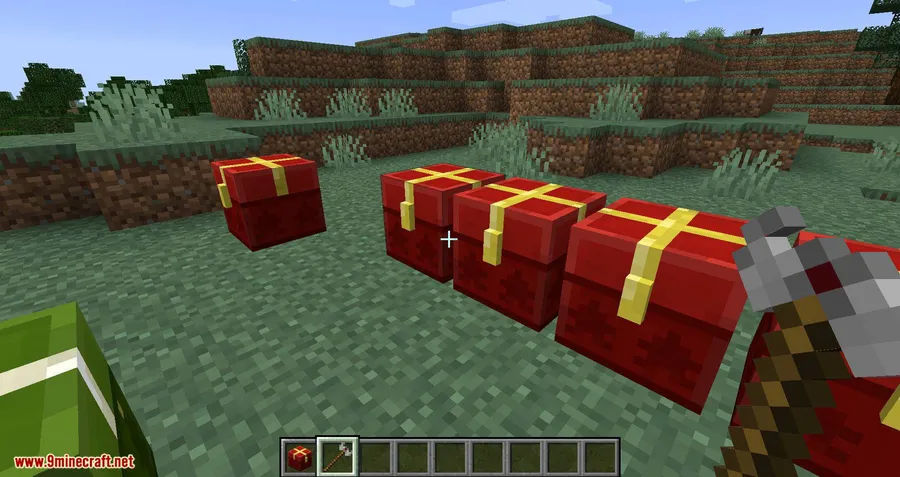
- Connect single chests instantly — Right-click any single chest with the Chest Wrench on the side facing an adjacent single chest to merge them into a double chest. No need to empty either chest first; all items stay exactly where they are.
- Disconnect double chests just as easily — Right-click any half of a double chest with the Wrench to split it back into two single chests, again without disturbing the contents inside.
- Directional control — You can choose which way the connected chest faces by where you aim your crosshair on the side of the chest. Clicking further back makes the chests face away from you, while clicking closer to the front makes them face toward you.
- Craftable and repairable — The Chest Wrench has 256 uses and can be repaired with iron ingots at an anvil, so you won't need to keep crafting new ones.
Screenshots
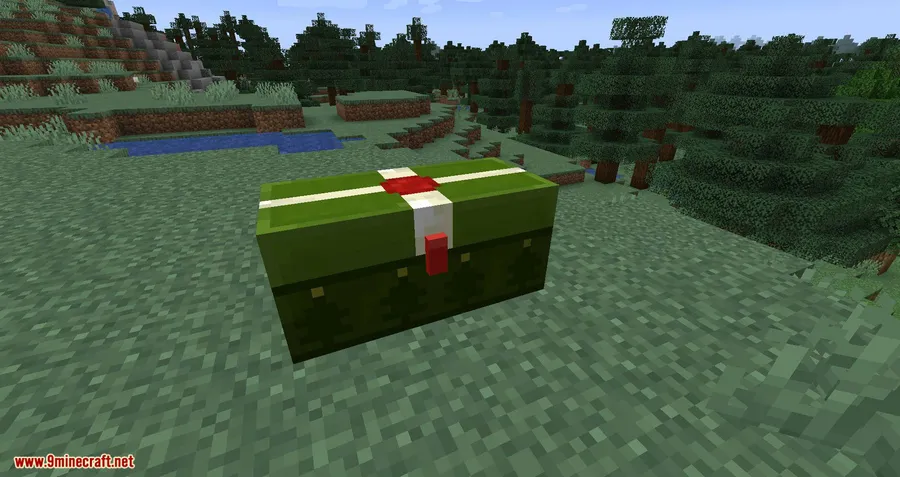
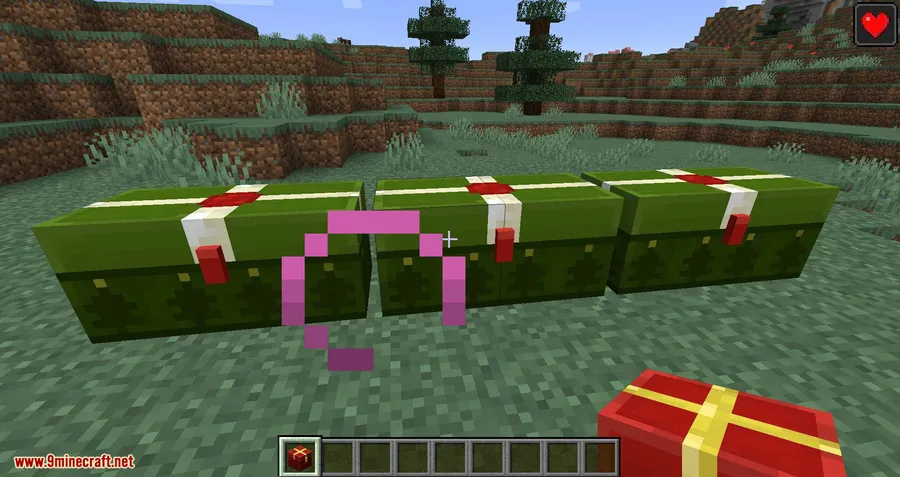
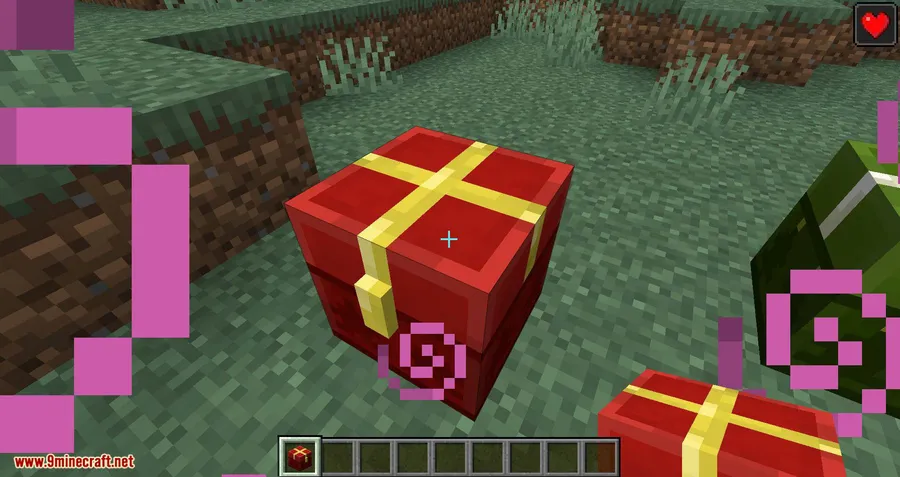
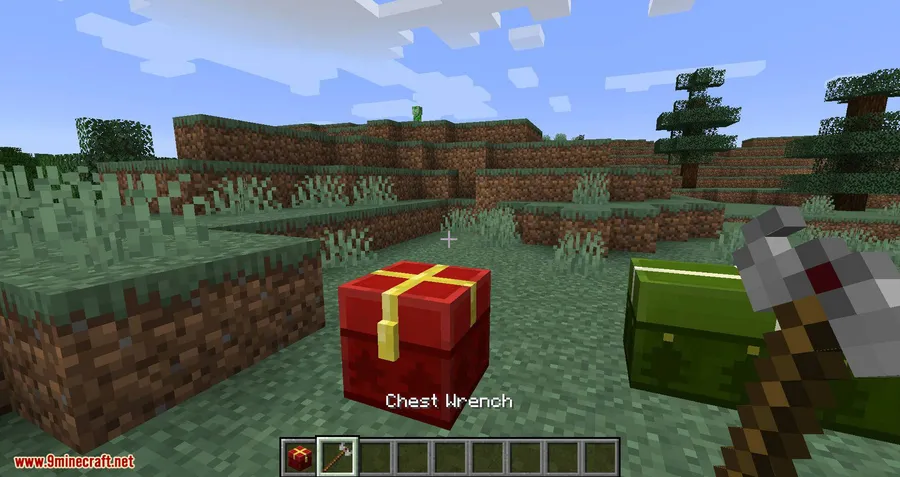
How to Install
- Download and install Minecraft Forge or NeoForge for your Minecraft version.
- Download the Wrenchest Mod file matching your game version from the link below.
- Open your Minecraft directory and place the downloaded
.jarfile into the mods folder. - Launch Minecraft using the Forge or NeoForge profile and confirm the mod appears in the mod list.
Requirements
| Requirement | Details |
|---|---|
| Mod Loader | Minecraft Forge or NeoForge |
| Dependencies | None (standalone mod) |
| Minecraft Version | 1.13.2 – 1.21.11 |
Pros & Cons
Pros
- Extremely simple — one item, one function, no learning curve
- Items remain in chests during connect and disconnect operations
- Durable tool with 256 uses and anvil repair support
- Broad version support from 1.13.2 through 1.21.11
- The mod appears to be lightweight with no extra dependencies required
Cons
- Cannot change a chest's rotation — only connects or disconnects
- Both chests must be single chests before connecting; does not work on already-doubled chests
- Older versions only support Forge; NeoForge support starts at 1.17.1+
Download
Always download mods from official sources to stay safe.
FAQ
Do items drop when I connect or disconnect chests with the Chest Wrench?
No. All items stay safely inside the chests when you connect or disconnect them. You do not need to empty the chests beforehand.
Can I use Wrenchest Mod to rotate a chest's facing direction?
No. The Chest Wrench only connects and disconnects chests. It cannot change an individual chest's rotation. You can, however, control which direction a newly connected double chest faces by where you aim your crosshair.
How do I repair the Chest Wrench when it runs out of durability?
Place the Chest Wrench and iron ingots together in an anvil. The tool has 256 uses before it needs repair.


![[Let's Do] Candlelight - Farm&Charm compat Mod (1.21.1) - thumbnail](http://mcinside.com/wp-content/uploads/2026/04/thumbnail-81-52x52.webp)


![[Let's Do] Meadow Mod (1.21.1) - thumbnail](http://mcinside.com/wp-content/uploads/2026/04/thumbnail-64-52x52.webp)


![Not Enough Recipe Book [NERB] Mod (1.21.11) - thumbnail](http://mcinside.com/wp-content/uploads/2026/04/thumbnail-63-52x52.webp)