
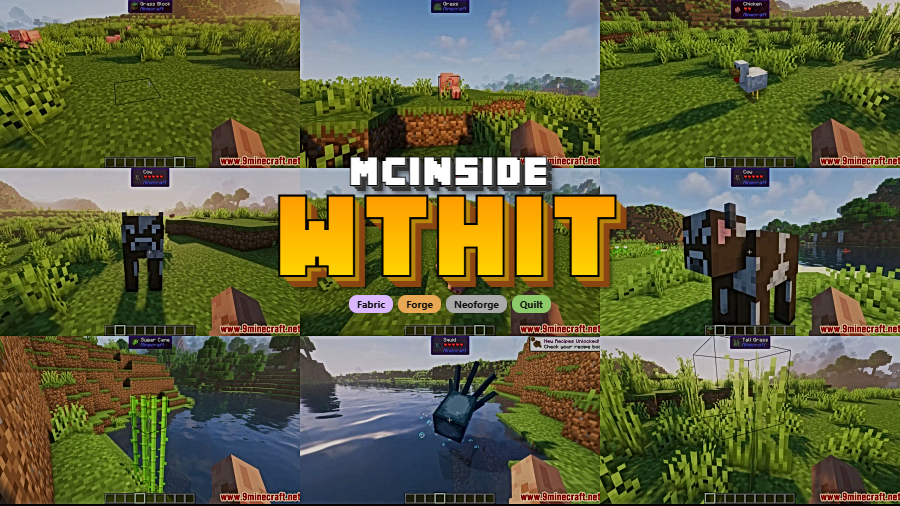
Large modpacks get easier to read when WTHIT Mod tells you exactly what you are looking at. This rework of Hwyla adds practical on-screen tooltips for blocks, fluids, and mobs, including details such as names, health, and mod source, so you can identify content faster without breaking gameplay flow. Modrinth lists the project by badasintended with more than 3.3 million downloads, first published on 2021-02-07 and updated on 2026-03-24.
Key Features
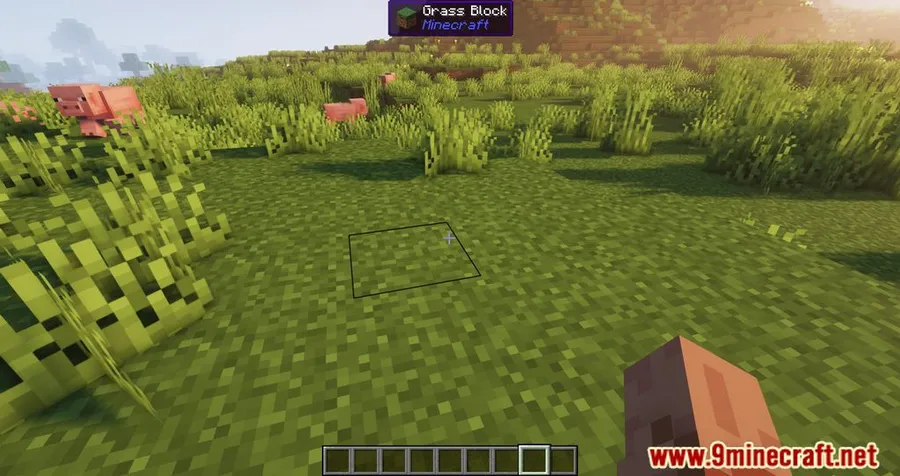
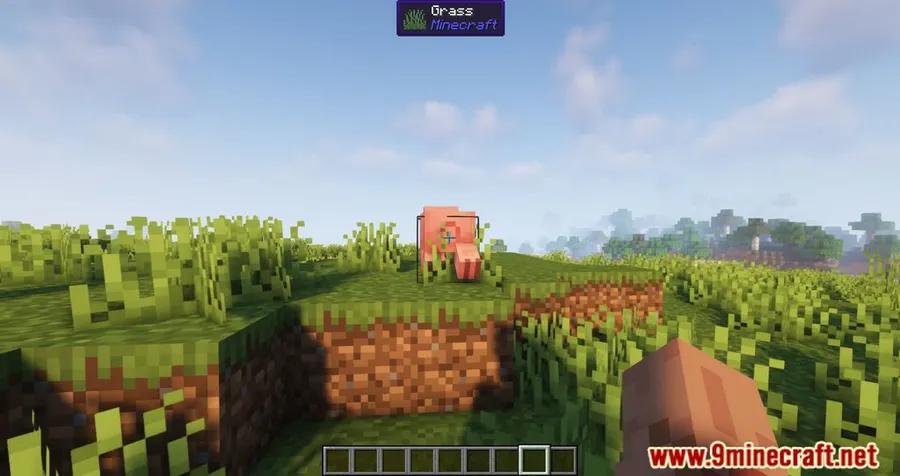
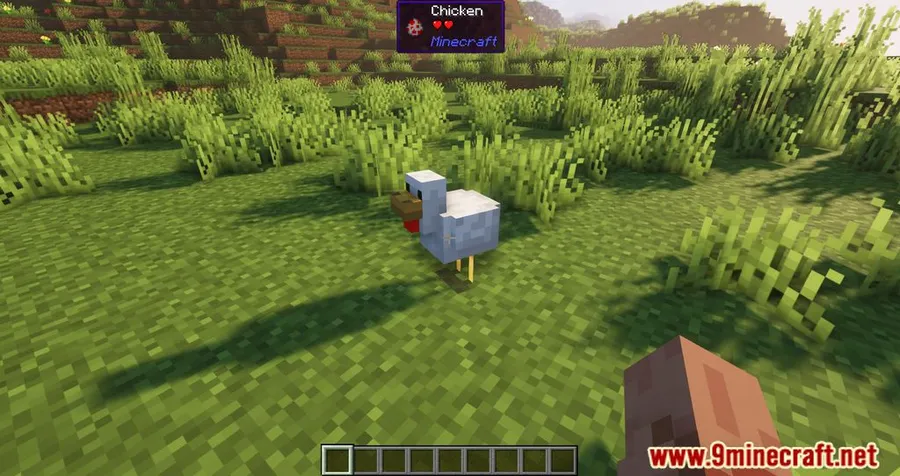
- Shows the name and source mod of the block or fluid you are aiming at.
- Displays relevant tooltip information for targets in view, including supported details such as health.
- Reveals inventory contents and technical details for certain blocks.
- Works as a Hwyla rework for players who want clear in-game identification without leaving the world view.
- Can be expanded with additional mods if you want more detailed tooltip behavior.
Screenshots
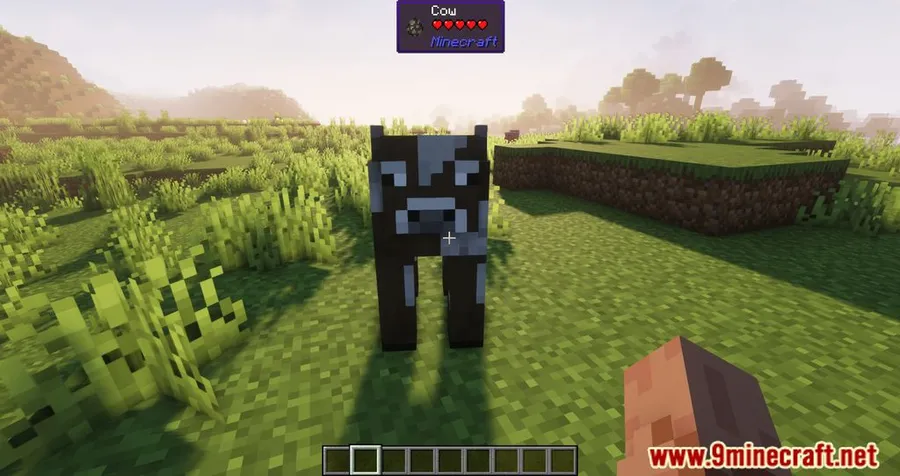
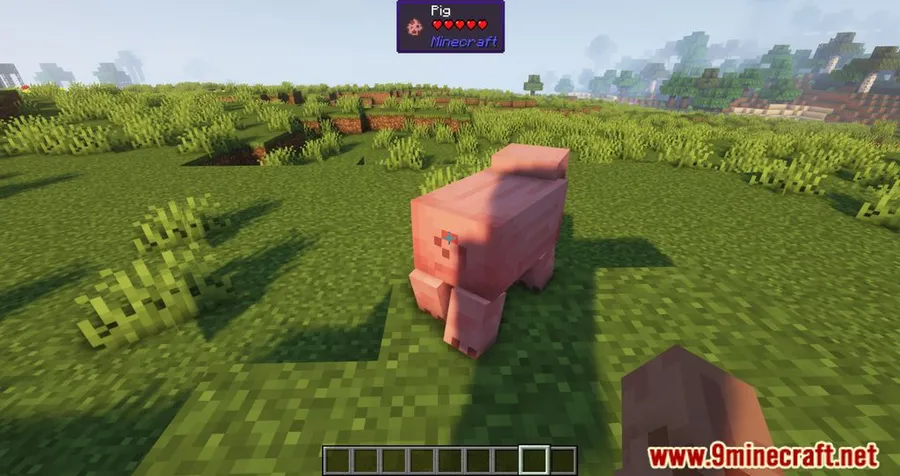

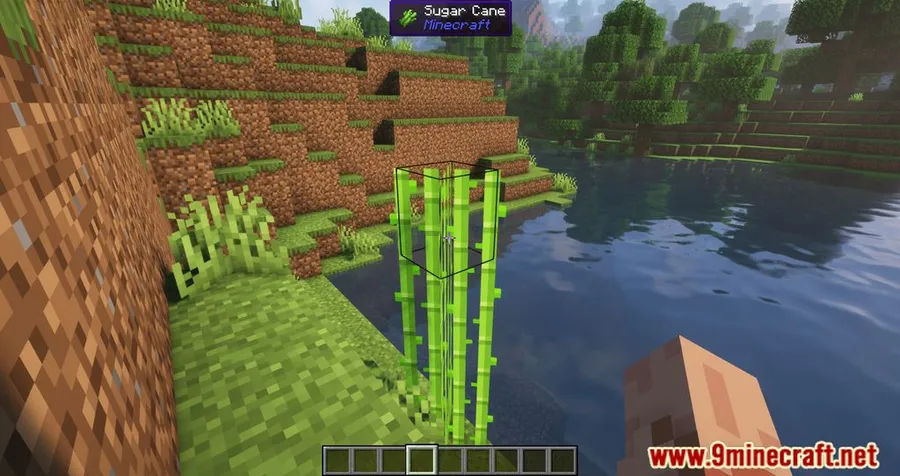
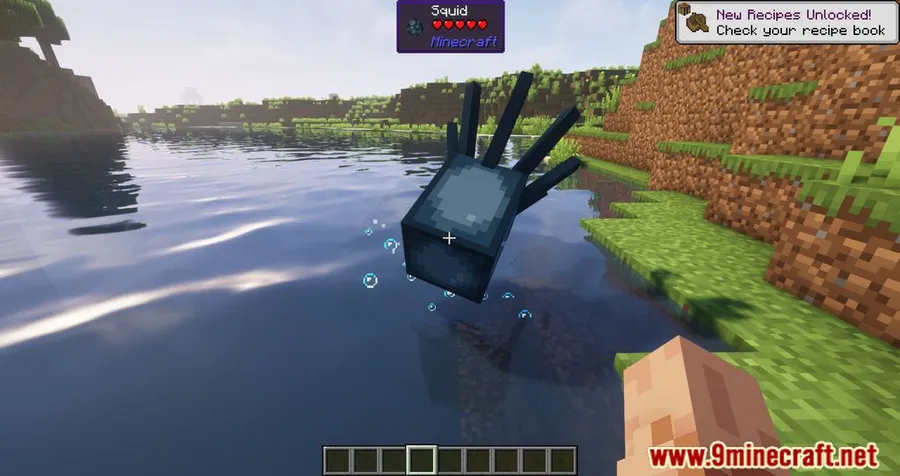
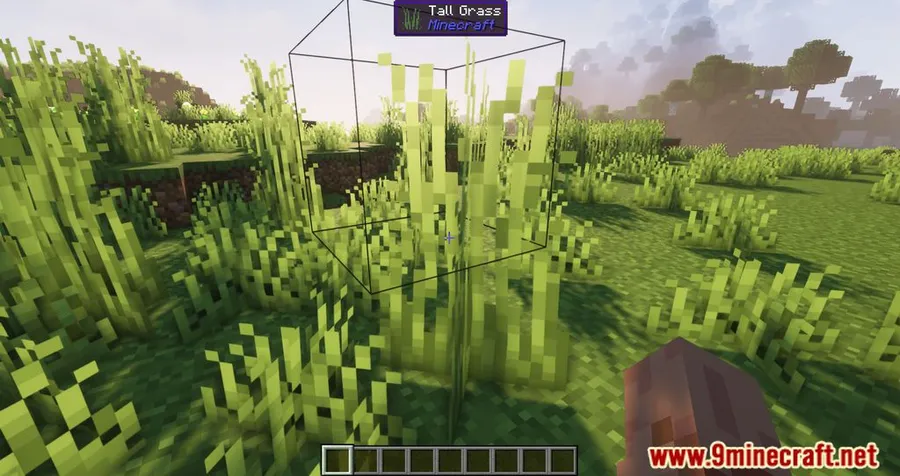
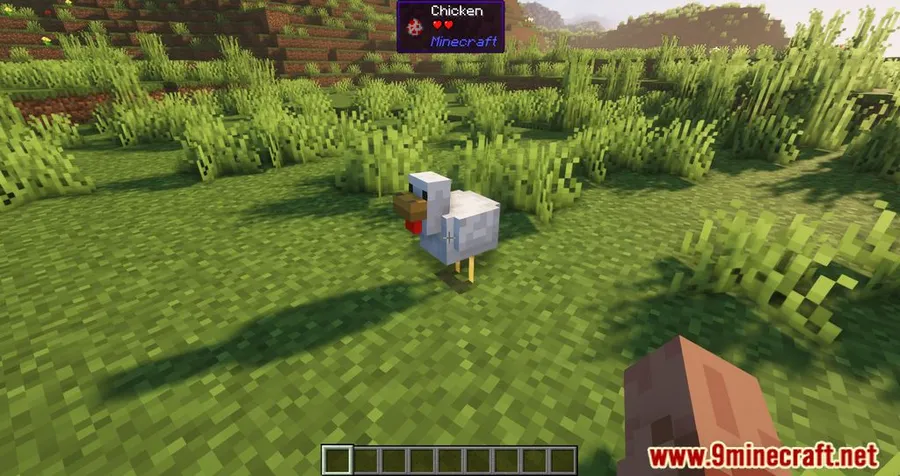
How to Install
- Choose the WTHIT Mod file that matches your Minecraft version and loader: Forge, NeoForge, Fabric, or Quilt where available.
- Install the required loader for your setup, then add listed dependencies such as Fabric API or Bad Packets Mod when your version needs them.
- Place the mod file in your Minecraft mods folder and launch the game with the same loader profile.
- Join a world and aim at blocks, fluids, or mobs to verify the tooltip overlay is active.
Requirements
| Requirement | Details |
|---|---|
| Mod Loader | NeoForge, Forge, Fabric, Quilt |
| Dependencies | Minecraft Forge, Fabric API, Quilt Loader, NeoForge Installer, Bad Packets Mod |
| Minecraft Version | 1.21.11, 1.21.10, 1.21.9, 1.21.8, 1.21.7, 1.21.6, 1.21.1, 1.21, 1.20.2, 1.19.4, 1.19.3, 1.19.2, 1.19.1, 1.19, 1.18.2, 1.18.1, 1.17.1, 1.16.5 |
Pros & Cons
Pros
- Makes unfamiliar blocks, fluids, and mobs easier to identify at a glance.
- Adds source-mod visibility, which is especially useful in larger modpacks.
- Includes extra readouts such as inventory contents and technical details for certain blocks.
- Supports multiple major mod loaders across many Minecraft versions.
Cons
- The exact level of detail depends on what the mod exposes and any additional extensions you install.
- Loader and dependency requirements vary by version, so setup is not identical for every release.
- The provided feature list is focused on tooltip information rather than broader gameplay changes.
Download
Always download mods from official sources to stay safe.
What's New
- Updated on Modrinth on 2026-03-24.
- Latest changelog notes an update to Minecraft 26.1-rc-3.
- Russian translation was updated.
FAQ
What does WTHIT Mod do in Minecraft?
It adds tooltip information when you aim at blocks, fluids, or mobs, helping you see details such as names, health, and the mod source without opening extra menus.
Which loaders does WTHIT Mod support?
The listed mod types are NeoForge, Forge, Fabric, and Quilt. Availability depends on the specific Minecraft version you download.
Do I need any dependencies for WTHIT Mod?
Yes. The provided requirements list includes Minecraft Forge, Fabric API, Quilt Loader, NeoForge Installer, and Bad Packets Mod. Check the file for your chosen version and loader before installing.


![[Let's Do] Meadow Mod (1.21.1) - thumbnail](http://mcinside.com/wp-content/uploads/2026/04/thumbnail-64-52x52.webp)


![Not Enough Recipe Book [NERB] Mod (1.21.11) - thumbnail](http://mcinside.com/wp-content/uploads/2026/04/thumbnail-63-52x52.webp)


