

Among the crowded landscape of Minecraft utility clients, Wurst Client Mod has earned its reputation as one of the most widely used options available to players on Windows, Linux, and Mac. Developed by Alexander01998, it ships with three distinct GUI modes — a Tab GUI, a window-based click GUI, and the Navigator — giving players flexible ways to access its extensive library of in-game features and commands. From quality-of-life automation like auto eat, auto fish, and auto mine to more advanced utilities, Wurst packs a significant amount of functionality into a single client-side mod.
Key Features
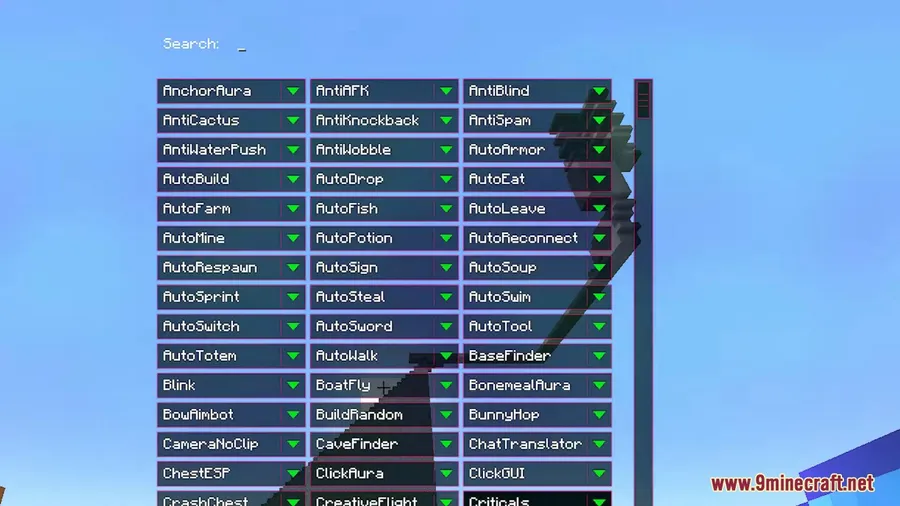
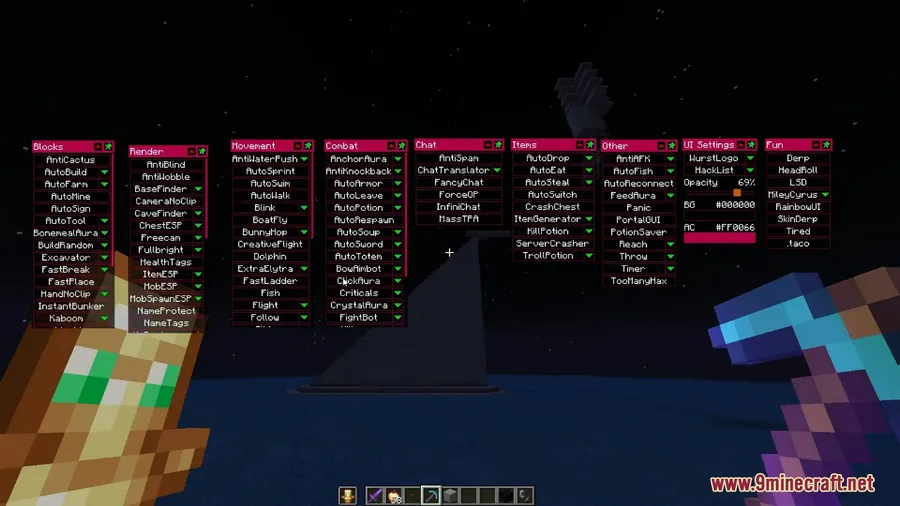
- Triple GUI System — Switch between Tab GUI for quick keyboard navigation, a window-based click GUI for drag-and-drop control, and Navigator for searching features by name.
- Automation Tools — Built-in auto eat, auto fish, and auto mine commands let you automate repetitive survival tasks without third-party macros.
- Broad Command Library — Access a wide range of in-game commands that extend vanilla Minecraft functionality directly from the client.
- Cross-Platform Support — Runs on Windows, Linux, and Mac, so you can use the same client regardless of your operating system.
- Wide Version Coverage — Supports Minecraft versions ranging from 1.8.9 through 1.21.11 and up to 26.1, covering both legacy and modern releases.
- Multiple Mod Loader Support — Primarily built for Fabric on modern versions, with Forge builds available for older versions like 1.10.2 and 1.12.2.
Screenshots


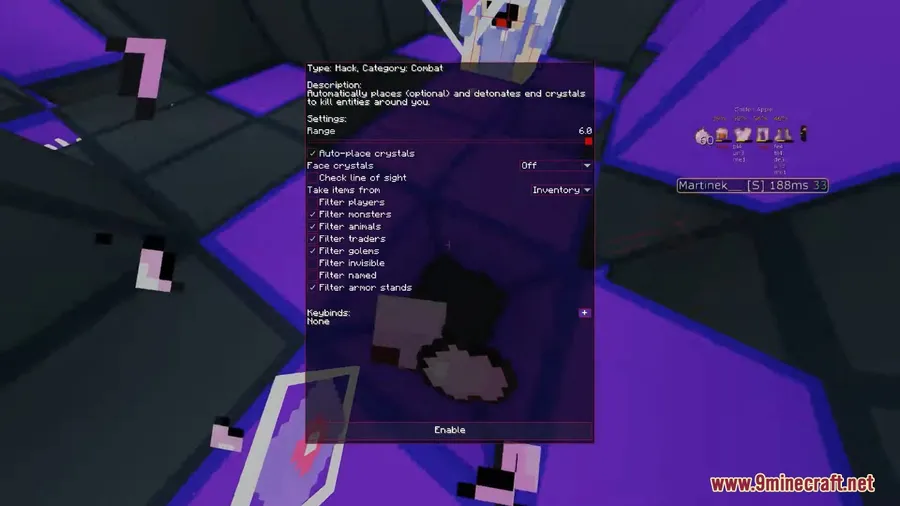

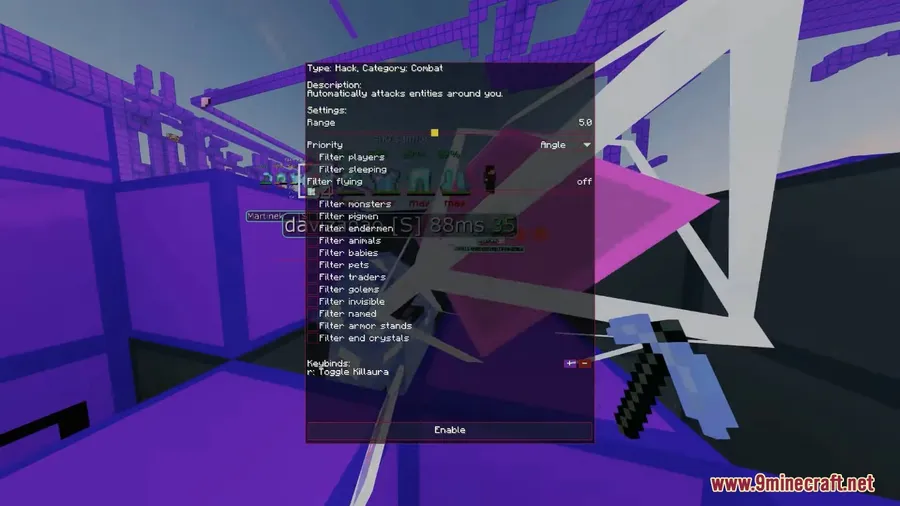
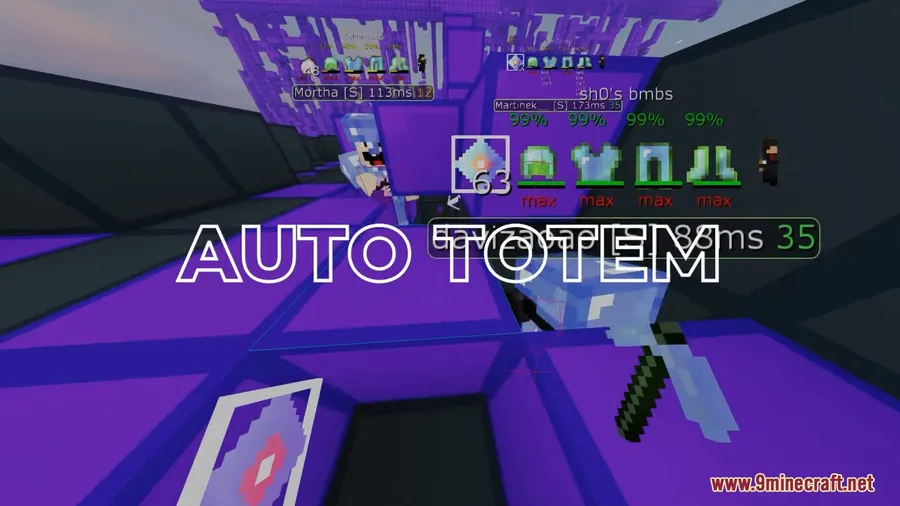
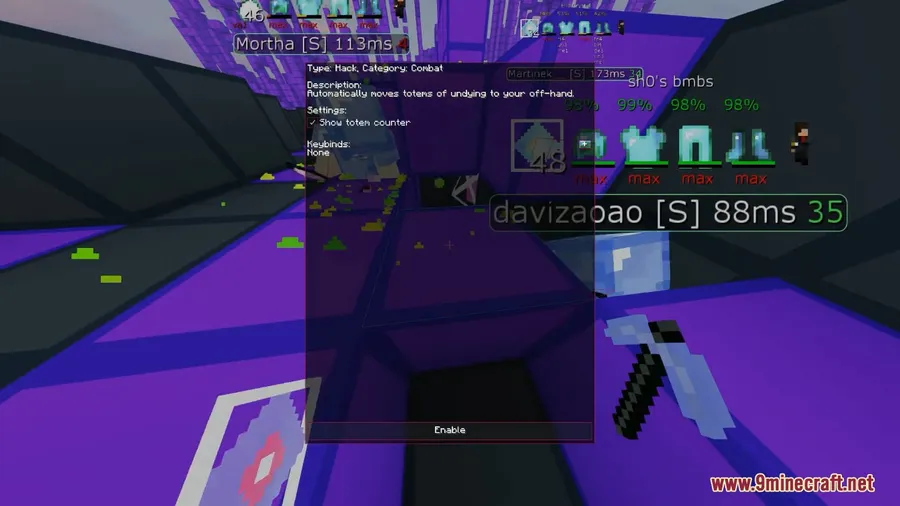
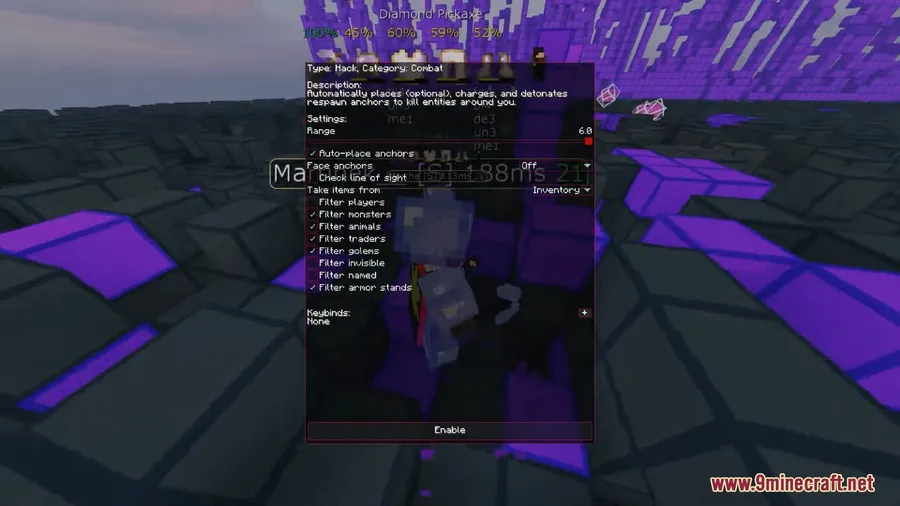

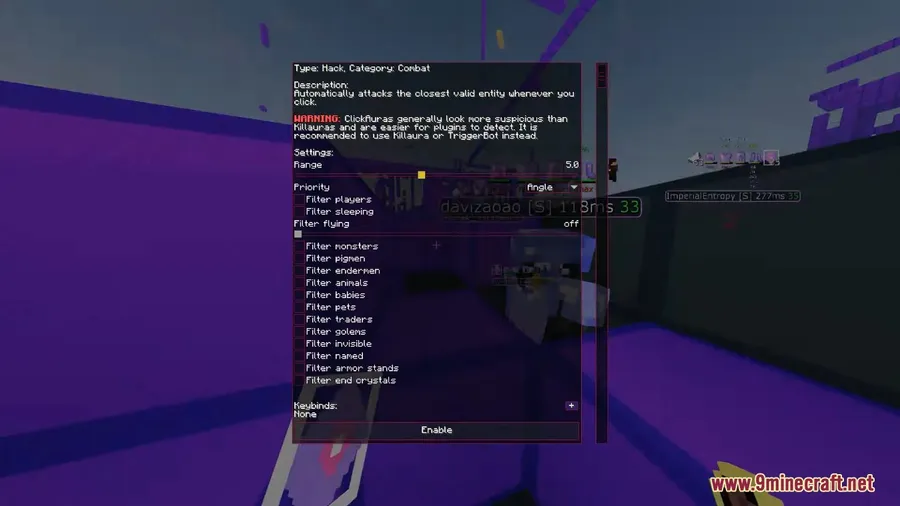

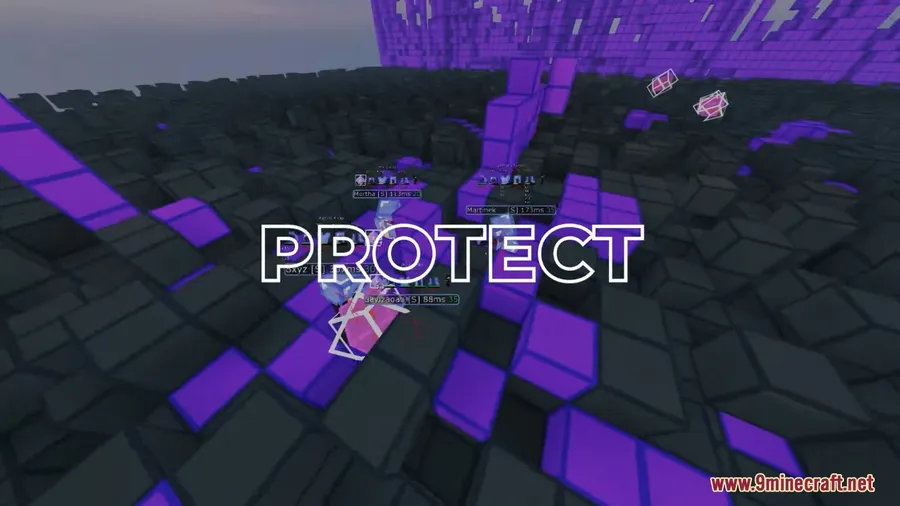
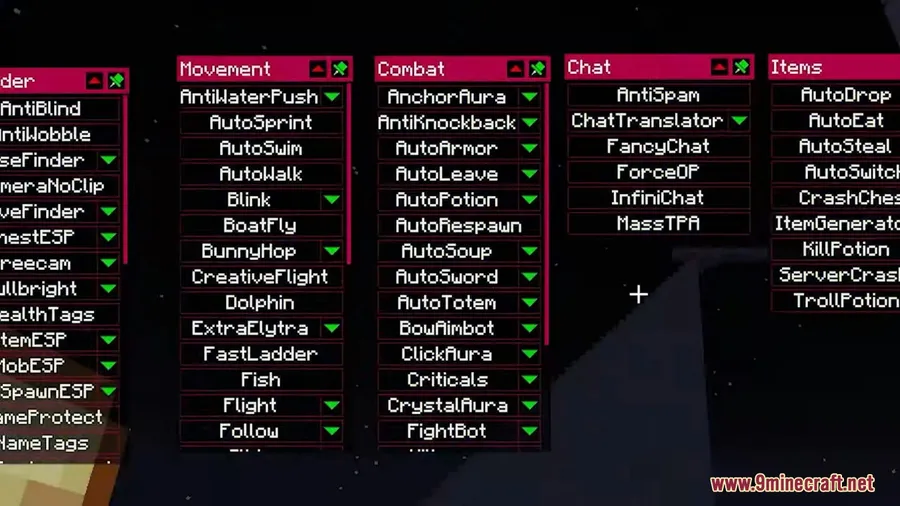
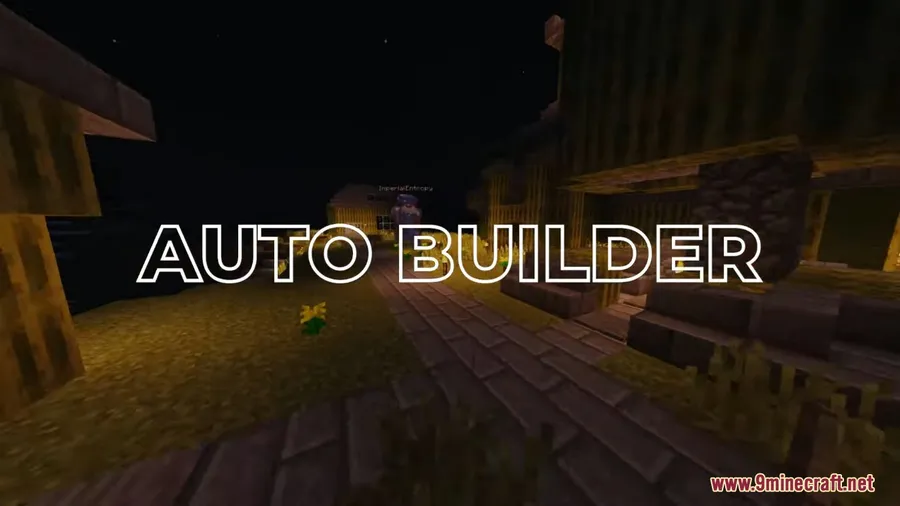



How to Install
- Download and install Fabric Mod Loader for your target Minecraft version.
- Download Fabric API and place the .jar file into your
.minecraft/modsfolder. - Download the Wurst Client file matching your Minecraft version from the links below.
- Drop the Wurst .jar file into the same
.minecraft/modsfolder. - Launch Minecraft using the Fabric profile and access the Wurst GUI in-game.
Requirements
| Requirement | Details |
|---|---|
| Mod Loader | Fabric (primary), Forge (legacy versions 1.10.2, 1.12.2) |
| Dependencies | Fabric API |
| Minecraft Version | 1.8.9, 1.10.2, 1.12.2, 1.15.2 – 1.21.11, 26.1 |
Pros & Cons
Pros
- Three different GUI options suit different play styles and preferences
- Works across an exceptionally wide range of Minecraft versions
- Cross-platform compatibility with Windows, Linux, and Mac
- Active development with support for the latest Minecraft releases
- Useful automation features for repetitive survival gameplay tasks
Cons
- Modern versions require Fabric — no Forge support past 1.12.2
- Depends on Fabric API as an additional required download
- May not be permitted on all multiplayer servers — always check server rules before use
Download
Always download mods from official sources to stay safe.
FAQ
What mod loader does Wurst Client need?
For Minecraft 1.15.2 and newer, Wurst Client requires Fabric Mod Loader along with Fabric API. Older versions (1.10.2 and 1.12.2) have Forge-compatible builds available.
Does Wurst Client work on Mac and Linux?
Yes, Wurst Client is fully cross-platform and works on Windows, Linux, and Mac operating systems without any additional configuration.
What are the three GUIs in Wurst Client?
Wurst Client includes a Tab GUI for keyboard-driven navigation, a window-based click GUI for mouse interaction, and Navigator which lets you search and browse all available features by name.


![[Let's Do] Candlelight - Farm&Charm compat Mod (1.21.1) - thumbnail](http://mcinside.com/wp-content/uploads/2026/04/thumbnail-81-52x52.webp)


![[Let's Do] Meadow Mod (1.21.1) - thumbnail](http://mcinside.com/wp-content/uploads/2026/04/thumbnail-64-52x52.webp)
