

Minecraft's default chat box has looked the same for years — messages pop in, linger, then vanish without ceremony. Wwz's Better Chat Mod replaces that stiff behavior with smooth, polished animations that make every conversation feel more alive. Opening the chat triggers a gentle fade-in, closing it produces a matching fade-out, and individual messages slide in from the left before eventually gliding away in the same direction.
Key Features
- Animated chat open and close — The entire chat window fades in smoothly when you press T and fades back out when you dismiss it, replacing the instant snap of vanilla Minecraft.
- Per-message slide animations — Each sent message enters from the left side of the screen and later exits in the same direction, giving conversations a natural reading flow.
- Sliding text transitions — Chat lines shift with fluid transitions instead of appearing in place, adding visual continuity as new messages arrive.
- Optional color blending — Message text can blend colors as it appears, adding a subtle visual polish to the chat experience.
Screenshots


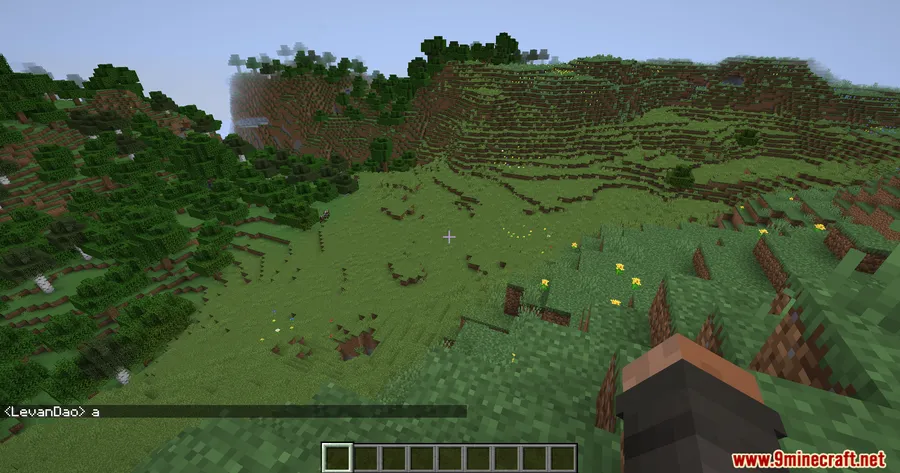
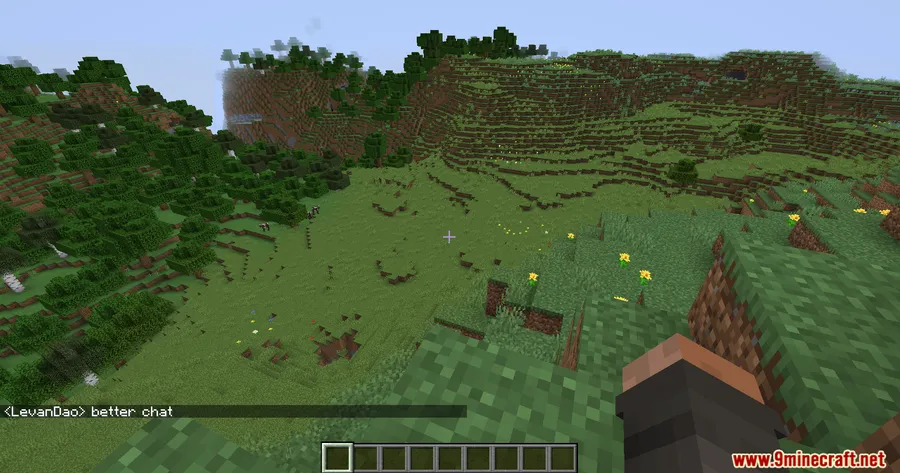
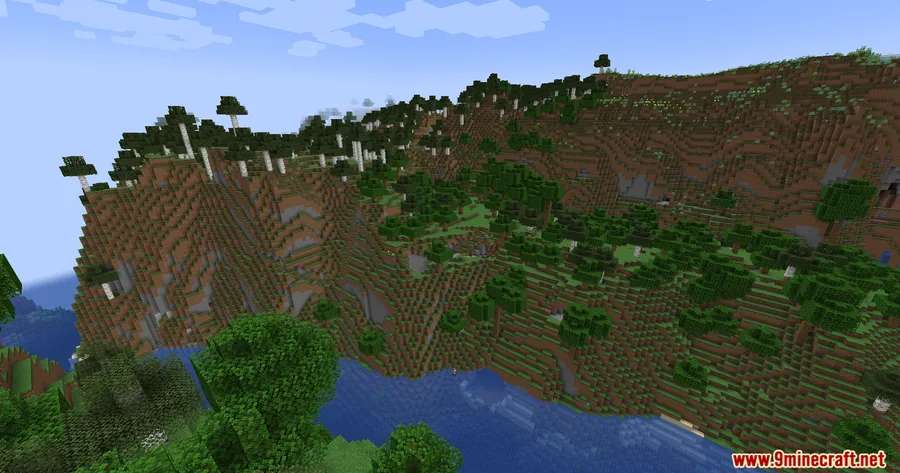
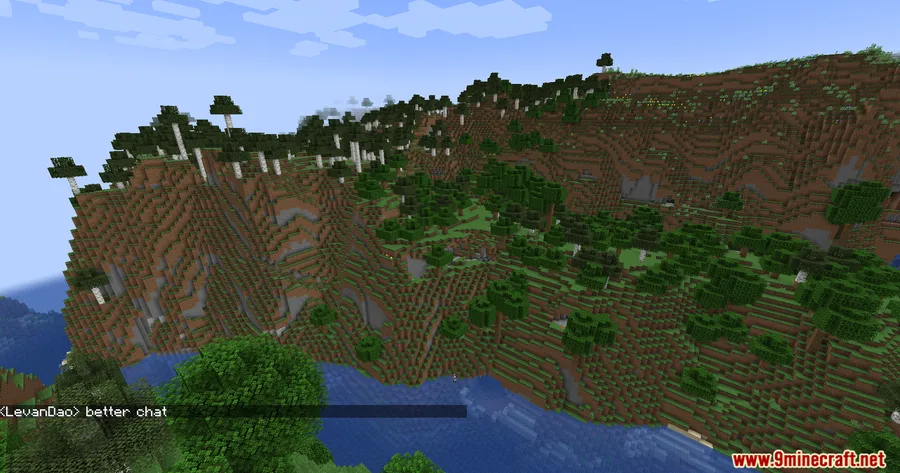
How to Install
- Download and install Minecraft Forge for your Minecraft version (1.20 or 1.20.1).
- Download the Wwz's Better Chat Mod file from the link below.
- Open your Minecraft directory and navigate to the
.minecraft/modsfolder. - Place the downloaded
.jarfile into themodsfolder. - Launch Minecraft using the Forge profile and enjoy animated chat.
Requirements
| Requirement | Details |
|---|---|
| Mod Loader | Minecraft Forge |
| Dependencies | None listed |
| Minecraft Version | 1.20, 1.20.1 |
Pros & Cons
Pros
- Adds visual polish to an otherwise static chat interface
- Appears to be lightweight — focuses only on chat animations without heavy dependencies
- Easy to install with no extra library requirements beyond Forge
- Optional color blending gives players some control over the visual style
Cons
- Currently limited to Forge — no Fabric or NeoForge support
- Only available for Minecraft 1.20 and 1.20.1
- Purely cosmetic — no functional chat improvements like filtering or formatting
Download
Always download mods from official sources to stay safe.
FAQ
Does Wwz's Better Chat Mod work with Fabric?
No, this mod currently requires Minecraft Forge. There is no Fabric or NeoForge version available based on the current release.
Can I customize the chat animation speed or style?
The mod includes optional color blending for message appearance. Specific configuration options beyond that are not confirmed in the current version.
Will this mod affect multiplayer chat or server performance?
The animations are purely client-side visual effects — they change how chat looks on your screen. The mod appears to be lightweight since it only modifies the chat rendering layer.


![[Let's Do] Meadow Mod (1.21.1) - thumbnail](http://mcinside.com/wp-content/uploads/2026/04/thumbnail-64-52x52.webp)


![Not Enough Recipe Book [NERB] Mod (1.21.11) - thumbnail](http://mcinside.com/wp-content/uploads/2026/04/thumbnail-63-52x52.webp)

