

Wynntils is a Wynncraft mod that adds customizable chat, UI, combat, map, and utility tools for Minecraft Fabric, Forge, NeoForge, and Quilt loaders.
Wynncraft can get busy fast, and that is where Wynntils earns its place. It pulls together chat tools, HUD overlays, movement helpers, map features, inventory utilities, and gameplay trackers into one configurable mod, which is why it has earned 1,395,335 downloads and a strong reputation among Wynncraft players.
Key Features of Wynntils Mod
- Chat and message tools - Wynntils gives you more control over how chat behaves, from timestamps and tabs to mentions, filters, and wrapped messages. That matters because Wynncraft chat can move quickly, and readable chat makes it much easier to follow party activity, combat calls, and server messages without missing important details.
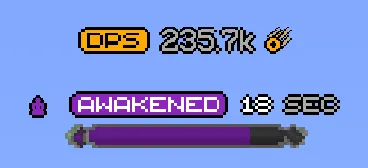
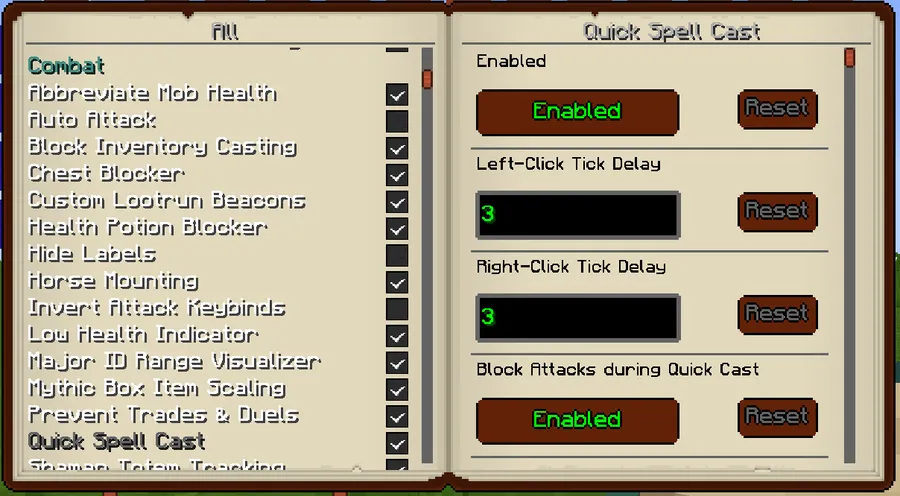
- Combat and enemy overlays - The mod includes features such as health indicators, mob tracking, major ID range visualization, spell cast overlays, and other combat-focused displays. These tools help you react faster in fights because the information you need is surfaced where you can actually see it instead of buried in menus or chat scrollback.
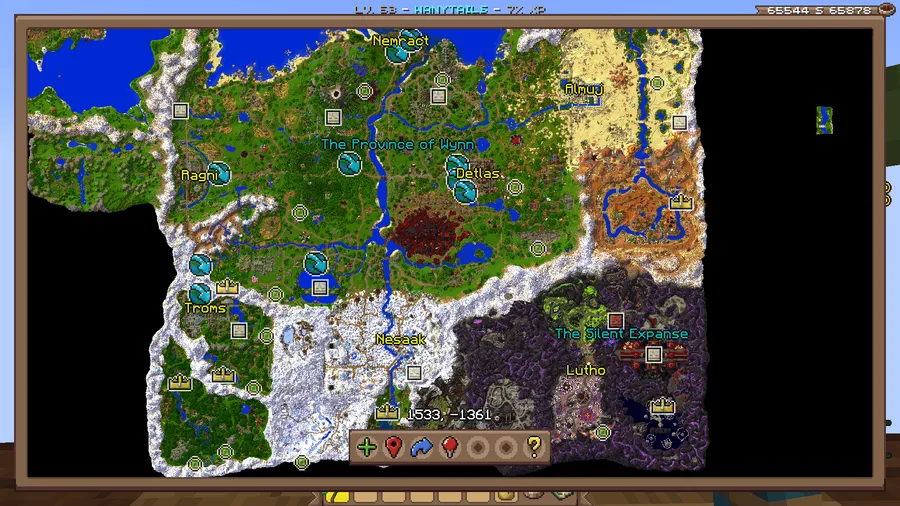
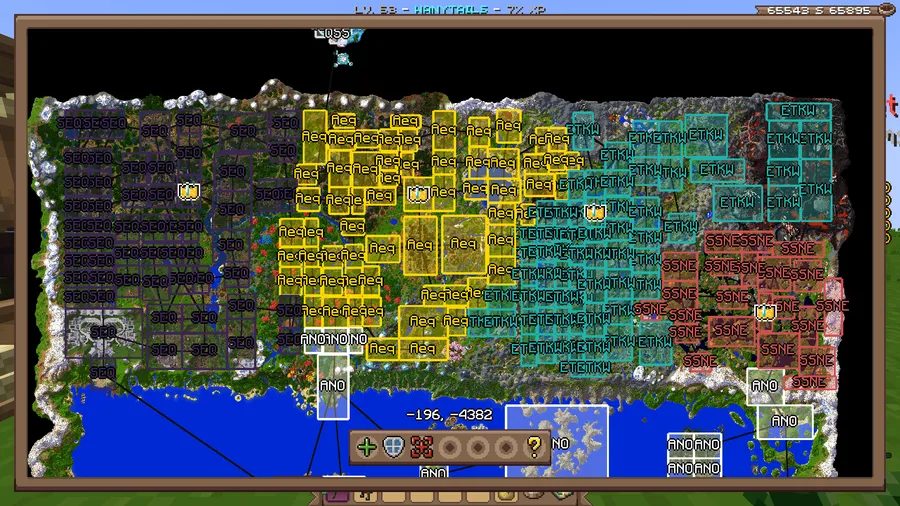
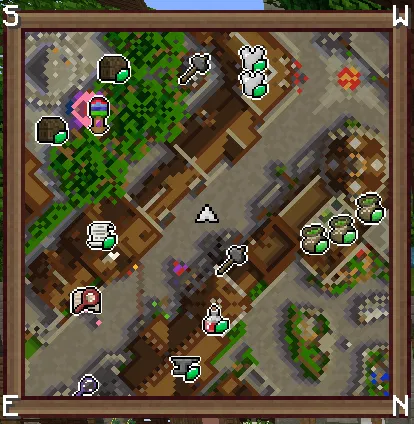
- Map and territory assistance - Wynntils includes a minimap, territory coordinates, map waypoints, beacon beams, and territory management tools. For Wynncraft, that is a practical advantage because navigation and territory awareness are constant concerns, especially when you are moving between objectives, events, or group activities.
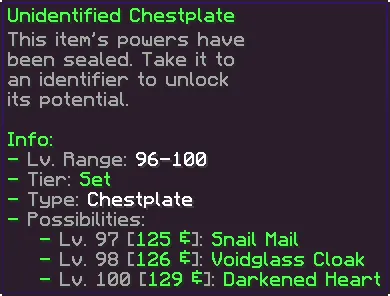
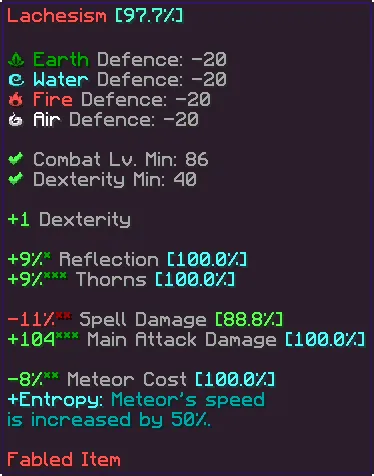
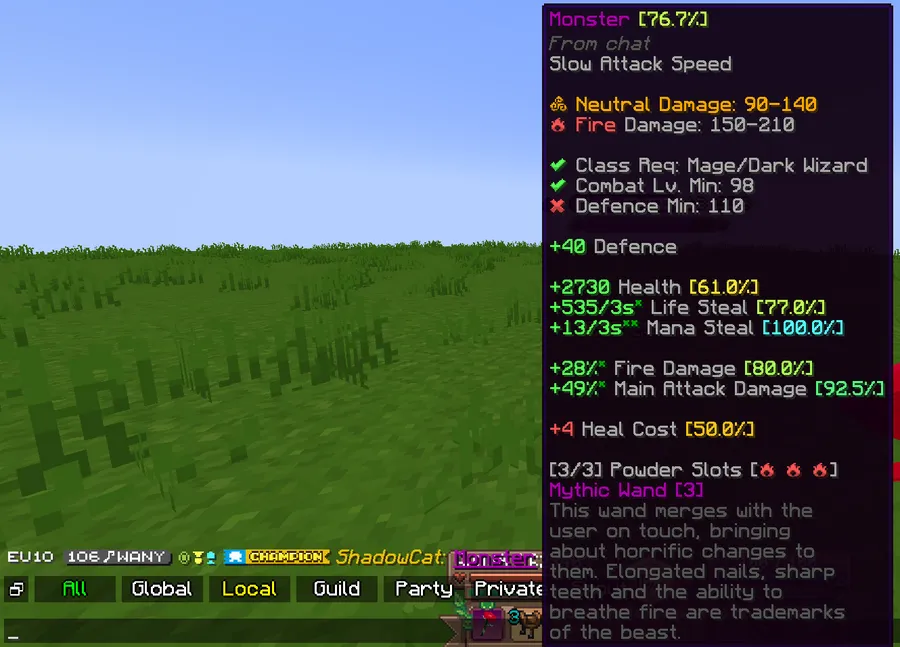
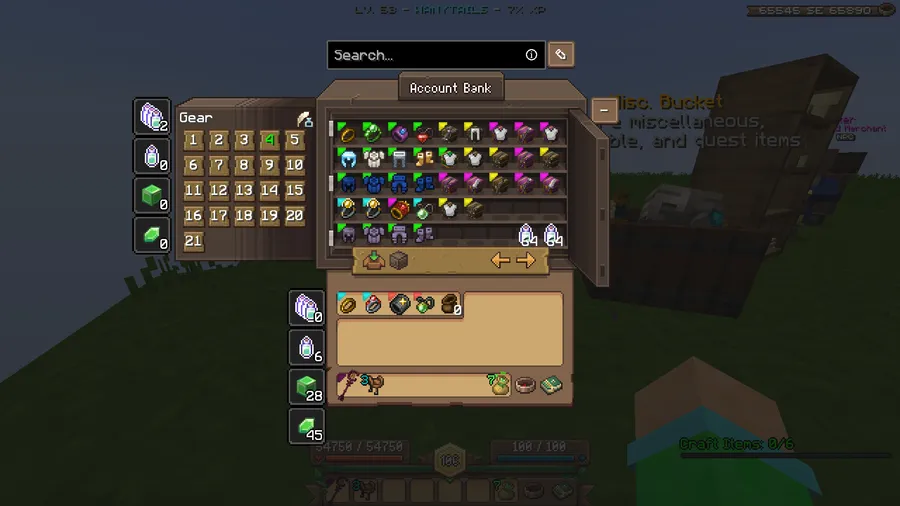
- Inventory and item management - Features like item highlights, item locking, item screenshots, item comparison, search tools, pouch hotkeys, emerald count overlays, and custom item text make inventory work far less tedious. This matters when you are sorting gear, checking drops, or trying to manage space quickly while staying focused on play.
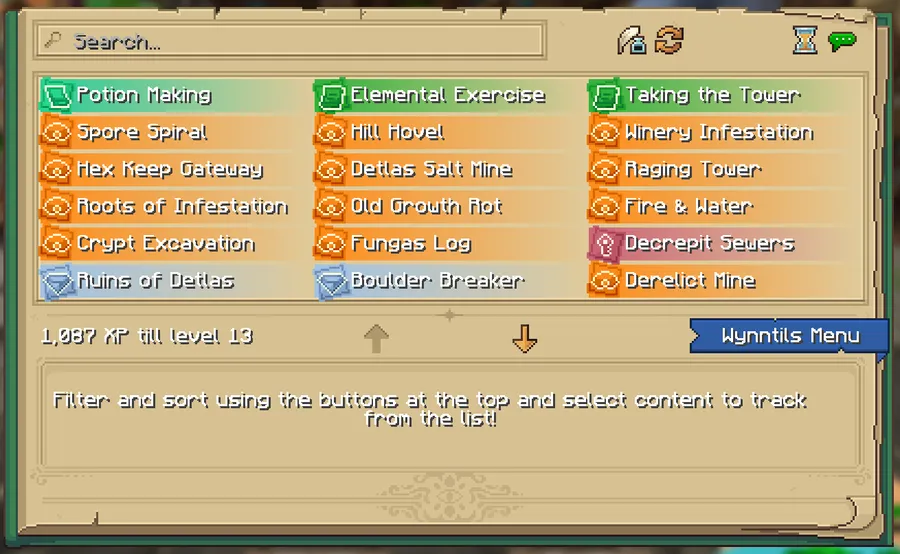
- Lootrun and progression tracking - The mod adds a large set of lootrun-related tools, including beacon counts, mission names, trial tracking, task names, and tracker overlays. These features help keep progression organized, which is useful because runs and long-form goals are easier to sustain when the game tells you exactly what stage you are on.
- UI, command, and accessibility tweaks - Wynntils also expands commands, adds aliases, custom keybinds, loading screens, pause screen changes, rich info boxes, and multiple overlay bars. The benefit here is control, because the mod is not just adding more information, it is letting you shape how that information appears so the interface fits the way you play.
Screenshots
How to Install Wynntils Mod
- Check your preferred loader first, then open the matching page for Fabric, Forge, NeoForge, or Quilt Loader.
- Make sure your Minecraft version matches one of the listed releases, which are 1.21.11 and 1.21.4.
- Download the Wynntils file that matches both your Minecraft version and your loader choice.
- Place the mod file into your mods folder, or use your launcher or mod manager if it handles mod installation for you.
- Launch Minecraft, confirm the mod appears in your mod list, and then open Wynncraft to adjust the settings that fit your play style.
Requirements & Compatibility
| Item | Details |
|---|---|
| Mod Name | Wynntils Mod |
| Category | Minecraft Mods |
| Author | DevScyu |
| Supported Minecraft Versions | 1.21.11, 1.21.4 |
| Required Loaders | Fabric Mod Loader, Minecraft Forge, NeoForge, Quilt Loader |
| Available Download Entries | For Minecraft 1.21.11: Fabric, NeoForge. For Minecraft 1.21.4: NeoForge, Fabric. |
| License | LGPL-3.0-only |
| Published | 2022-09-08 |
| Updated | 2026-04-05 |
| Source | GitHub Repository |
What's New
- The territory management screen now loads all pages correctly.
- The boost mount stat now uses the powerup key properly.
- The latest update focuses on reliability in territory management and mount-related behavior rather than adding broad new systems.
Pros and Cons
Pros
- Deep Wynncraft-focused customization across chat, combat, map, and utility systems.
- Large feature set with many small quality-of-life tools bundled into one mod.
- Strong support for overlays and trackers that make busy gameplay easier to read.
- Useful for players who want to organize information instead of fighting the interface.
- Published source and active update history give it a trustworthy maintenance signal.
Cons
- The feature list is extensive, so first-time users may need time to tune settings.
- It is specialized for Wynncraft, so it is not a general-purpose mod for every Minecraft world.
- The download entries shown here are limited to Fabric and NeoForge for the listed versions.
Alternatives to Wynntils Mod
- Fabric API - A common companion for Fabric-based mod setups if you are building a wider client mod list around Wynntils.
- Mod Menu - A practical helper for managing installed mods and checking settings in a cleaner way.
- Xaero's Minimap - A navigation-focused alternative if you want a dedicated map tool alongside your other utility mods.
Download Wynntils Mod
| Minecraft Version | Fabric | NeoForge |
|---|---|---|
| For Minecraft 1.21.11 | Download | Download |
| For Minecraft 1.21.4 | Download | Download |
Always download mods from official sources to stay safe.
Frequently Asked Questions
Is Wynntils only for Wynncraft?
Yes, it is designed as a Wynncraft mod. Its features are built around Wynncraft gameplay, so that is where it provides the most value.
Does Wynntils support Minecraft 1.21.11?
Yes, the provided download data includes a 1.21.11 release. The available entries list Fabric and NeoForge for that version.
Does Wynntils support Minecraft 1.21.4?
Yes, the provided download data includes a 1.21.4 release. The available entries list NeoForge and Fabric for that version.
Do I need a mod loader to use Wynntils?
Yes, you need a supported loader. The data lists Fabric Mod Loader, Minecraft Forge, NeoForge, and Quilt Loader as requirements.
Is Wynntils more about convenience than raw content?
Yes, it is mostly a quality-of-life and information mod. The strongest parts are its overlays, chat tools, trackers, and interface improvements.
Is Wynntils a good pick if I want to manage chat and overlays?
Yes, that is one of its main strengths. It includes chat timestamps, mentions, tabs, filters, overlays, and multiple trackers that make information easier to follow in real play.




![Medieval Buildings [End Edition] Mod](http://mcinside.com/wp-content/uploads/2026/04/thumbnail-591-52x52.webp)


