
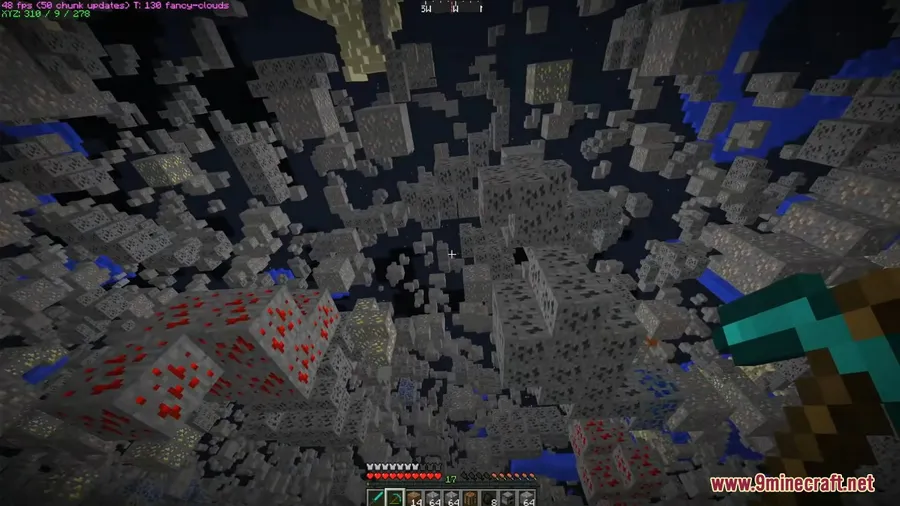
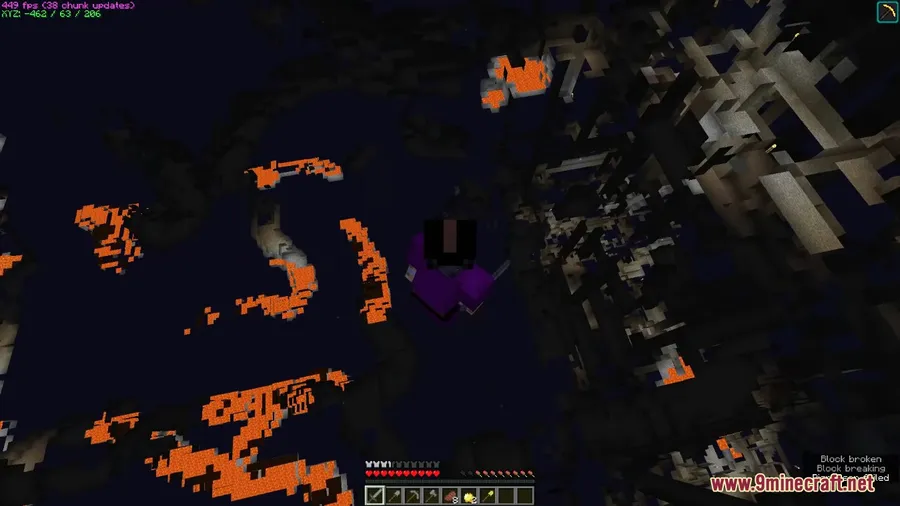
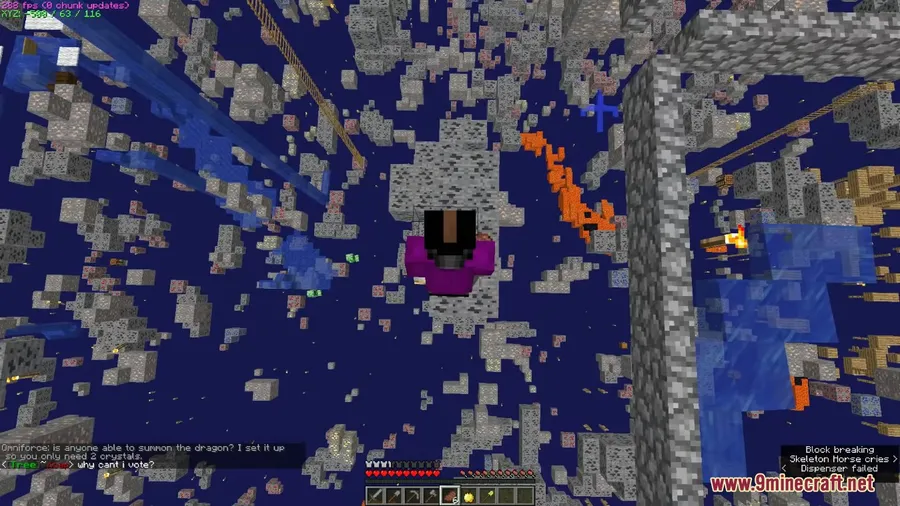
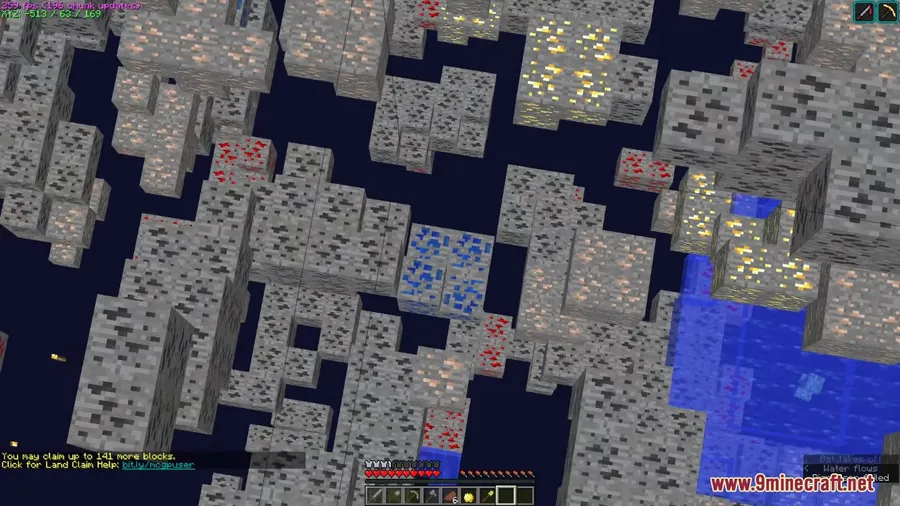
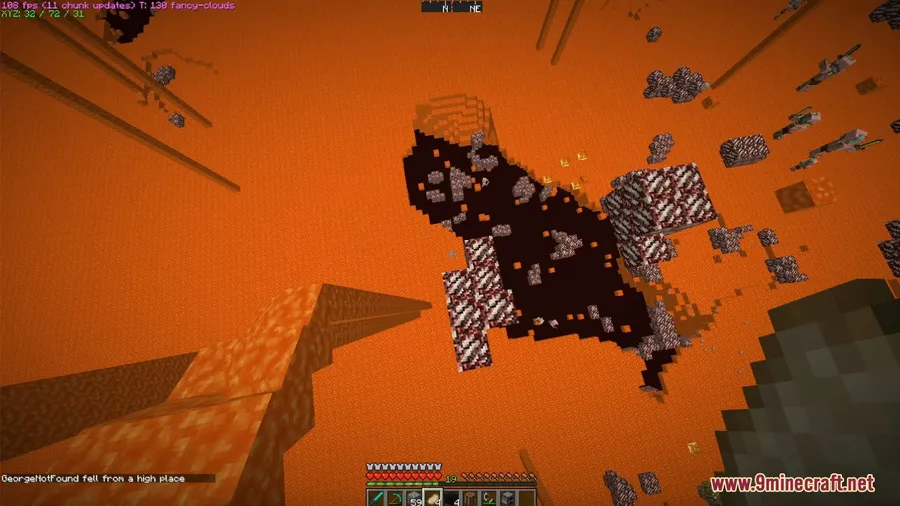
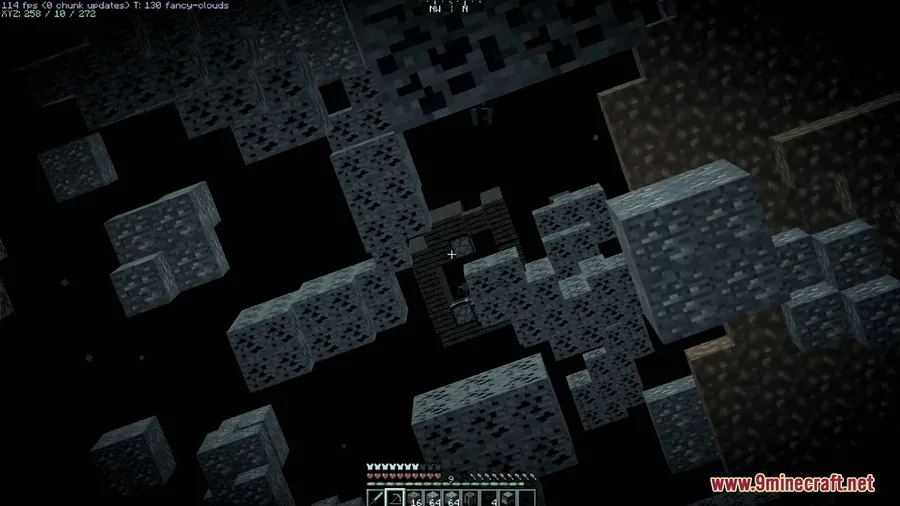
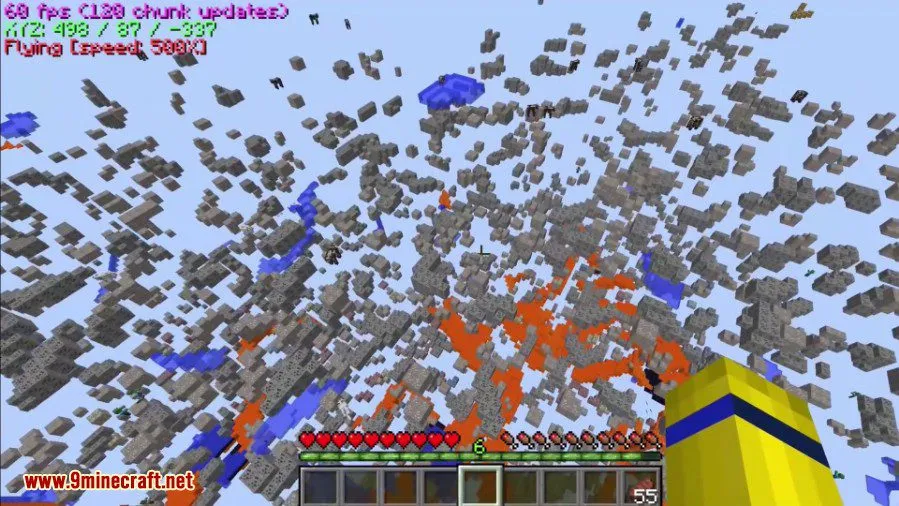
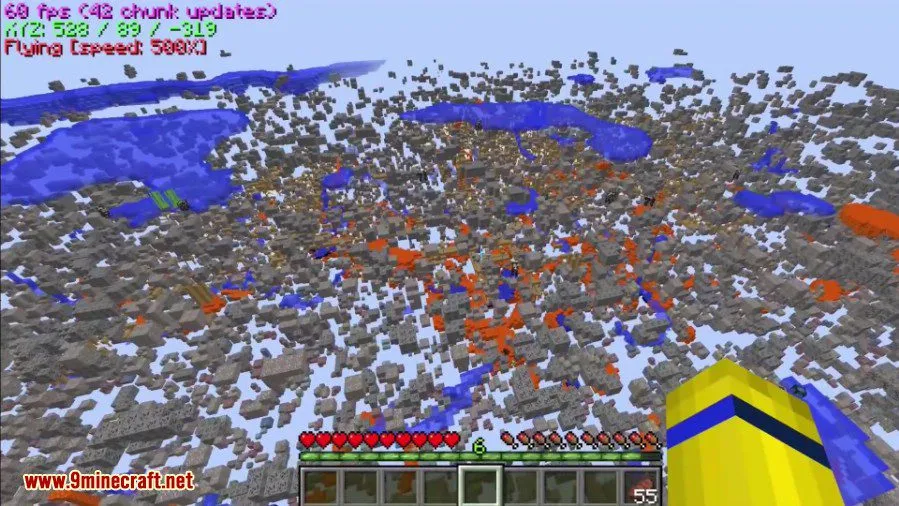
Finding diamonds in Minecraft usually means strip-mining for hours, but XRay Mod cuts straight to the chase by making common blocks like dirt, stone, and gravel invisible — leaving only ores, chests, dungeons, and other valuables in plain sight. Beyond its signature see-through vision, this mod by Dromar packs fullbright lighting, a dedicated cave finder, survival fly, and fully configurable block profiles that let you control exactly what gets rendered. It supports a wide range of Minecraft versions from 1.7.10 all the way up to 1.21.5.
Key Features
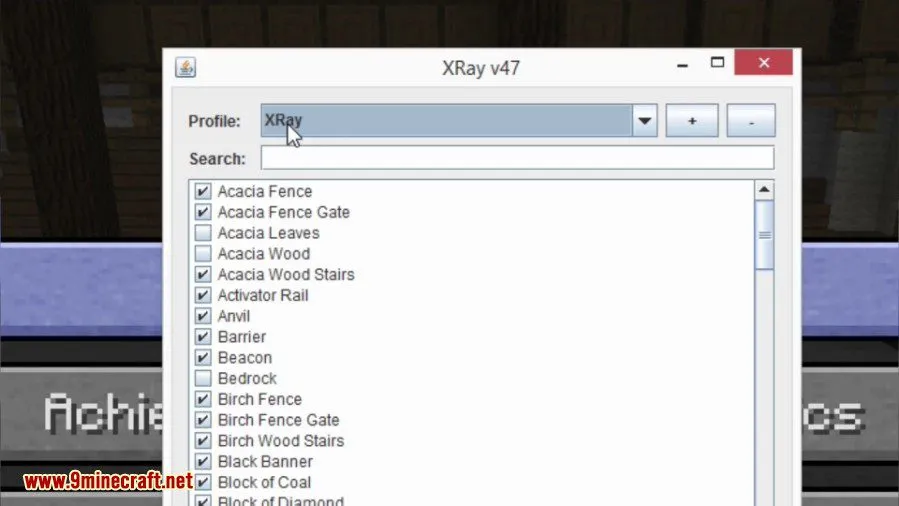
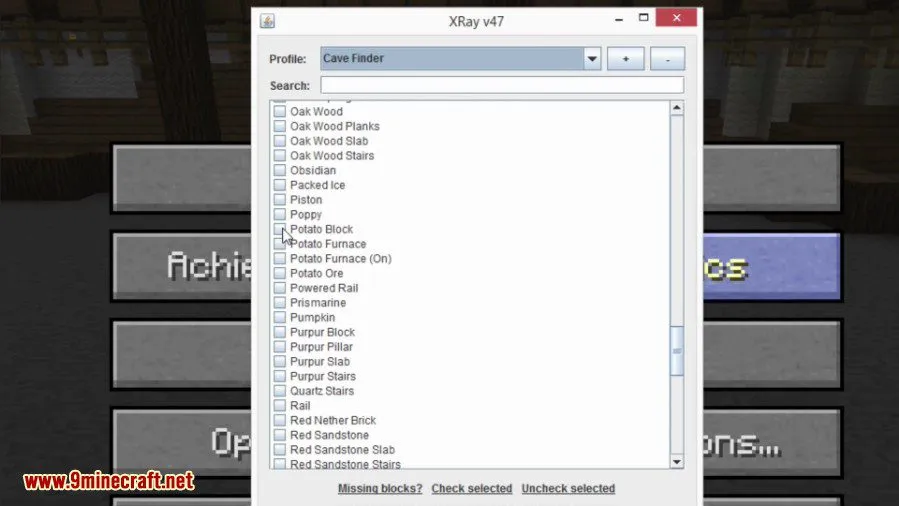
- XRay Vision with Custom Block Profiles — Choose exactly which blocks are rendered and which become invisible through the built-in UI. You can create multiple XRay profiles and assign keybindings to each one for quick switching between different scanning modes.
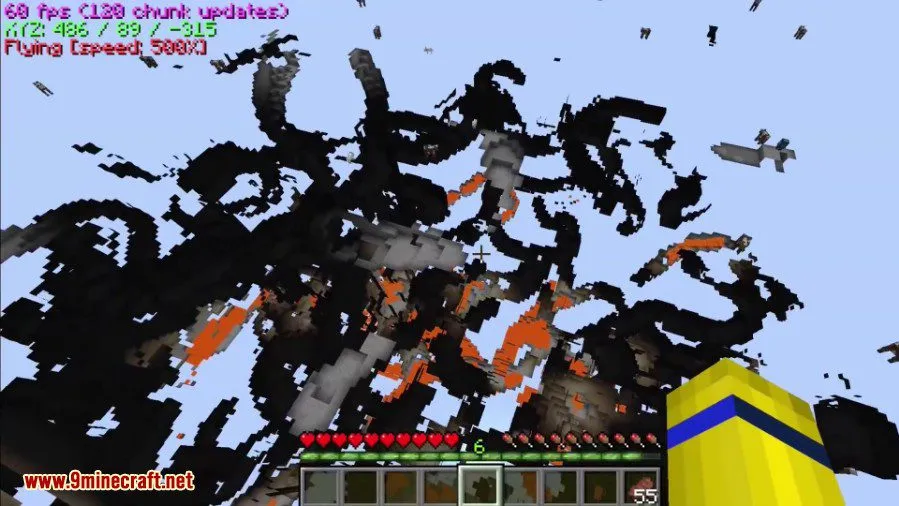
- Cave Finder Mode — Works similarly to XRay but is specifically designed for locating cave systems. Unlike XRay mode, it does not enable fullbright automatically, making it useful for spotting torches and other light sources underground.
- Fullbright — Eliminates all darkness in the game so you can see clearly in caves, the Nether, and other dimly lit areas without placing torches everywhere.
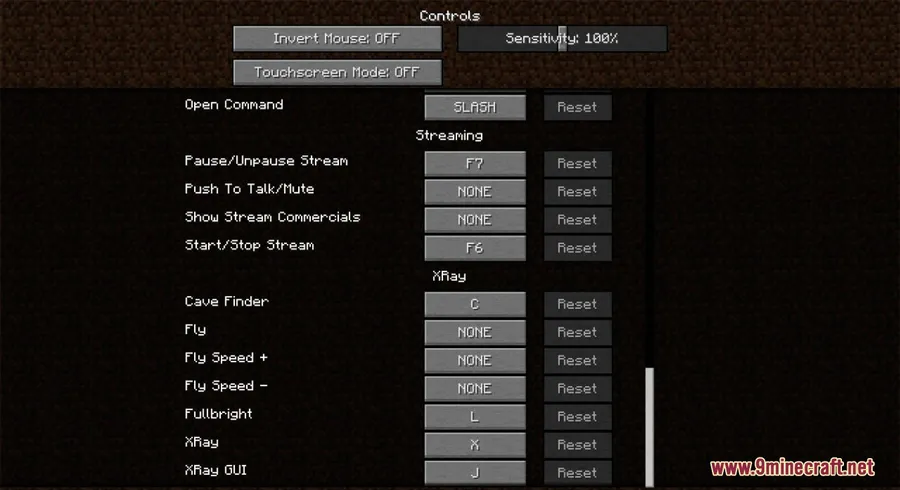
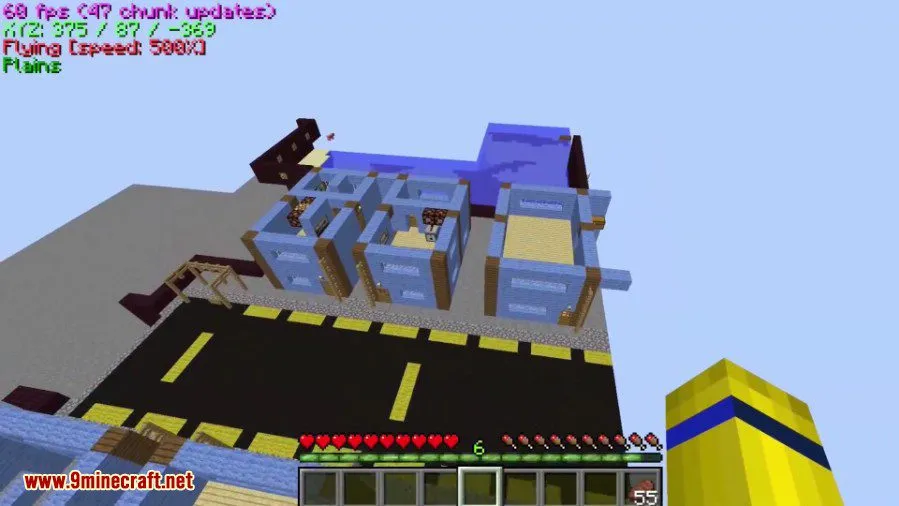
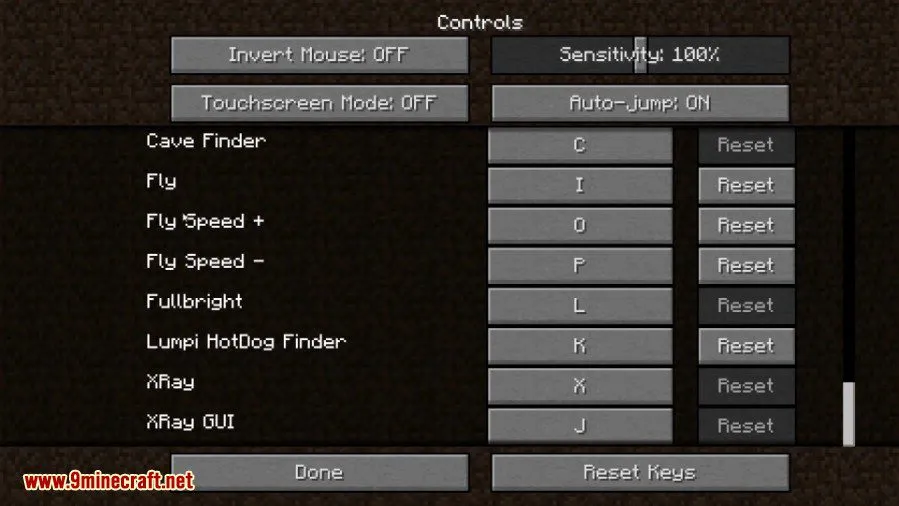
- Survival Fly — Once you set a keybinding, pressing it enables creative-style flight in survival mode. Double-tap the fly key to start flying immediately, or use double jump to take off at your own pace.
- Configurable Coordinates Display — Keep track of your exact position with an on-screen coordinate overlay that can be customized to your preferences.
Screenshots
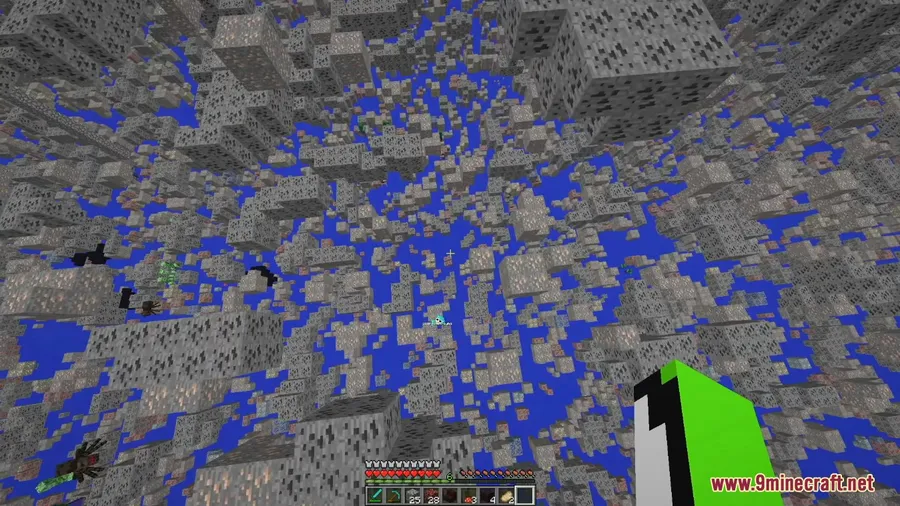
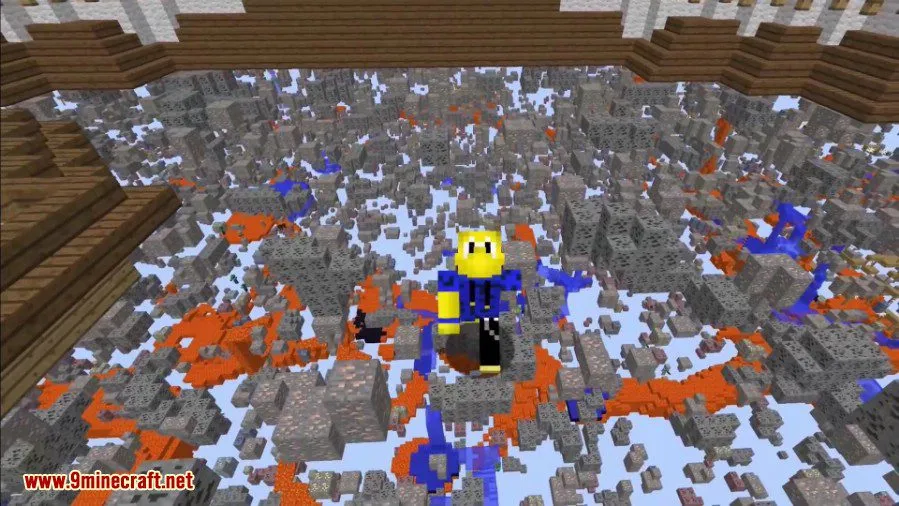
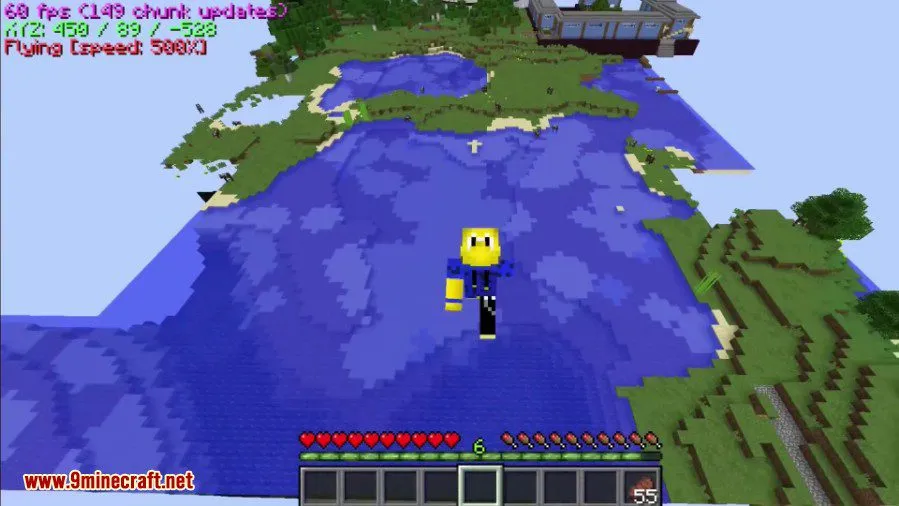
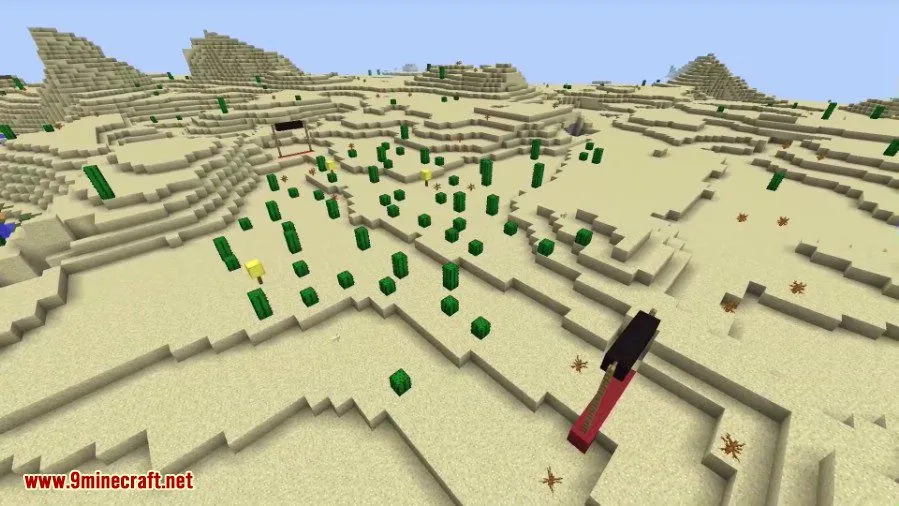
How to Install
- Download and install the appropriate mod loader (Forge or the standalone version) for your Minecraft version.
- Download XRay Mod for your matching Minecraft version from the links below.
- Place the downloaded
.jarfile into your.minecraft/modsfolder. - Launch Minecraft with the correct mod loader profile and configure your XRay keybindings in the controls menu.
Requirements
| Requirement | Details |
|---|---|
| Mod Loader | Forge (dedicated version available) or standalone (non-Forge version) |
| Dependencies | None specified |
| Minecraft Version | 1.7.10 – 1.21.5 (including 1.20.1, 1.20.4, 1.19.x, 1.18.x, and more) |
Pros & Cons
Pros
- Highly customizable — create multiple block profiles with individual keybindings
- Supports a huge range of Minecraft versions (1.7.10 through 1.21.5)
- Includes multiple utilities beyond XRay: fullbright, cave finder, fly, and coordinates display
- Available in both Forge and non-Forge versions
- Cave finder mode works independently from fullbright for more versatile exploration
Cons
- Fly keybinding is not set by default — requires manual configuration
- May not be allowed on multiplayer servers with anti-cheat systems
- Cave finder and XRay serve overlapping purposes, which may feel redundant for some players
Download
Always download mods from official sources to stay safe.
FAQ
How do I enable fly in XRay Mod?
There is no default keybinding for fly — you need to set one manually in the controls menu. Once bound, press the key to enable survival fly and use double jump to take off. Double-tapping the fly key makes you start flying immediately.
Does XRay Mod work with both Forge and non-Forge setups?
Yes, XRay Mod offers a dedicated Forge version as well as a standalone non-Forge version, so you can use it regardless of your mod loader preference.
Can I customize which blocks XRay Mod shows?
Absolutely. The mod includes a built-in UI where you select which blocks get rendered and which become invisible. You can also create multiple profiles with separate keybindings for different scanning setups.


![[Let's Do] Meadow Mod (1.21.1) - thumbnail](http://mcinside.com/wp-content/uploads/2026/04/thumbnail-64-52x52.webp)


![Not Enough Recipe Book [NERB] Mod (1.21.11) - thumbnail](http://mcinside.com/wp-content/uploads/2026/04/thumbnail-63-52x52.webp)


