
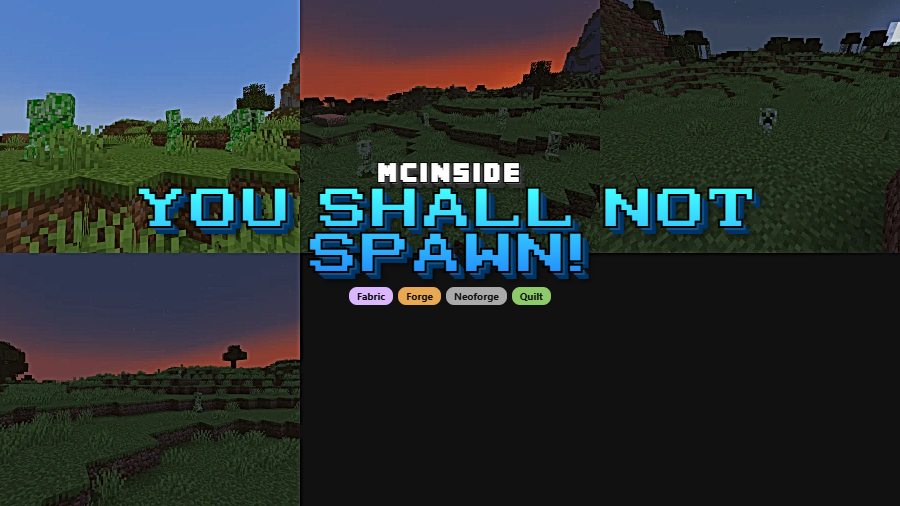
Tired of hostile mobs ruining your builds or passive creatures tanking your server's performance? You Shall Not Spawn! gives you surgical control over which entities can appear in your world — and which ones get permanently evicted. Created by ElocinDev and downloaded over 4.5 million times, this lightweight utility mod lets you block specific spawns globally, per dimension, or even reduce spawn rates with simple config edits. Whether you're running a creative server or just hate Phantoms with a passion, this one belongs in your mod folder.
Key Features
- Global Entity Blocking — Add any entity's ID to the
disabled_entities.json5config file and it will never spawn again. Perfect for permanently removing nuisance mobs like Phantoms, Creepers, or modded enemies you don't want in your world. - Regex-Based Filtering — Need to disable an entire mod's mobs at once? Use regular expressions with the
!expressionsyntax to block multiple entities in a single line, saving you from listing dozens of IDs manually. - Per-Dimension Spawn Control — Fine-tune entity spawning on a per-dimension basis through
per_dimension_entities.json5. You can reduce spawn rates in specific dimensions rather than blocking mobs outright, giving you granular control over mob density. - Well-Documented Config — The JSON5 configuration files ship with built-in explanations and examples, so you won't need to dig through wikis to figure out the correct format.
Screenshots
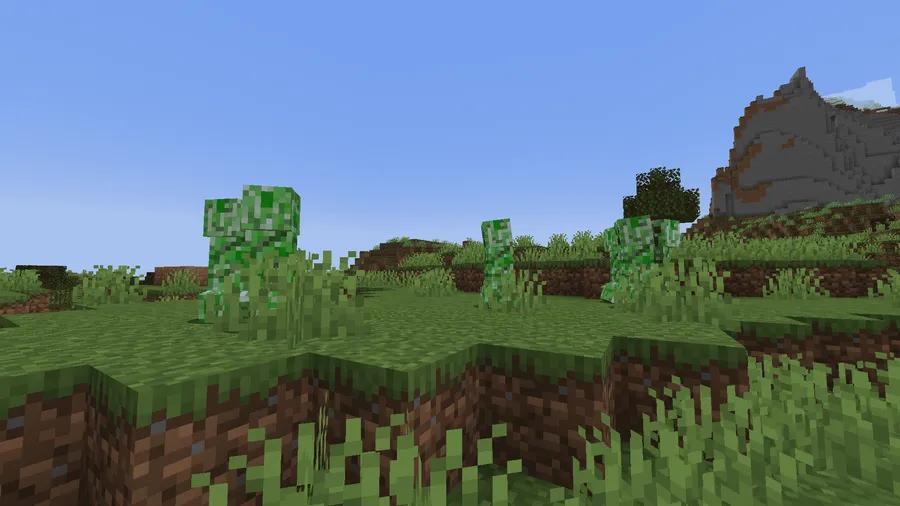
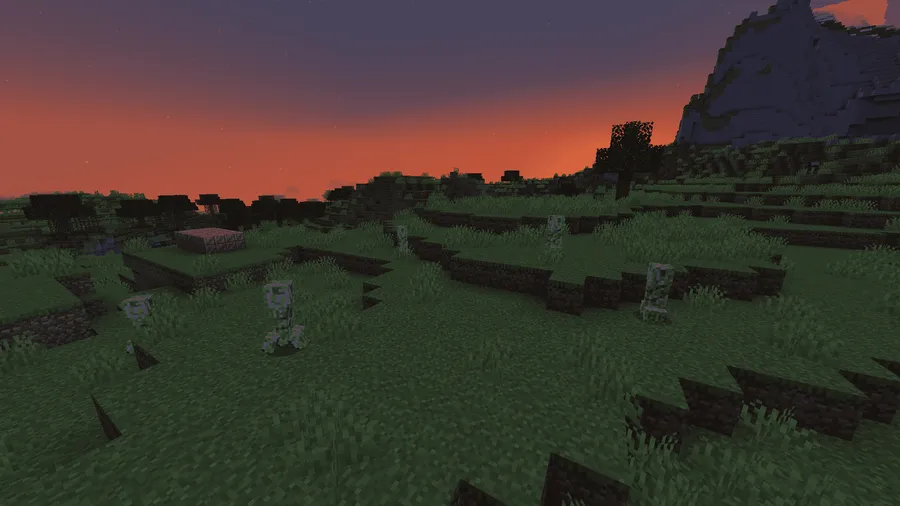
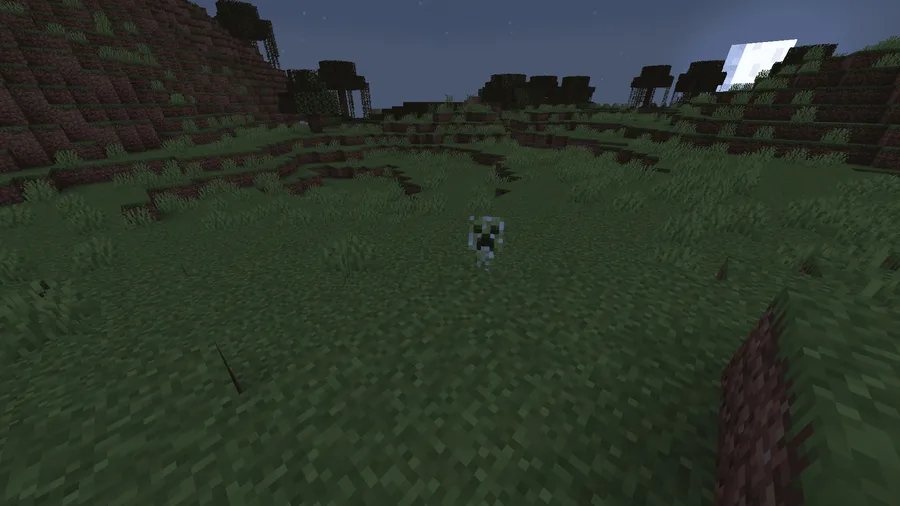

How to Install
- Download and install your preferred mod loader (Forge, Fabric, NeoForge, or Quilt) for your Minecraft version.
- Install the required dependency — Necronomicon API — and Fabric API if you're using Fabric or Quilt.
- Download the correct You Shall Not Spawn! file for your loader and Minecraft version.
- Place the downloaded
.jarfile into your.minecraft/modsfolder. - Launch Minecraft, then edit the config files in
config/ysns/to block or adjust entity spawns to your liking.
Requirements
| Category | Details |
|---|---|
| Mod Loaders | Forge, Fabric, NeoForge, Quilt |
| Dependencies | Fabric API (for Fabric/Quilt), Necronomicon API |
| Minecraft Versions | 26.1, 1.21.11, 1.21.10, 1.21.9, 1.21.8, 1.21.7, 1.21.6, 1.21.5, 1.21.4, 1.21.3, 1.21.1, 1.21, 1.20.6, 1.20.2, 1.20.1, 1.20, 1.19.4, 1.19.2, 1.17.1 |
Pros & Cons
Pros
- Supports all four major mod loaders — Forge, Fabric, NeoForge, and Quilt
- Regex support makes bulk-blocking dozens of entities effortless
- Per-dimension control lets you reduce spawn rates instead of fully disabling mobs
- JSON5 config with built-in comments — beginner-friendly setup
- Wide version support spanning from 1.17.1 to 26.1
Cons
- Requires Necronomicon API as an extra dependency
- Newer versions (1.20.2+) appear to only support Fabric, dropping Forge compatibility
- No in-game GUI — all configuration is done through manual file editing
Download
Always download mods from official sources to stay safe.
What's New
- v2.0.2: Fixed a crash that occurred when using regex patterns on per-dimension bans.
- v2.0.1: Added fallback spawn checks to catch edge cases where blocked entities could still appear, plus fixed a crash on dedicated servers.
- v2.0.0: Major rewrite introducing per-dimension blocking and spawn rate reduction alongside global bans.
- Config format migrated from the old system to JSON5 for better readability and comment support.
- Added regex support, enabling patterns like blocking all mobs from a mod except specific ones.
FAQ
Can I use You Shall Not Spawn! to disable Phantoms only?
Yes. Simply add minecraft:phantom to the disabled_entities.json5 config file and Phantoms will no longer spawn in your world. This works for any entity — just use its full namespace ID.
Does this mod work on multiplayer servers?
Yes, You Shall Not Spawn! works on servers. The v2.0.1 update specifically fixed a crash that affected dedicated server environments, so make sure you're running the latest version.
Can I reduce mob spawn rates instead of blocking them completely?
Yes. The per_dimension_entities.json5 config lets you adjust spawn frequency for specific entities in each dimension, so you can lower spawn rates without removing mobs entirely.


![[Let's Do] Meadow Mod (1.21.1) - thumbnail](http://mcinside.com/wp-content/uploads/2026/04/thumbnail-64-52x52.webp)


![Not Enough Recipe Book [NERB] Mod (1.21.11) - thumbnail](http://mcinside.com/wp-content/uploads/2026/04/thumbnail-63-52x52.webp)

