

Minecraft's settings menus work fine, but they could work better — and that's exactly the gap YUNG's Menu Tweaks Mod fills. This lightweight quality-of-life mod rethinks how players interact with cycle buttons, sliders, and even the classic dirt background texture, making everyday menu navigation noticeably smoother. With over 4.2 million downloads on Modrinth and support across Forge, Fabric, NeoForge, and Quilt, it has quickly become a staple in many modded setups.
Key Features
- Right-Click Cycle Buttons — Instead of clicking through every option to loop back, right-clicking on cycle buttons lets you move to the previous option instantly. A small change that saves real time when tweaking settings.
- Scroll Wheel Slider Control — Sliders now respond to the scroll wheel, giving you much finer control over values like render distance, volume, and sensitivity without dragging imprecisely.
- Custom Menu Background — Replace the default dirt background with any 16×16 texture of your choice. This feature is disabled by default for compatibility reasons, but once enabled it adds a personal touch to every menu screen.
Screenshots
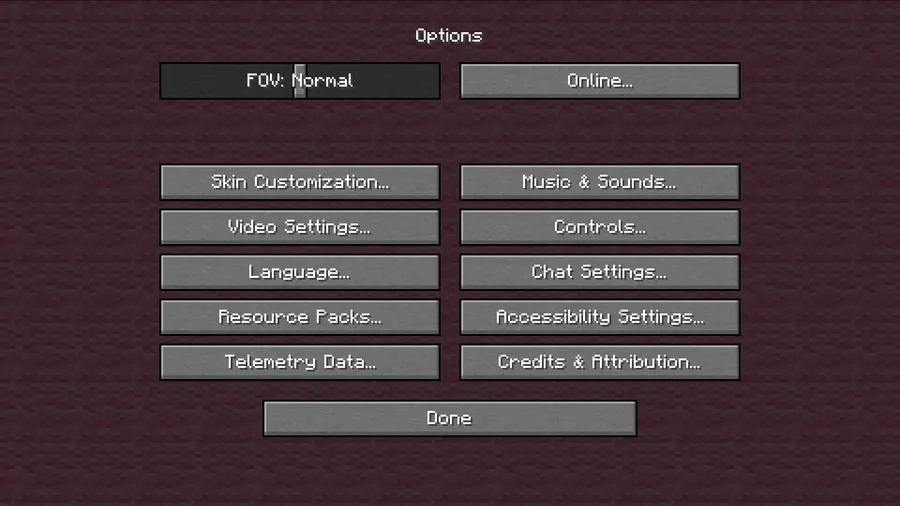
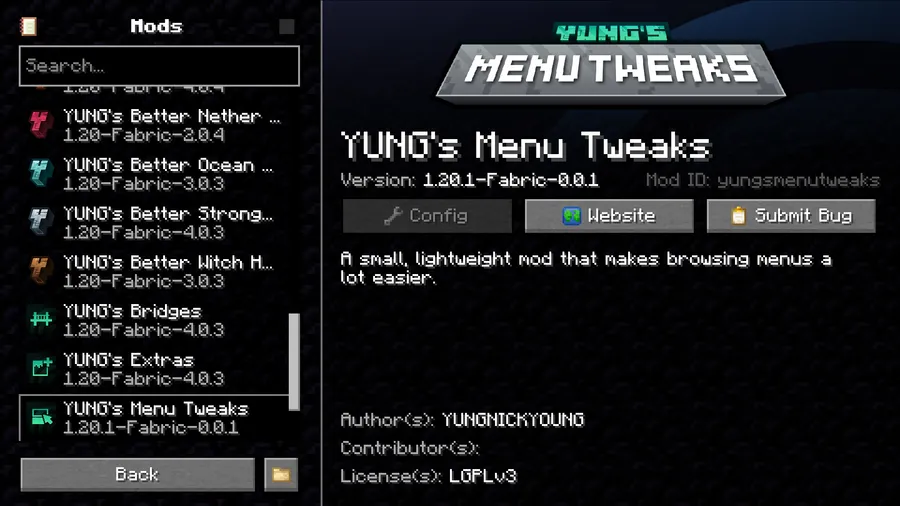
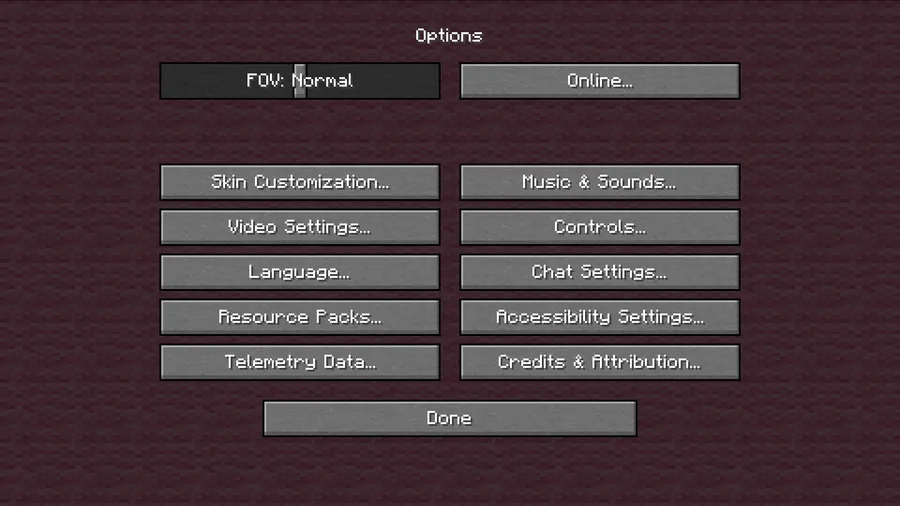
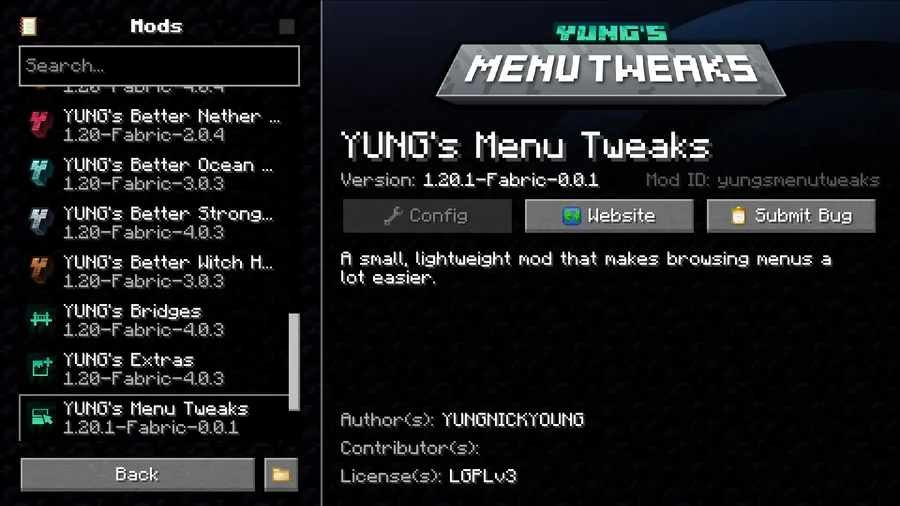
How to Install
- Download and install your preferred mod loader (Forge, Fabric, NeoForge, or Quilt) for your Minecraft version.
- Install the required dependencies: YUNG's API Mod and Cloth Config API. Fabric users also need the Fabric API.
- Download YUNG's Menu Tweaks for your loader and Minecraft version from the link below.
- Place the downloaded
.jarfile into your.minecraft/modsfolder. - Launch Minecraft and verify the mod is loaded — right-click any cycle button in settings to confirm.
Requirements
| Category | Details |
|---|---|
| Mod Loader | Forge, NeoForge, Fabric, Quilt |
| Dependencies | YUNG's API Mod, Cloth Config API, Fabric API (Fabric/Quilt only), NeoForge Installer (NeoForge only), Quilt Loader (Quilt only) |
| Minecraft Versions | 1.21.4, 1.21.1, 1.21, 1.20.4 |
Pros & Cons
Pros
- Right-click on cycle buttons saves time navigating long option lists
- Scroll wheel on sliders provides precise, frustration-free adjustments
- Supports all four major mod loaders (Forge, NeoForge, Fabric, Quilt)
- Actively maintained with updates for the latest Minecraft versions
- Customizable menu background adds a personal UI touch
Cons
- Requires two additional dependency mods (YUNG's API + Cloth Config API)
- Custom background feature is disabled by default and needs manual configuration
- Focuses narrowly on menu interaction — does not change gameplay or HUD elements
Download
Always download mods from official sources to stay safe.
What's New
- Added full support for Minecraft 1.21.4.
- Available on NeoForge and Fabric for the latest version.
- Continued development funded through the creator's Patreon for early access builds.
- Active community support via the official Discord server.
FAQ
Does YUNG's Menu Tweaks work with other YUNG's mods?
Yes — it shares the YUNG's API dependency, so if you already run other YUNG's mods like Better Dungeons or Better Mineshafts, you likely have the API installed already. Just make sure the API version matches your Minecraft version.
Can I use this mod on a server?
YUNG's Menu Tweaks only modifies client-side menu behavior, so it appears to be a client-side mod. You should be able to install it without requiring the server to have it as well.
How do I change the menu background texture?
The custom background feature is disabled by default. Open the mod's config file (via Cloth Config in-game or the config folder) and enable the background replacement option, then specify any 16×16 texture you want to use.


![[Let's Do] Candlelight - Farm&Charm compat Mod (1.21.1) - thumbnail](http://mcinside.com/wp-content/uploads/2026/04/thumbnail-81-52x52.webp)


![[Let's Do] Meadow Mod (1.21.1) - thumbnail](http://mcinside.com/wp-content/uploads/2026/04/thumbnail-64-52x52.webp)


![Not Enough Recipe Book [NERB] Mod (1.21.11) - thumbnail](http://mcinside.com/wp-content/uploads/2026/04/thumbnail-63-52x52.webp)