

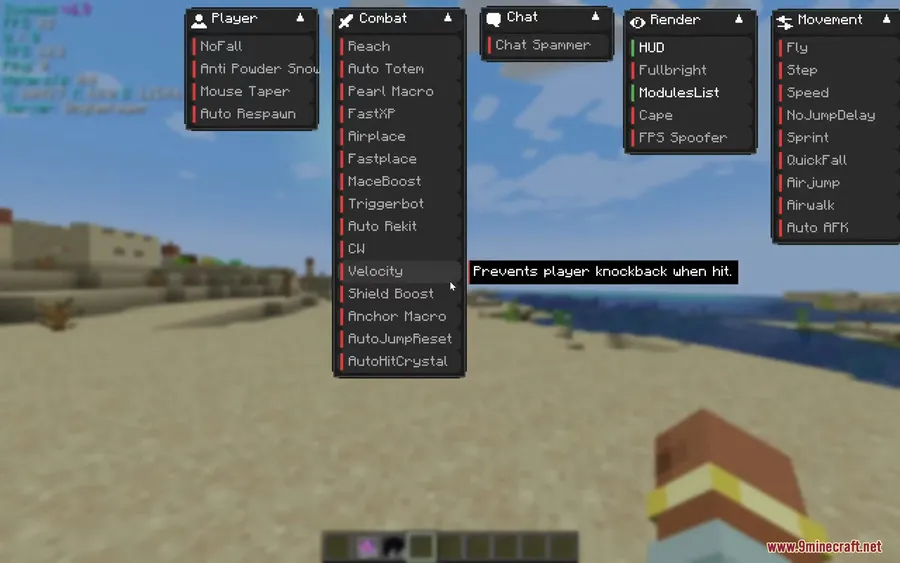
Zoomies Client Mod takes a modular approach to ghost client design, letting players cherry-pick exactly which combat, movement, and visual tools they want active during gameplay. Rather than bundling everything into a bloated package, it appears to be lightweight and organized into clear categories — Combat, Movement, Render, World, and Player — so you only run what you actually need. For anyone looking for a streamlined utility client on Fabric 1.21.1, this one is worth a closer look.
Key Features
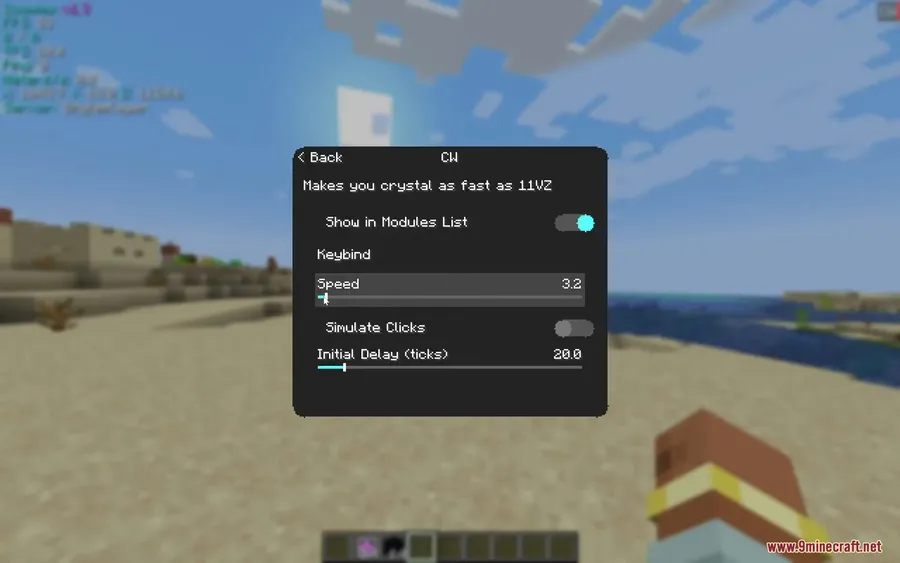
- Modular Toggle System – Every feature is split into categories (Combat, Movement, Render, World, Player) and can be individually enabled or disabled, keeping things clean and lag-free.
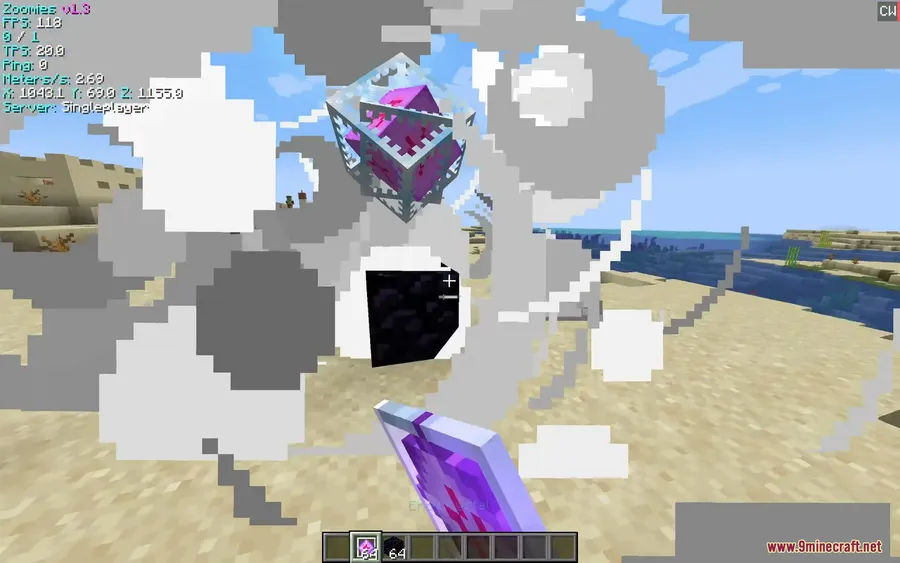
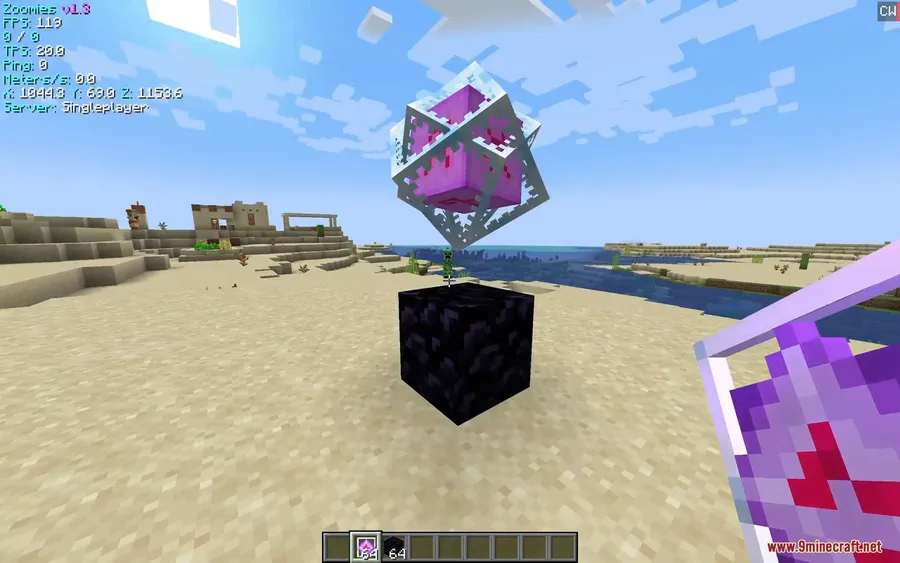
- PvP Combat Tools – Includes Auto Totem, Triggerbot, Reach, and Velocity modules designed to improve reaction time and give you an edge in fights.
- Movement Upgrades – Fly, Speed, Step, and Sprint modules let you traverse terrain faster and more smoothly than vanilla movement allows.
- Smooth Zoom – An adjustable camera zoom with customizable sensitivity, useful for scouting distant builds or spotting players before they spot you.
- Customizable HUD – On-screen overlay showing active modules, coordinates, and other visual indicators at a glance.
- Visual Enhancements – Fullbright and module overlays improve visibility in dark areas and help with general awareness.
- World Utilities – Quality-of-life tools like NoFall, Fast Time, and Auto Respawn reduce tedious gameplay interruptions.
- Minimap Compatibility – Works alongside Xaero's Minimap for waypoint tracking and navigation support.
Screenshots


How to Install
- Download and install Fabric Loader for Minecraft 1.21.1 from the official Fabric website.
- Drop the Fabric API into your
modsfolder — Zoomies Client requires it as a dependency. - Download the Zoomies Client Mod file from the link below.
- Place the downloaded
.jarfile into your.minecraft/modsfolder. - Launch Minecraft using the Fabric profile and configure modules in-game.
Requirements
| Component | Details |
|---|---|
| Mod Loader | Fabric |
| Dependencies | Fabric API |
| Minecraft Version | 1.21.1, 1.21 |
Pros & Cons
Pros
- Modular design lets you enable only what you need
- Covers combat, movement, visuals, and world utilities in one client
- Smooth zoom with adjustable sensitivity is a nice touch
- Compatible with Xaero's Minimap for added navigation
- Appears to be lightweight compared to heavier client mods
Cons
- Fabric-only — no Forge or NeoForge support
- Limited to Minecraft 1.21–1.21.1 at this time
- Combat modules like Reach and Triggerbot may not be allowed on most servers
Download
Always download mods from official sources to stay safe.
FAQ
Is Zoomies Client Mod safe to use on multiplayer servers?
Zoomies Client includes modules like Reach and Triggerbot that are typically flagged by anti-cheat systems. Always check a server's rules before enabling combat or movement modules — using them on servers that prohibit such tools can result in bans.
Does Zoomies Client work with other Fabric mods?
Yes, it runs on Fabric Loader with Fabric API and is noted to be compatible with Xaero's Minimap. Compatibility with other mods will depend on whether they modify the same game systems.
Can I customize which features are active in Zoomies Client?
Absolutely. The mod uses a modular system where every feature can be individually toggled on or off across categories like Combat, Movement, Render, World, and Player.


![[Let's Do] Candlelight - Farm&Charm compat Mod (1.21.1) - thumbnail](http://mcinside.com/wp-content/uploads/2026/04/thumbnail-81-52x52.webp)


![[Let's Do] Meadow Mod (1.21.1) - thumbnail](http://mcinside.com/wp-content/uploads/2026/04/thumbnail-64-52x52.webp)
