
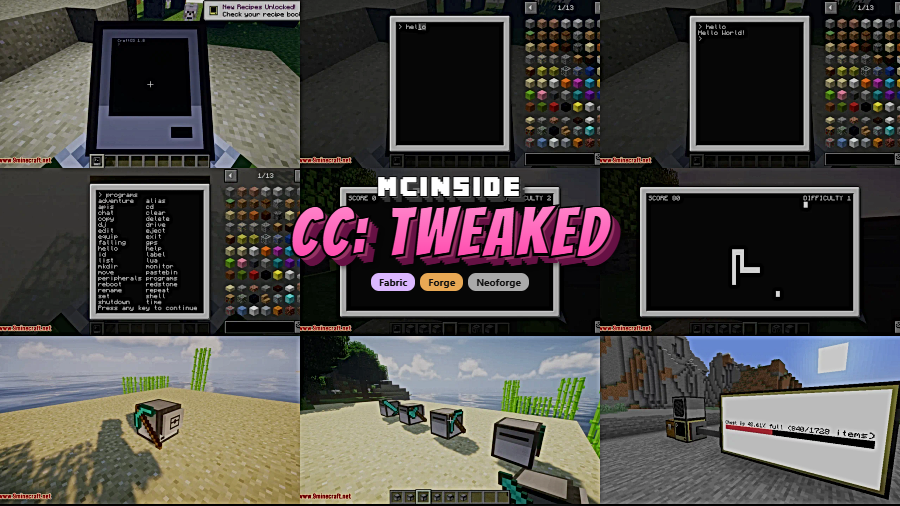
If you've ever wanted to write real programs inside Minecraft, CC Tweaked is the mod that makes it happen. A community-driven fork of the classic ComputerCraft, it brings in-game computers, turtles, and programmable peripherals to life using the Lua scripting language — with faster updates and more experimental features than the original ever offered. With over 2.9 million downloads on Modrinth and active development by SquidDev, CC Tweaked has become the definitive way to experience programmable computing in modern Minecraft.
Key Features
- Cobalt Lua engine — Replaces the older LuaJ runtime with Cobalt, providing a more robust and actively maintained scripting backend for all in-game computers.
- True multitasking — Run multiple computers simultaneously within your world, each executing its own programs independently.
- WebSocket & HTTP support — Computers can open WebSocket connections and make HTTP requests, enabling real-time communication with external services and APIs.
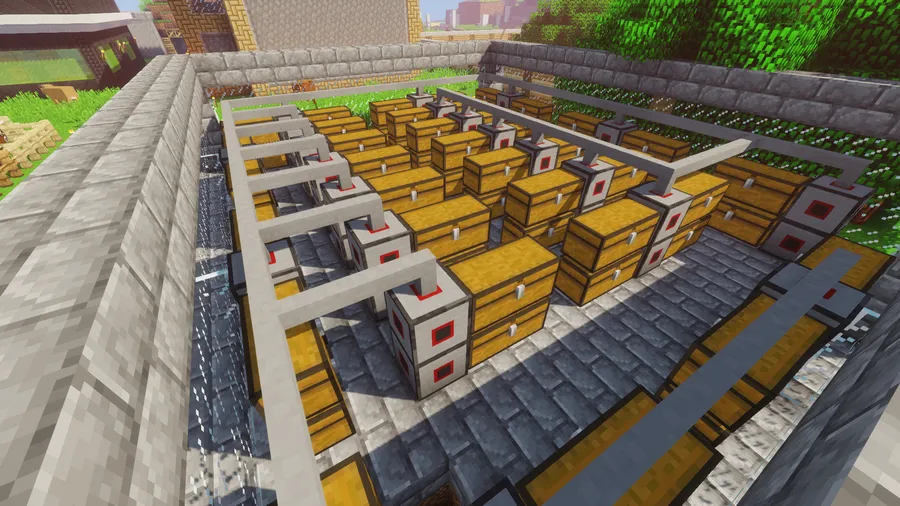
- Improved wired networking — Wired modems and cables behave like multiparts, making network builds cleaner. Full-block wired modems let you wrap non-solid peripherals such as turtles and chests.
- Pocket computer rendering — Pocket computers now render with a map-like display, and printed pages and books can be read like maps or shown in item frames.
- Server diagnostics — The
/computercraftcommand gives server operators tools to monitor and manage active computers across the world.
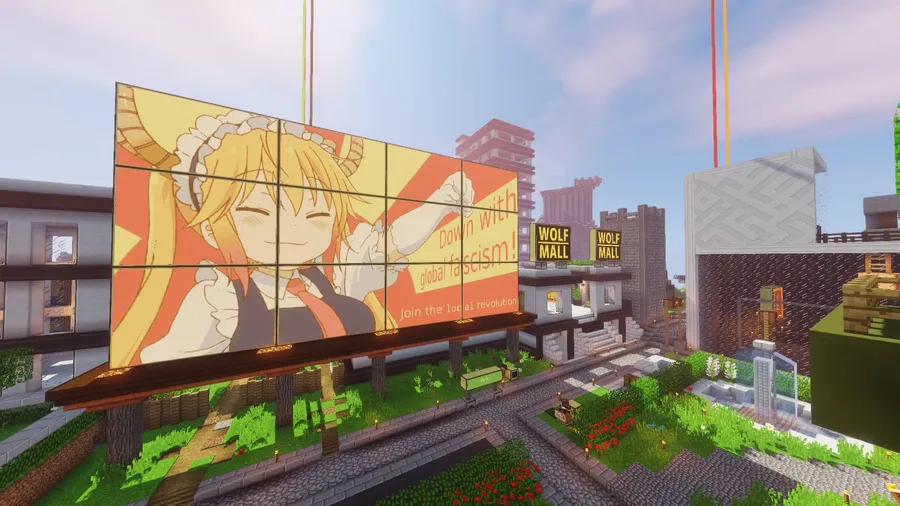
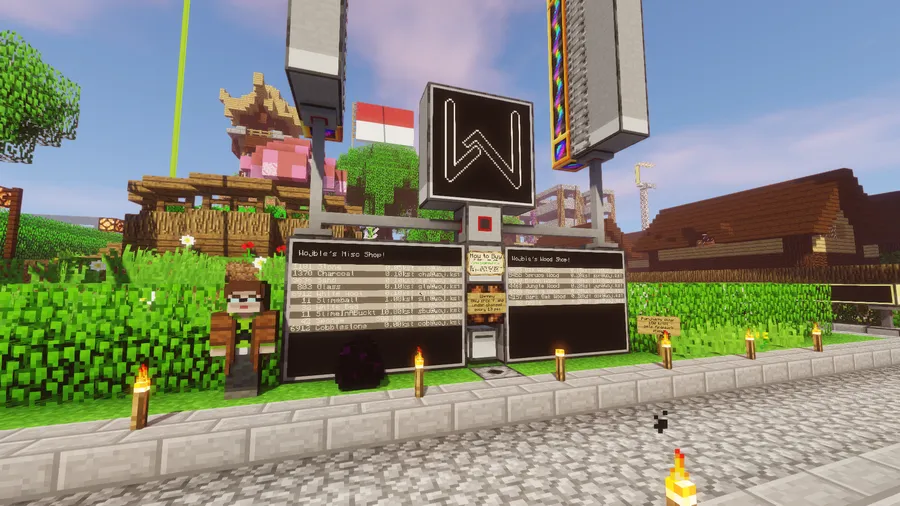
Screenshots
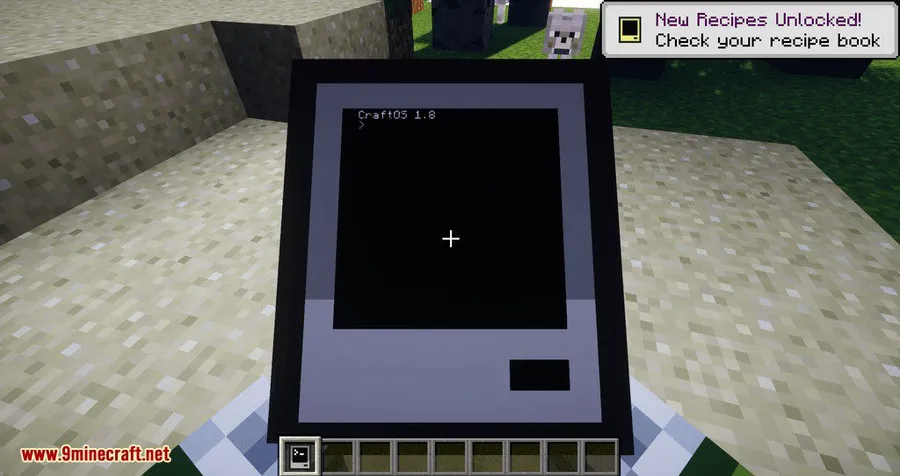
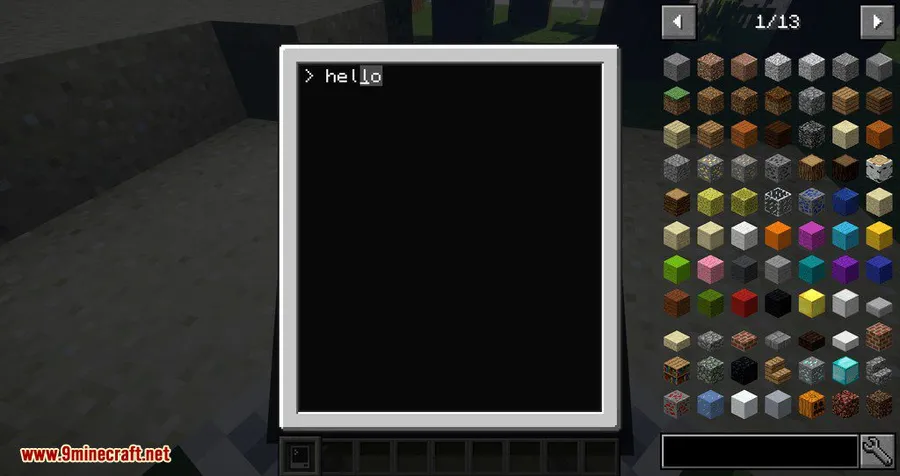
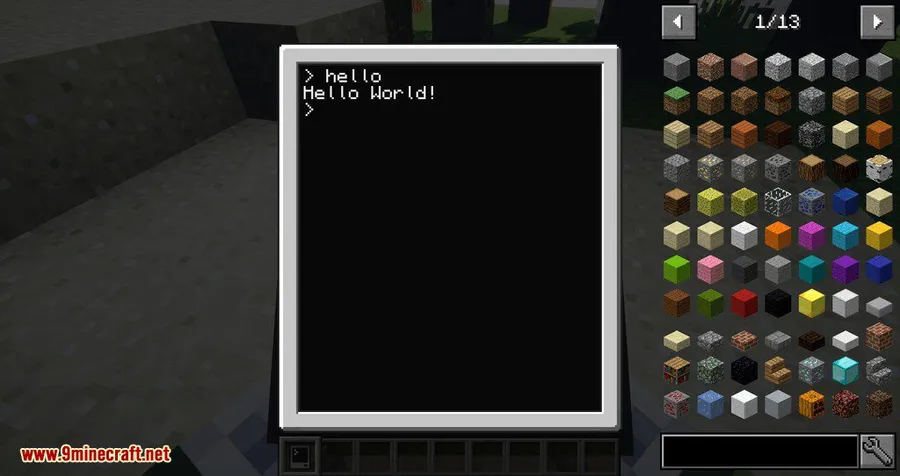
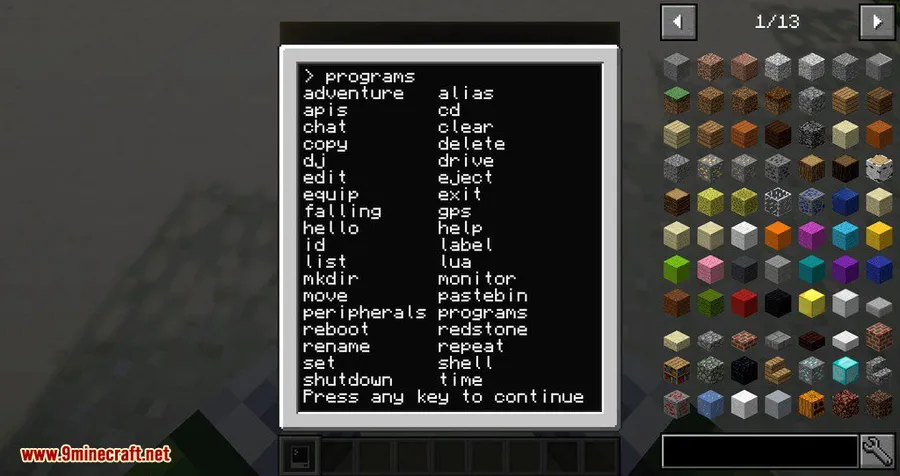
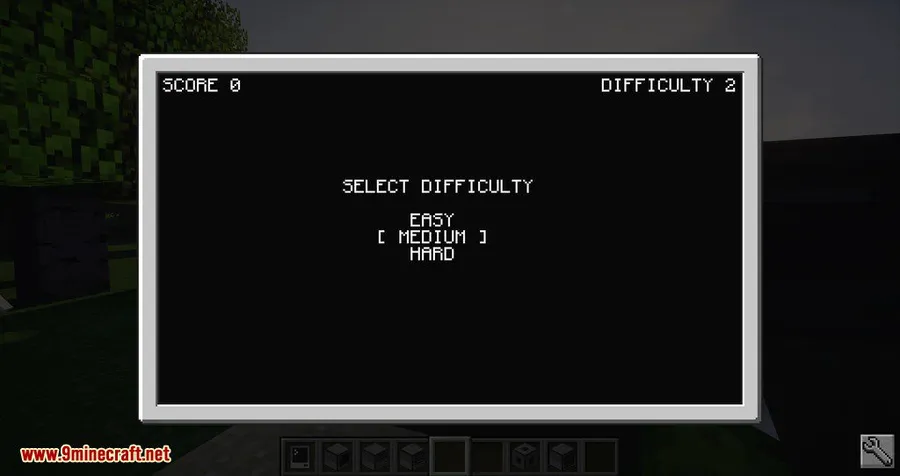
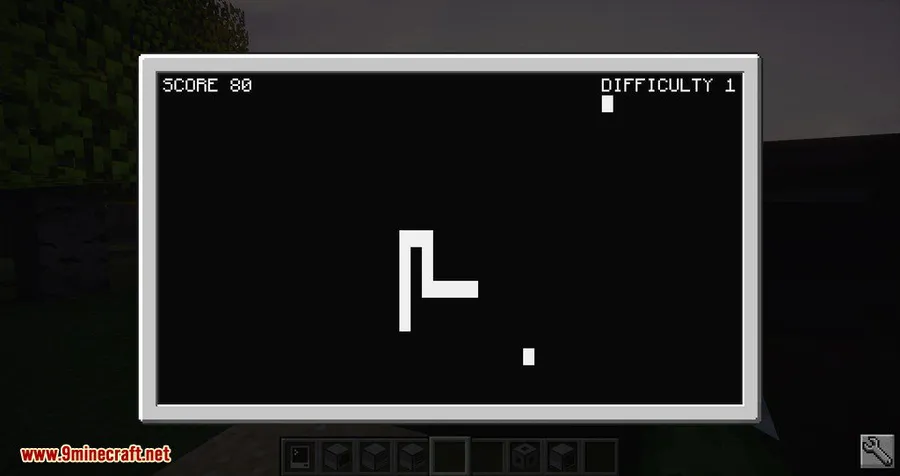
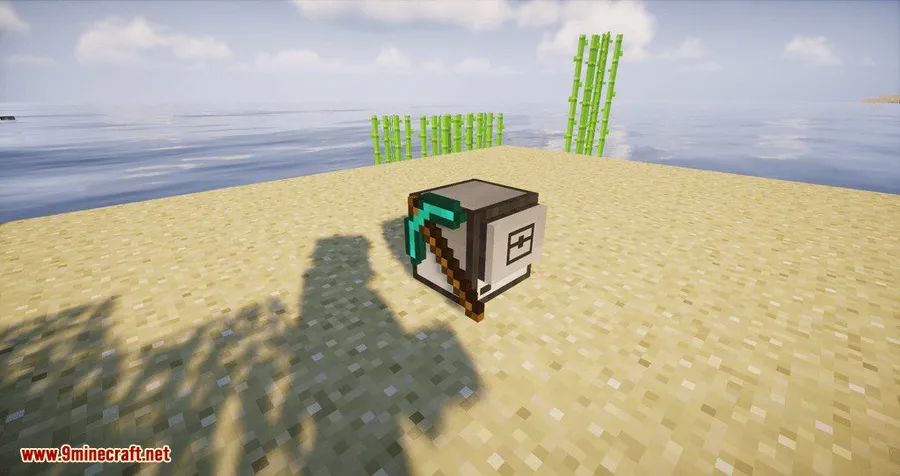
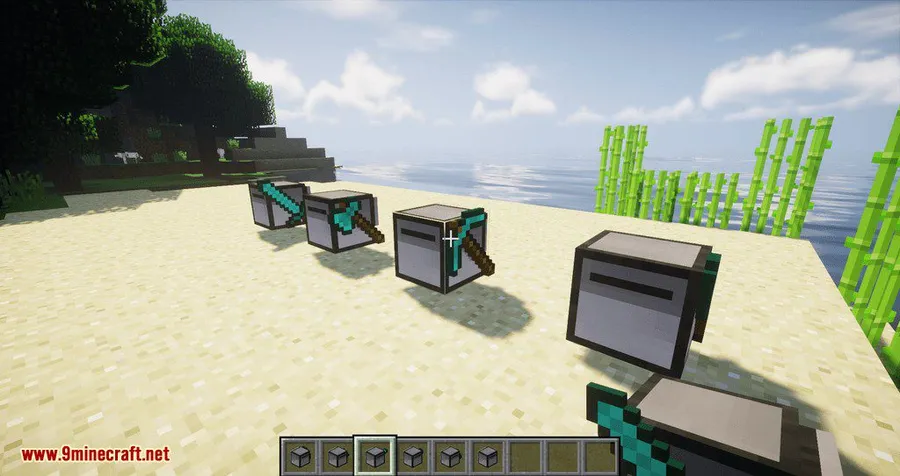
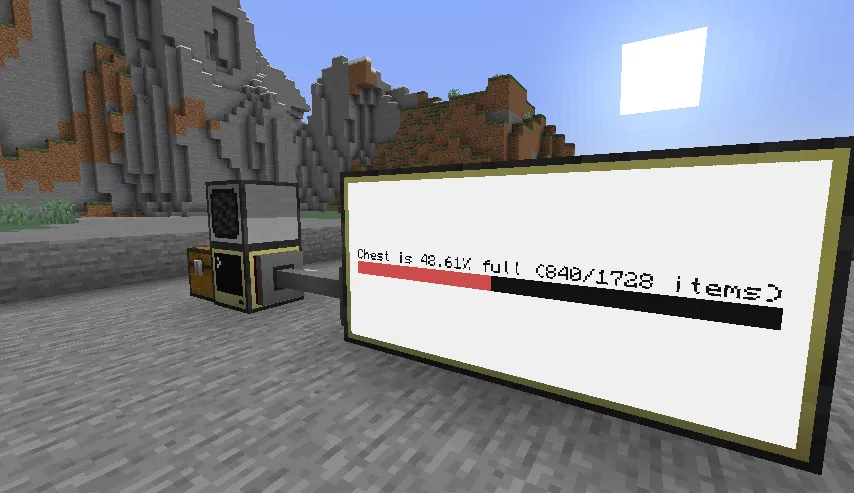
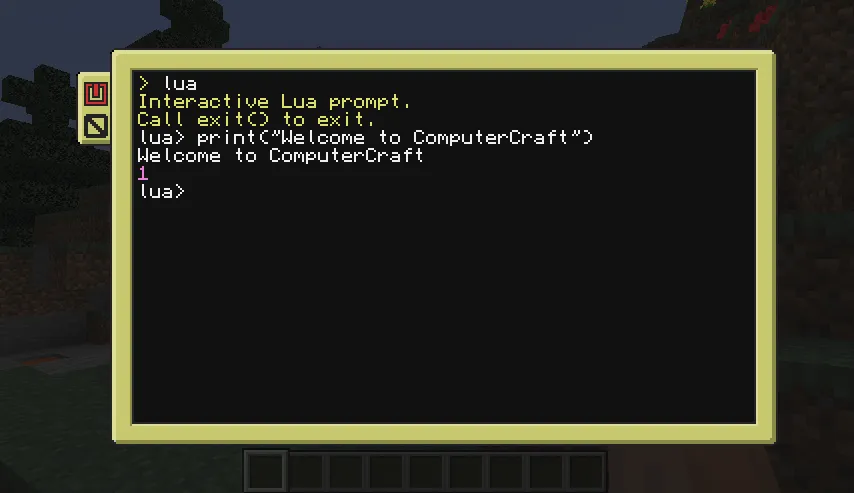
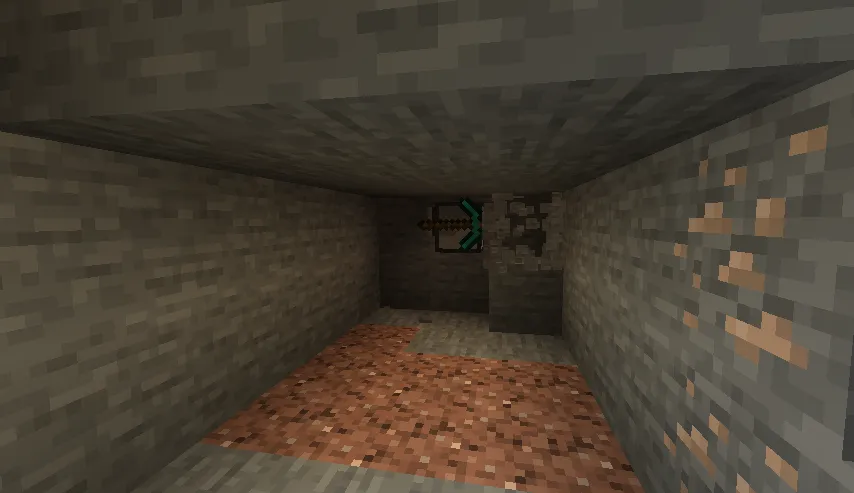
How to Install
- Download and install Minecraft Forge, NeoForge, or Fabric for your Minecraft version.
- Download the CC Tweaked .jar file matching your Minecraft version and mod loader.
- Open your Minecraft installation folder and navigate to the
modsdirectory (create it if it doesn't exist). - Place the downloaded .jar file into the
modsfolder. - Launch Minecraft using the correct loader profile and confirm CC Tweaked appears in the mod list.
Requirements
| Requirement | Details |
|---|---|
| Mod Loader | Forge, NeoForge, or Fabric |
| Dependencies | Minecraft Forge or NeoForge Installer (depending on loader) |
| Minecraft Version | 1.12.2, 1.14.4, 1.15.2, 1.16.5, 1.17.1, 1.18.2, 1.19.2, 1.19.3, 1.20.1, 1.21.1 |
Pros & Cons
Pros
- Actively maintained fork with faster updates than the original ComputerCraft
- Supports all three major mod loaders: Forge, NeoForge, and Fabric
- WebSocket and HTTP support opens up powerful real-time networking possibilities
- Huge community with nearly 3 million downloads — plenty of tutorials and shared programs available
- Wide version support spanning from 1.12.2 to 1.21.1
Cons
- Requires learning Lua to get the most out of in-game computers
- As a fork, some community resources may still reference the original ComputerCraft and not apply directly
- Advanced networking features may add complexity for casual players
Download
Always download mods from official sources to stay safe.
What's New
- Latest release targets Minecraft 1.21.1 (version 1.117.1), keeping the mod current with recent Minecraft updates.
- The mod continues to receive regular patches — last updated February 2026.
- Full release notes and changelogs are available on the GitHub releases page.
- Ongoing community pull requests are merged, bringing additional bug fixes and features beyond the original ComputerCraft.
FAQ
Is CC Tweaked the same as ComputerCraft?
CC Tweaked is a community fork of ComputerCraft that includes experimental features, bug fixes, and community contributions not yet available in the original mod. It has become the primary way most players experience ComputerCraft today.
Can CC Tweaked computers connect to the internet?
Yes. CC Tweaked includes HTTP library support and WebSocket connections, allowing in-game computers to communicate with external web services and APIs in real time.
Does CC Tweaked work with Fabric?
Yes. CC Tweaked supports Forge, NeoForge, and Fabric, so you can use it with whichever mod loader you prefer for your Minecraft setup.


![[Let's Do] Candlelight - Farm&Charm compat Mod (1.21.1) - thumbnail](http://mcinside.com/wp-content/uploads/2026/04/thumbnail-81-52x52.webp)


![[Let's Do] Meadow Mod (1.21.1) - thumbnail](http://mcinside.com/wp-content/uploads/2026/04/thumbnail-64-52x52.webp)


![Not Enough Recipe Book [NERB] Mod (1.21.11) - thumbnail](http://mcinside.com/wp-content/uploads/2026/04/thumbnail-63-52x52.webp)