
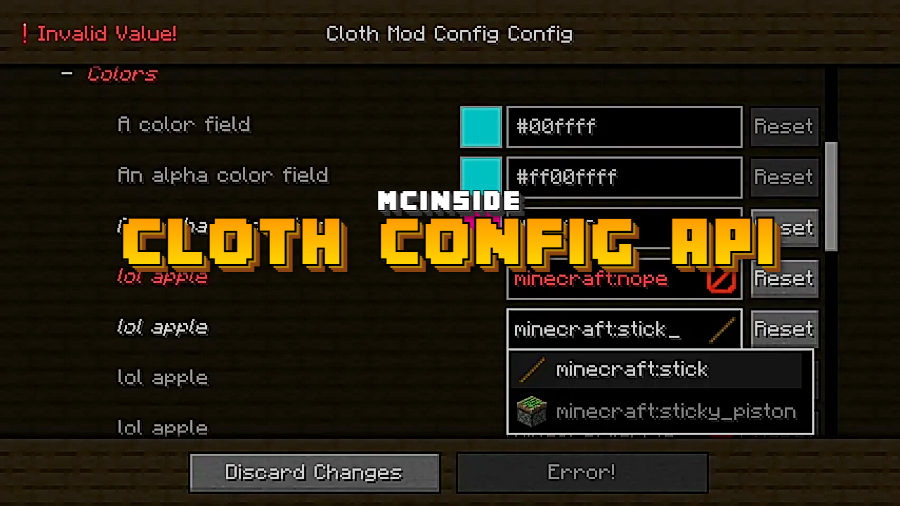
Ever installed a Fabric or Forge mod and wondered how its in-game settings screen works? Chances are, Cloth Config API is running behind the scenes. Created by shedaniel, this library mod provides a standardized configuration screen framework that other mods rely on to offer clean, user-friendly settings menus. It doesn't change gameplay or add new content — but with over 106 million downloads, it's one of the most essential dependencies in the Minecraft modding ecosystem. You only need to install it when another mod lists it as a requirement.
Key Features
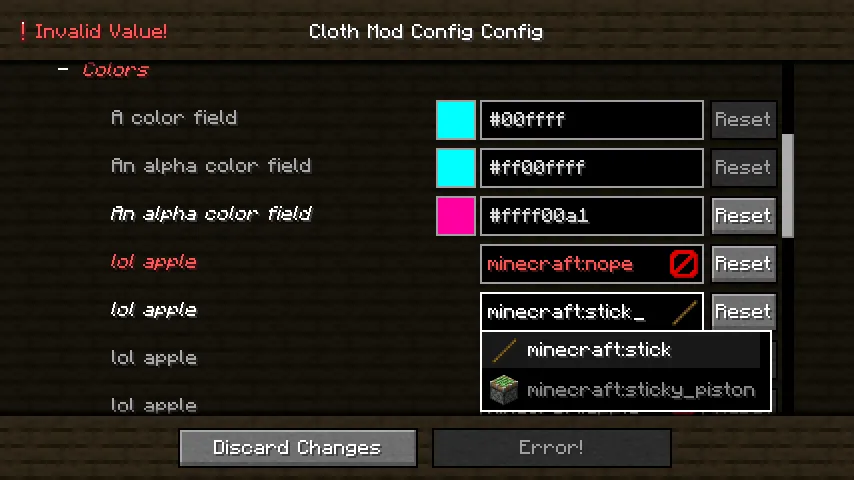
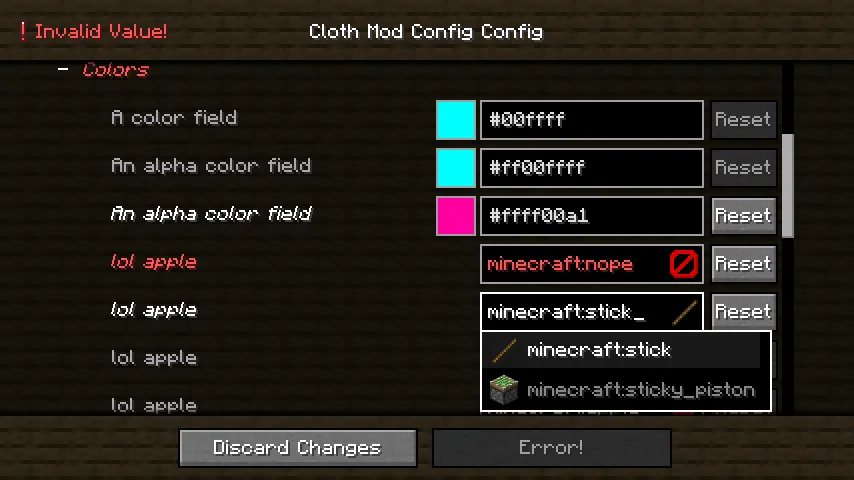
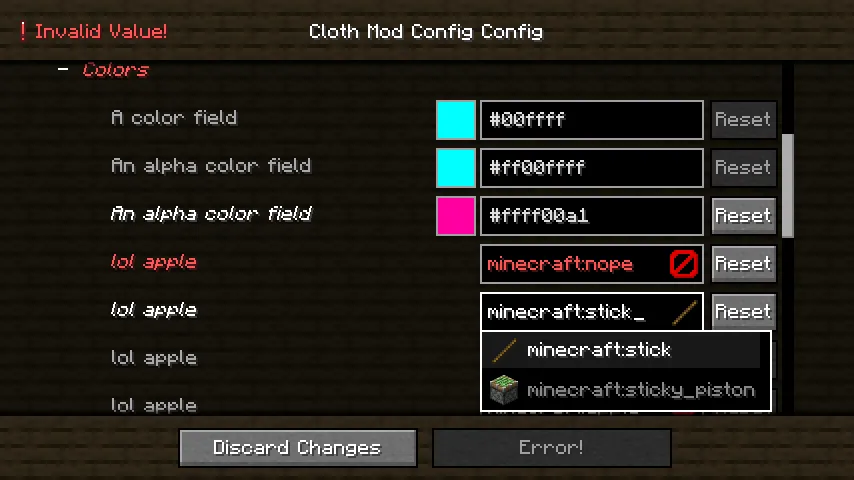
- Unified Mod Config Screen — Provides a consistent, polished in-game settings interface that mod developers can plug into, so players get a familiar layout across different mods instead of each one inventing its own UI.
- Multi-Loader Support — Works across Fabric, Forge, and NeoForge, making it a universal dependency regardless of which mod loader you prefer.
- Wide Version Coverage — Actively maintained from Minecraft 1.14.4 all the way to 1.21.11, ensuring compatibility with both legacy and cutting-edge mod setups.
Screenshots
How to Install
- Install your preferred mod loader (Forge, Fabric, or NeoForge) for your Minecraft version.
- If using Fabric, make sure Fabric API is also installed.
- Download the Cloth Config API file matching your Minecraft version and loader from the links below.
- Drop the downloaded
.jarfile into your.minecraft/modsfolder. - Launch Minecraft — Cloth Config API will load automatically as a library for other mods.
Requirements
| Mod Loader | Dependencies | Minecraft Versions |
|---|---|---|
| Forge, Fabric, NeoForge | Minecraft Forge, Fabric API, NeoForge Installer | 1.21.11, 1.21.10, 1.21.9, 1.21.8, 1.21.7, 1.21.6, 1.21.5, 1.21.4, 1.21.3, 1.21.2, 1.21.1, 1.21, 1.20.6, 1.20.5, 1.20.4, 1.20.2, 1.20.1, 1.20, 1.19.4, 1.19.3, 1.19.2, 1.19.1, 1.19, 1.18.2, 1.18.1, 1.17.1, 1.16.5, 1.15.2, 1.14.4 |
Pros & Cons
Pros
- Extremely wide version support spanning from 1.14.4 to 1.21.11
- Works with all three major mod loaders (Forge, Fabric, NeoForge)
- Massively adopted — over 106 million downloads means strong community trust
- Open source under LGPL-3.0 license, actively maintained since 2022
- Appears to be lightweight since it only provides a config UI framework with no gameplay changes
Cons
- Does nothing on its own — only useful when required by another mod
- Adds another dependency to manage and keep updated alongside your other mods
- Requires Fabric API as an extra dependency when running on Fabric loader
Download
Always download mods from official sources to stay safe.
FAQ
Do I need Cloth Config API if no other mod requires it?
No. Cloth Config API is a library mod — it only provides a config screen framework for other mods. If none of your installed mods list it as a dependency, there's no reason to install it.
Is Cloth Config API compatible with both Fabric and Forge?
Yes, it supports Fabric, Forge, and NeoForge. Just make sure you download the correct version that matches your mod loader and Minecraft version.
Will Cloth Config API affect my game performance?
It appears to be lightweight since it only provides a configuration screen UI and doesn't modify gameplay, world generation, or rendering. It loads passively as a library for other mods to use.


![Not Enough Recipe Book [NERB] Mod (1.21.11) - thumbnail](http://mcinside.com/wp-content/uploads/2026/04/thumbnail-63-52x52.webp)


