

Ever wished Minecraft's debug screen showed only the information you actually care about? MiniHUD Mod gives you a customizable mini-F3 overlay that displays essential info lines — coordinates, light levels, spawn data, and more — without cluttering your entire screen. With over 3.7 million downloads and active development through 2026, it has become one of the most trusted client-side utility mods in the Minecraft community. You can configure the screen corner placement, background color, text color, and font size to fit your playstyle perfectly.
Key Features
- Customizable Info Line Overlay — Display only the debug data you need in any screen corner, with adjustable background, text color, and font size.
- Structure Bounding Boxes — Visualize structure boundaries in single player to help with builds and exploration (requires a server-side mod for multiplayer).
- Light Level Overlay — Show light levels with configurable markers and numbers, making it easy to spot mob-spawnable blocks at a glance.
- Spawn Analysis Tools — View Spawn Chunks, Random Tick range, and the height map used by the mob spawn algorithm to optimize your farms.
- Shape Renderers — Render a mob Despawn Sphere, 24-block and 32-block Spawn Spheres, a configurable radius Sphere, and Circle/Cylinder shapes for precise mob farm planning.
- World Boundary Overlays — Display Region File Boundaries and Block Grid lines for technical players who work with world editing or chunk management.
Screenshots
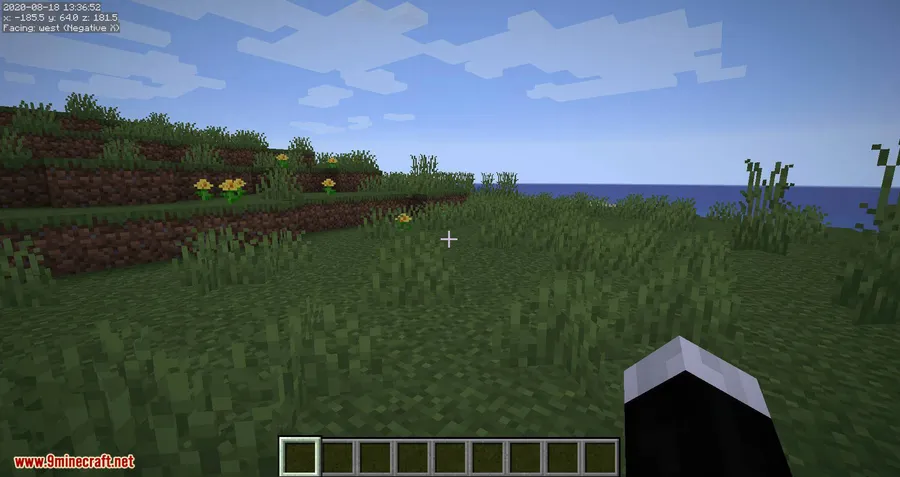
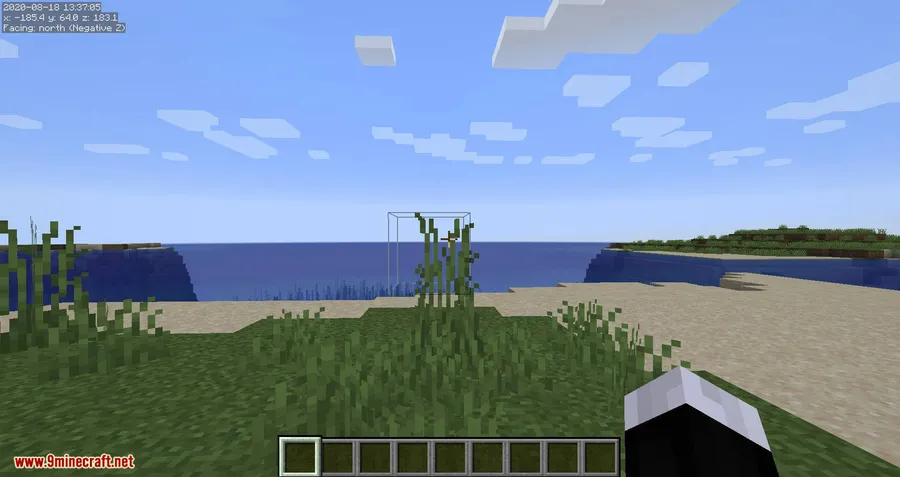
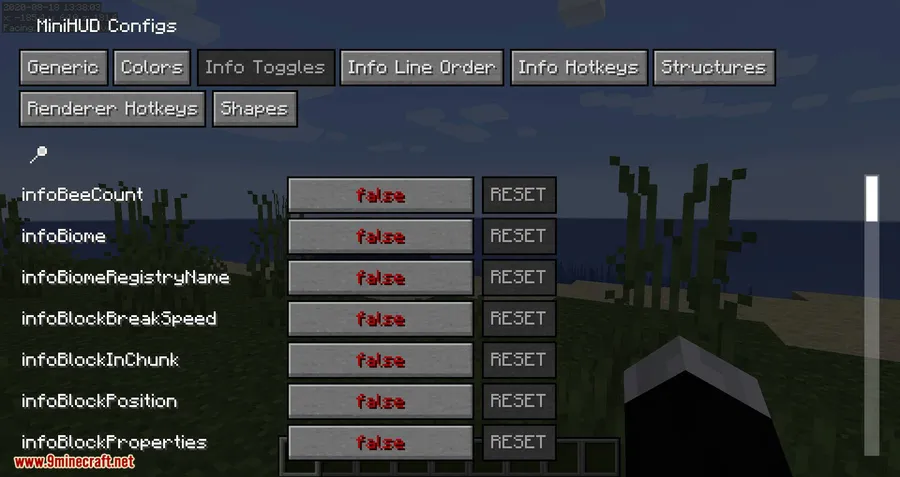
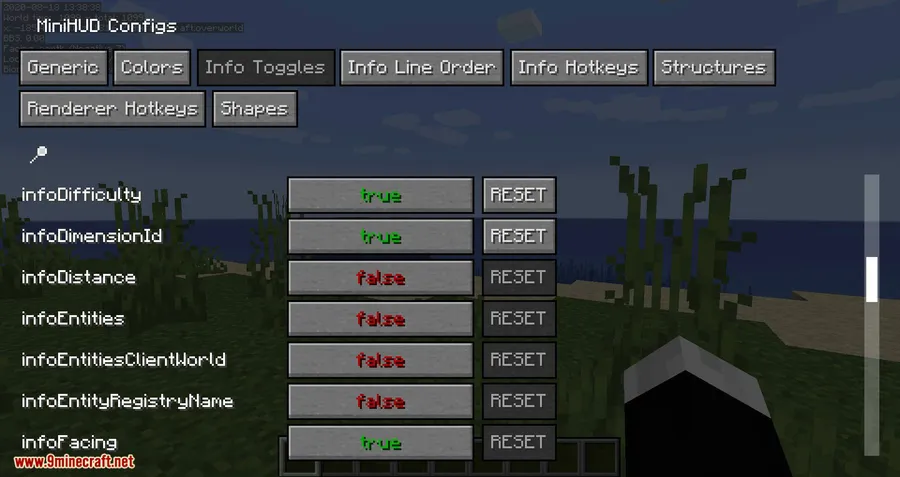
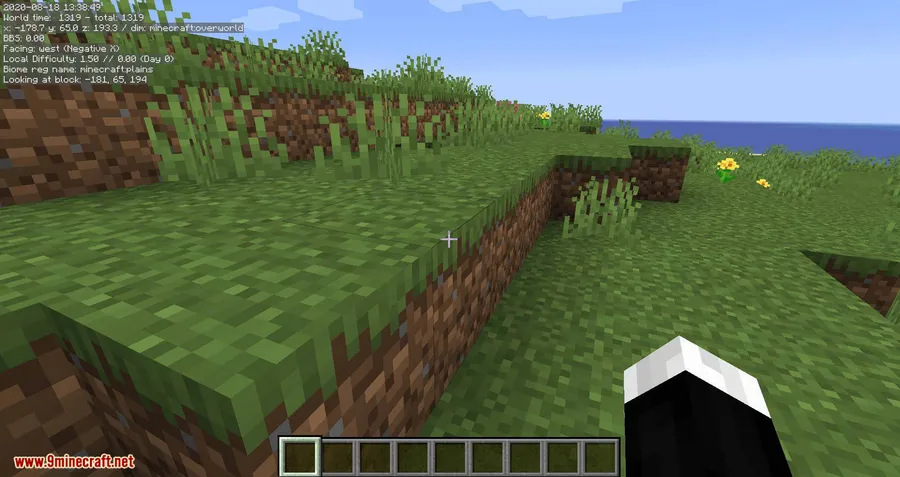
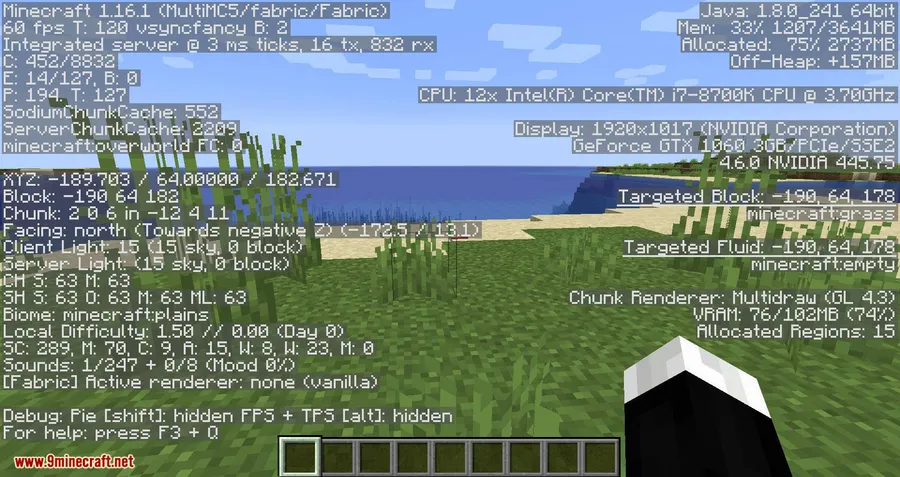
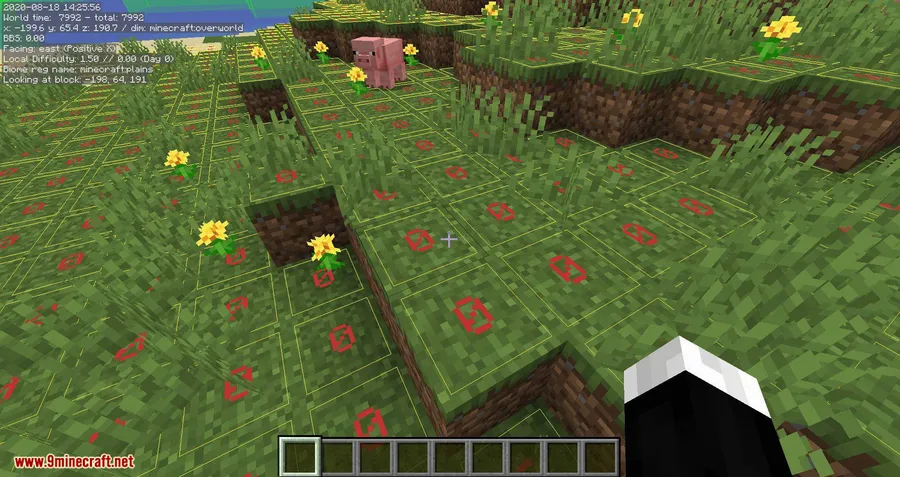
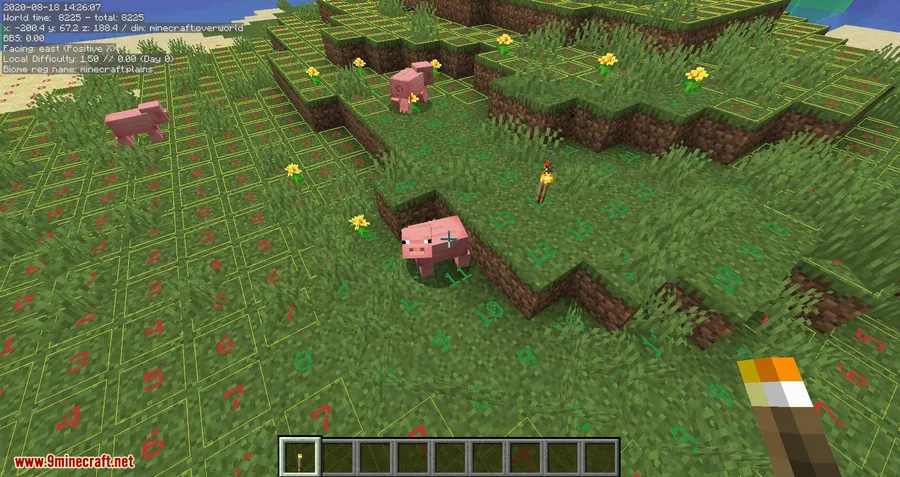
How to Install
- Download and install Fabric Loader or Minecraft Forge for your Minecraft version.
- Download Fabric API (if using Fabric) and the Malilib library mod — MiniHUD requires Malilib to function.
- Download MiniHUD for your Minecraft version from the link below.
- Place all downloaded
.jarfiles into your.minecraft/modsfolder. - Launch Minecraft and press H + C to open the MiniHUD configuration screen.
Requirements
| Requirement | Details |
|---|---|
| Mod Loader | Forge, Fabric |
| Dependencies | Minecraft Forge or Fabric API, Malilib |
| Minecraft Versions | 1.21.11, 1.21.10, 1.21.9, 1.21.8, 1.21.7, 1.21.6, 1.21.5, 1.21.4, 1.21.3, 1.21.2, 1.20.6, 1.20.2, 1.19.4, 1.19.3, 1.19.2, 1.19.1, 1.19, 1.18.2, 1.18.1, 1.17.1, 1.16.5, 1.15.2, 1.14.4, 1.12.2 |
Pros & Cons
Pros
- Highly customizable — choose exactly which info lines to display and where
- Excellent spawn analysis tools for mob farm builders (despawn spheres, light levels, spawn chunks)
- Client-side only — no server installation needed, works on any server
- Actively maintained with support for the latest Minecraft versions
- Wide version support spanning from 1.12.2 to 1.21.11
Cons
- Requires Malilib as an additional dependency
- Structure Bounding Boxes only work in single player without a server-side companion mod
- Forge support is limited to older versions — newer releases are Fabric-only
Download
Always download mods from official sources to stay safe.
What's New
- Fixed the Conduit Overlay Renderer so it now properly checks the active status of the Conduit.
- Resolved an issue where the Conduit Overlay wasn't toggling correctly when adjusting colors or renderer toggles.
- Eliminated update lag caused by the Conduit Overlay by moving the Sphere rebuild to a worker thread.
- Fixed the Villager Info Overlay not rendering after 26.1 rendering changes.
- Ported to Minecraft 26.1 with full compatibility updates.
FAQ
Is MiniHUD client-side only?
Yes, MiniHUD is entirely client-side. You can use it on any server without the server needing to install anything. However, some features like Structure Bounding Boxes require a server-side companion mod to work in multiplayer.
Does MiniHUD work with Forge?
MiniHUD supports Forge on older versions like 1.12.2, 1.14.4, and 1.15.2. For Minecraft 1.16.5 and newer, the mod is developed primarily for Fabric with Fabric API.
What is Malilib and why do I need it?
Malilib is a shared library mod by the same author that handles configuration screens and hotkeys. MiniHUD (and other mods like Litematica) depend on it to function, so you must install Malilib alongside MiniHUD.


![[Let's Do] Candlelight - Farm&Charm compat Mod (1.21.1) - thumbnail](http://mcinside.com/wp-content/uploads/2026/04/thumbnail-81-52x52.webp)


![[Let's Do] Meadow Mod (1.21.1) - thumbnail](http://mcinside.com/wp-content/uploads/2026/04/thumbnail-64-52x52.webp)


![Not Enough Recipe Book [NERB] Mod (1.21.11) - thumbnail](http://mcinside.com/wp-content/uploads/2026/04/thumbnail-63-52x52.webp)