
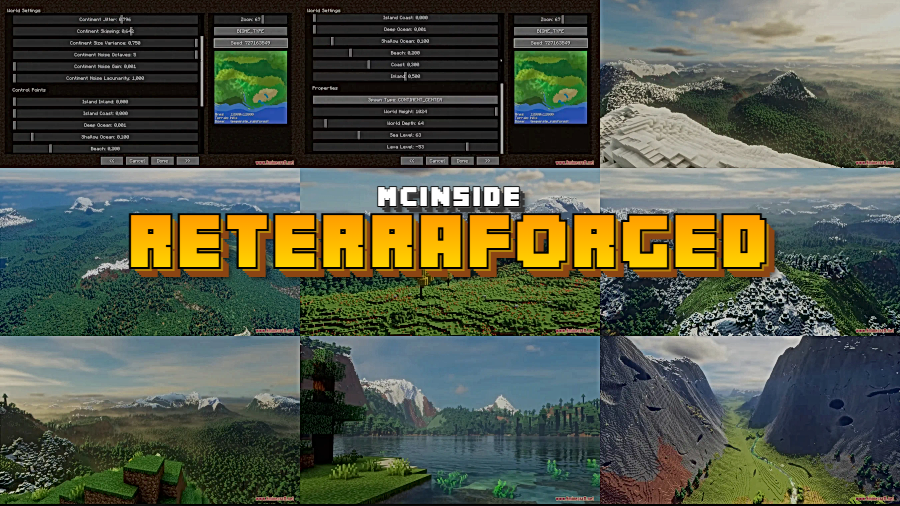
Tired of Minecraft's repetitive vanilla landscapes? Reterraforged Mod picks up where the beloved TerraForged left off, bringing stunningly realistic terrain generation to modern Minecraft versions. Originally created by won_ton_ and now maintained by racoonman2, this continuation delivers improved rivers, natural erosion effects, and richly detailed world generation that makes exploration feel genuinely rewarding again.
Key Features
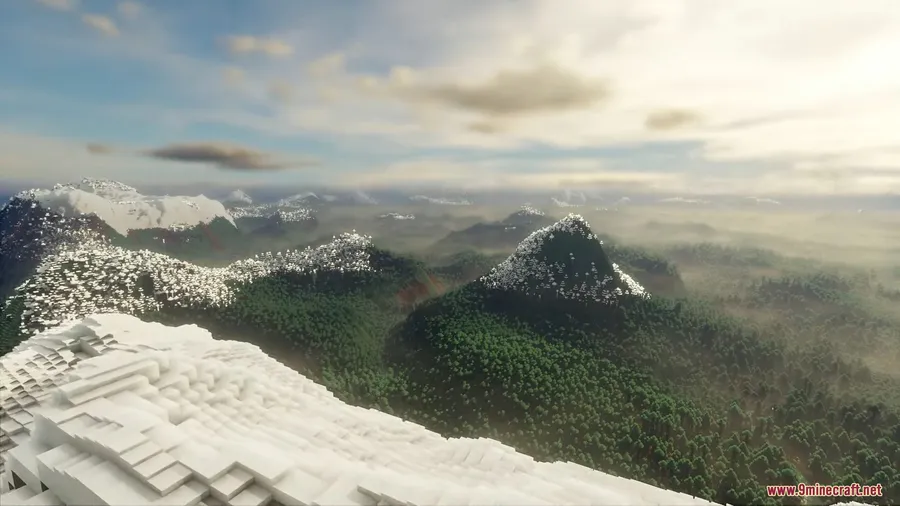
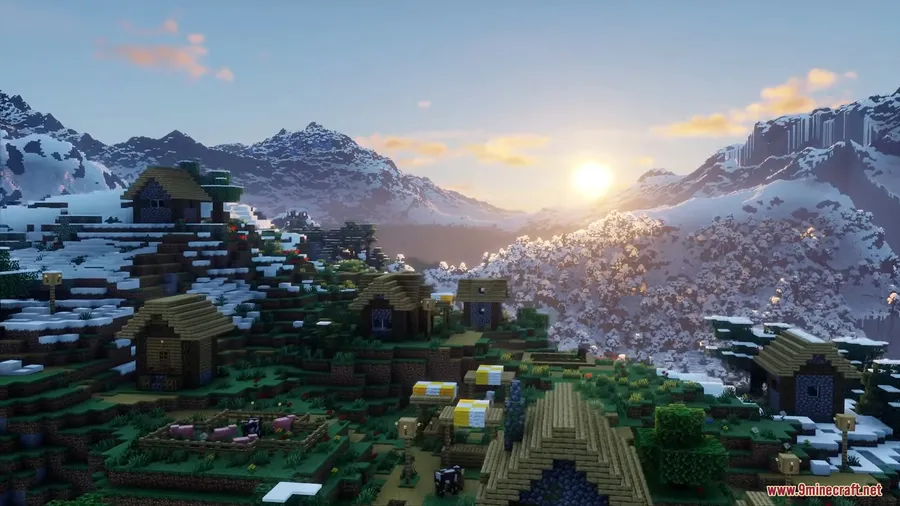
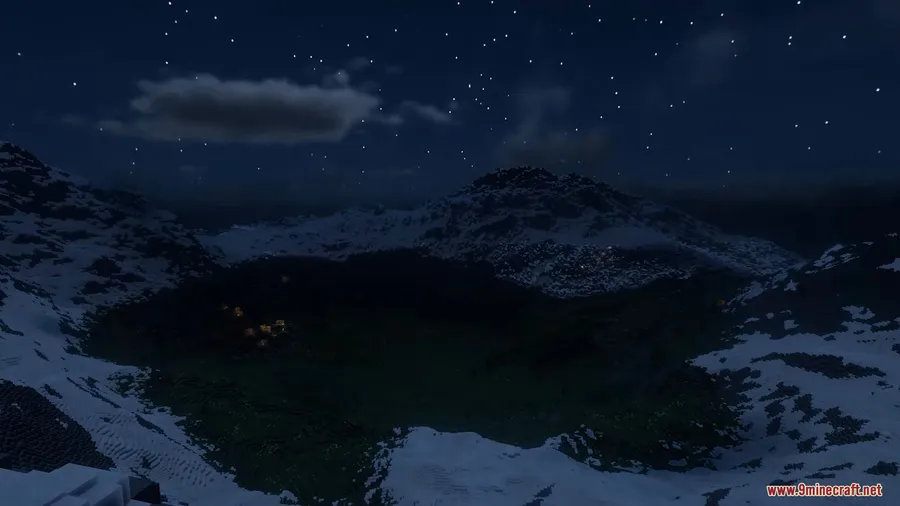
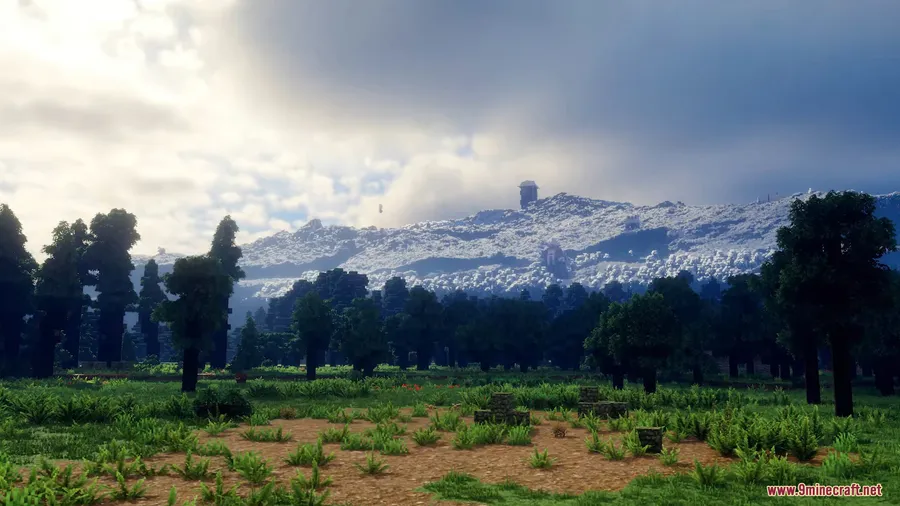
- Realistic terrain generation — Replaces vanilla world generation with landscapes that mimic real-world geography, including natural-looking mountains, valleys, and plains.
- Simulated erosion effects — Terrain is shaped by erosion algorithms that carve out realistic river valleys, cliff faces, and sediment deposits over the landscape.
- Improved river systems — Rivers flow more naturally through the terrain, following realistic paths instead of cutting awkwardly through biomes.
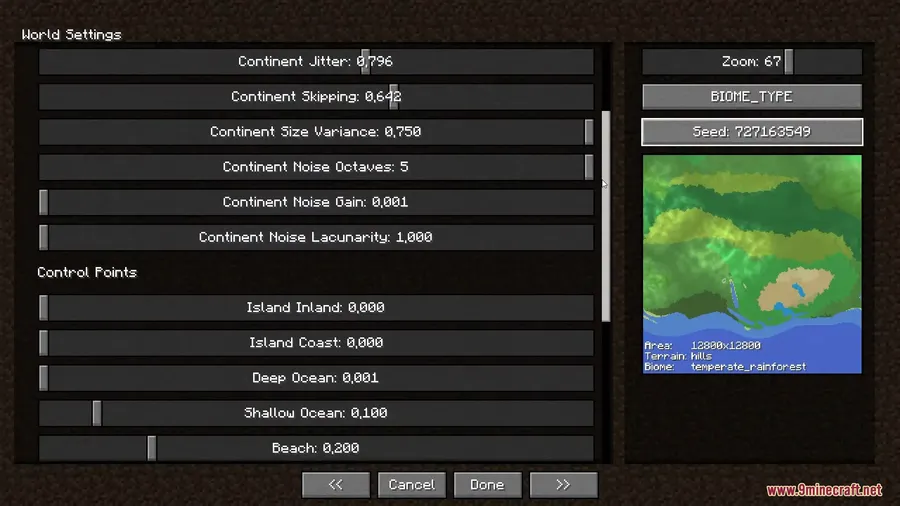
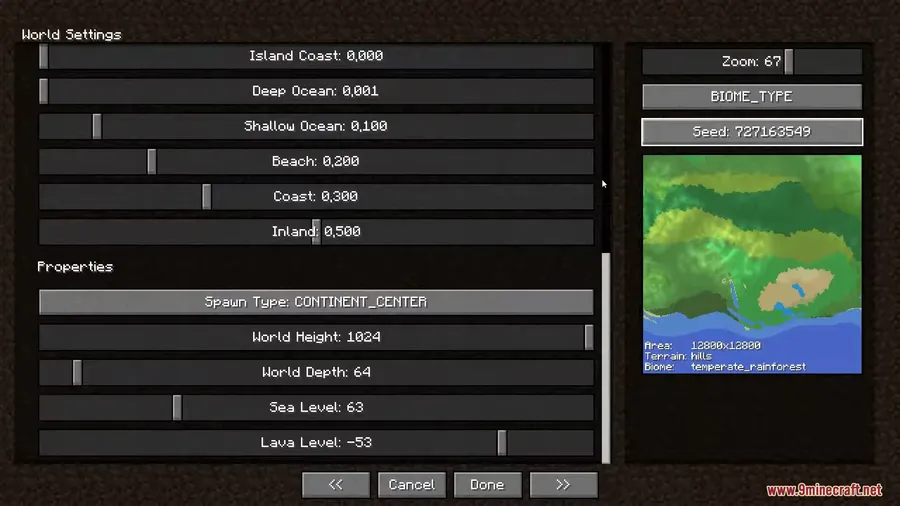
- Custom terrain shaping & configuration — Offers extensive configuration options so players can fine-tune terrain generation to match their preferred world style.
- New decorations & details — Adds subtle environmental details throughout generated worlds that encourage exploration and discovery.
- Multi-loader support — Available for Fabric, Forge, and NeoForge, covering a wide range of Minecraft versions from 1.19.4 through 1.21.5.
Screenshots
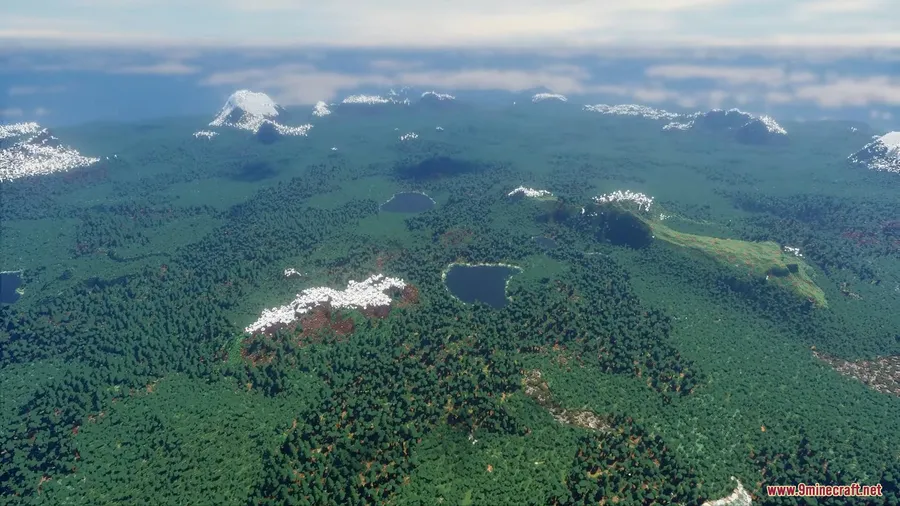
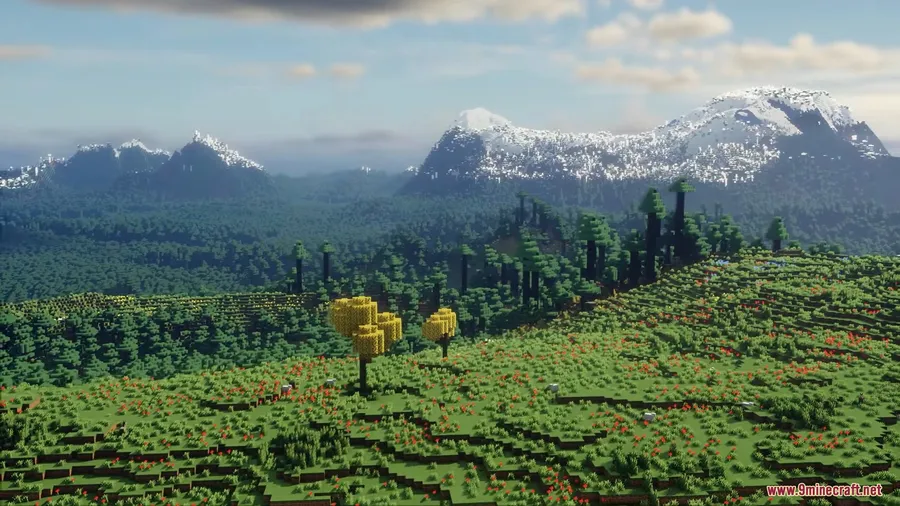
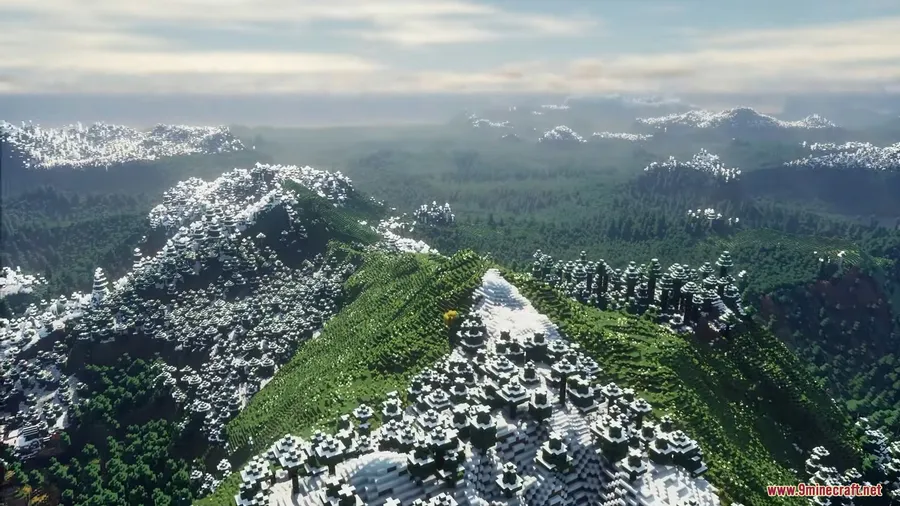
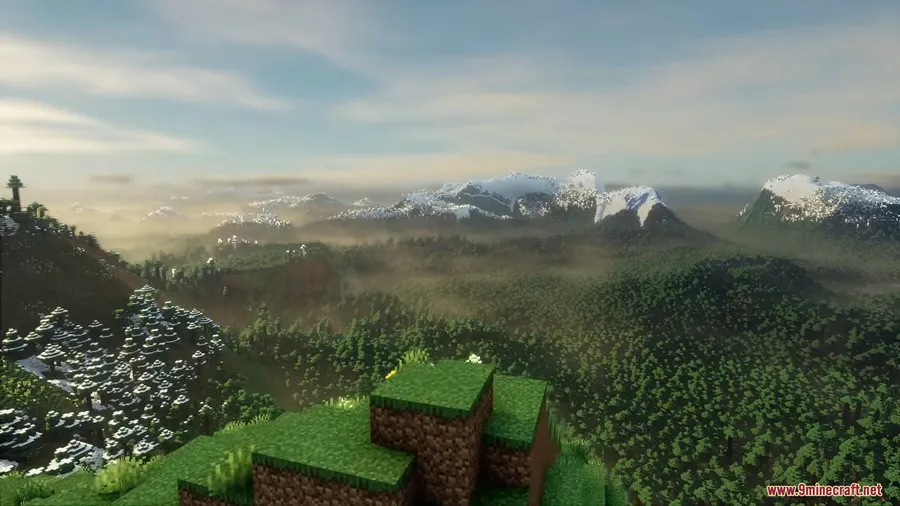
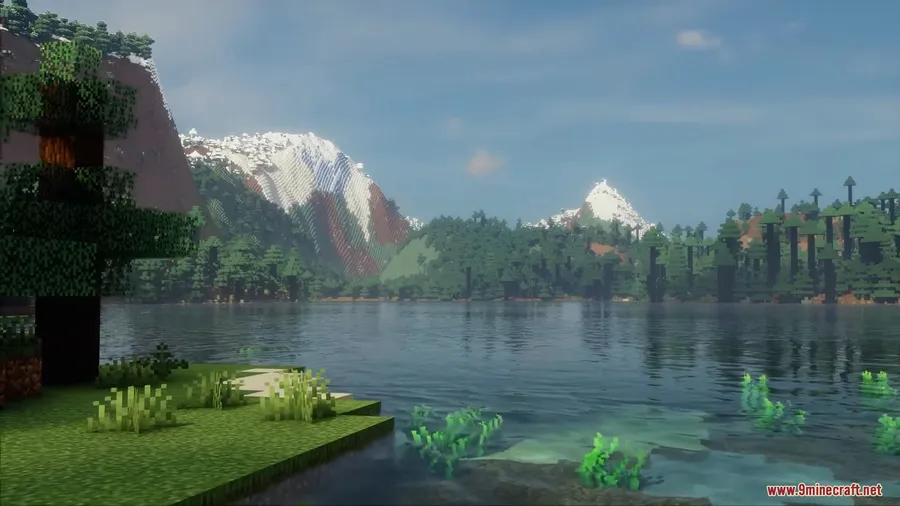
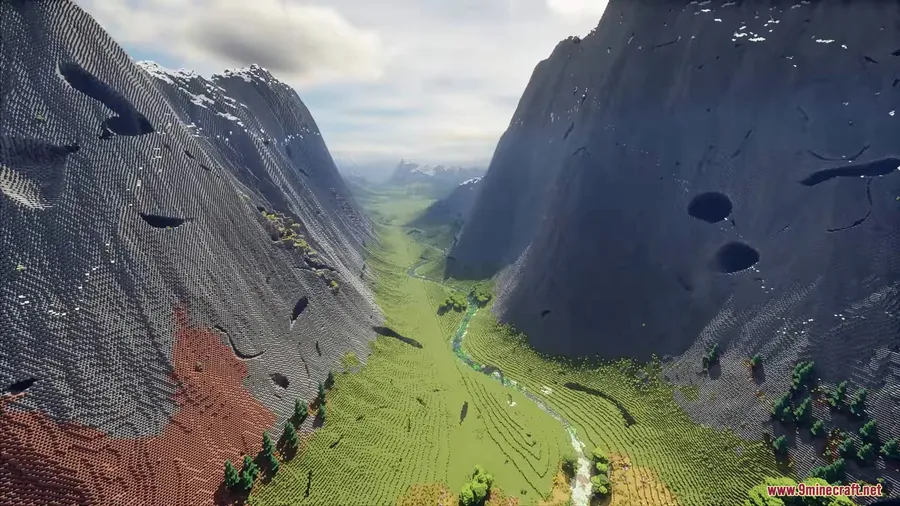
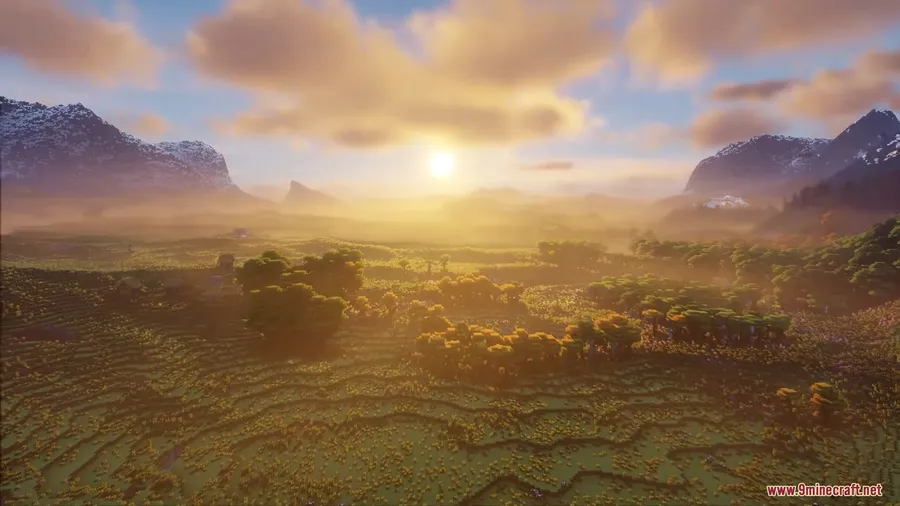
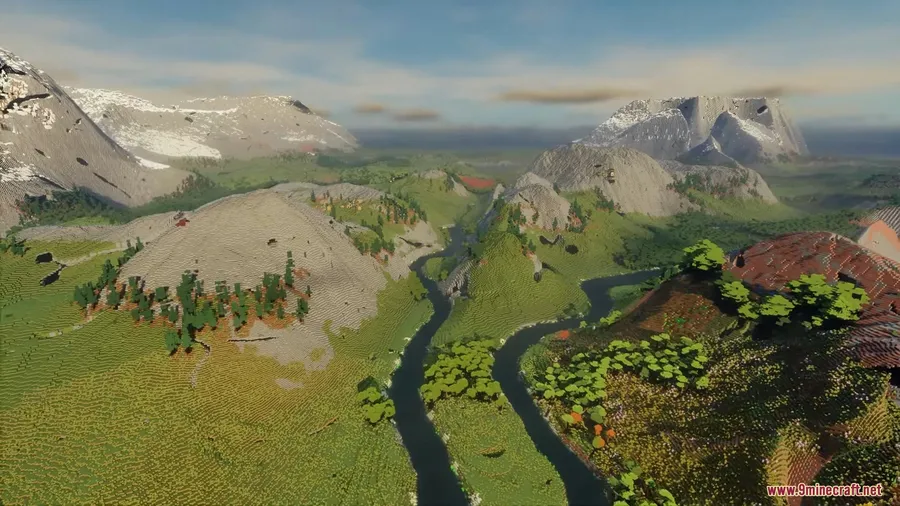
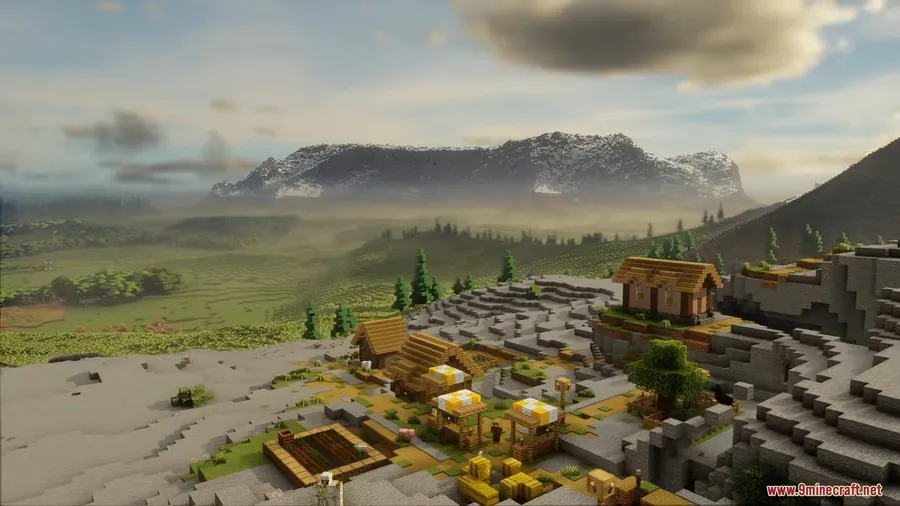
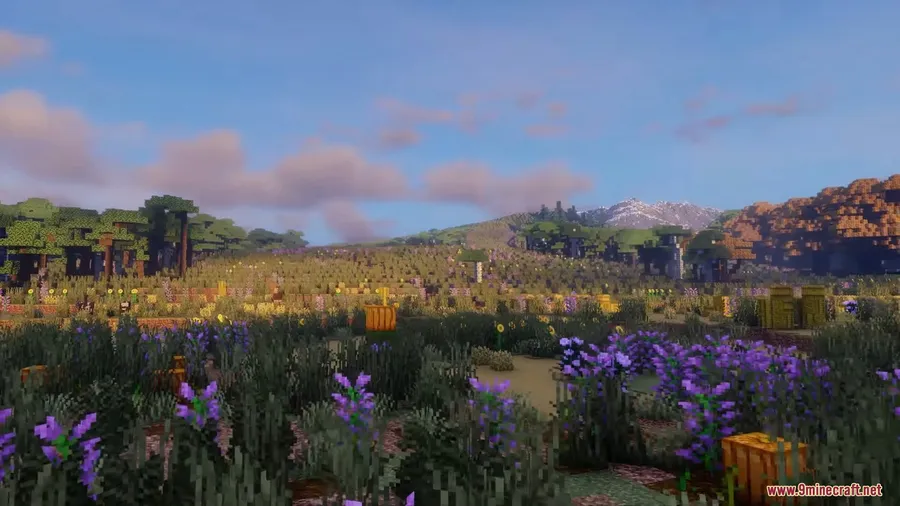
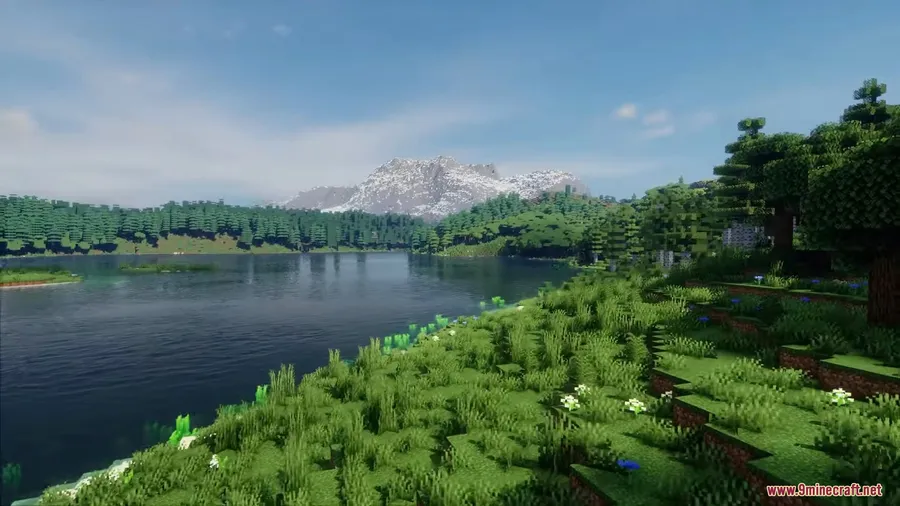
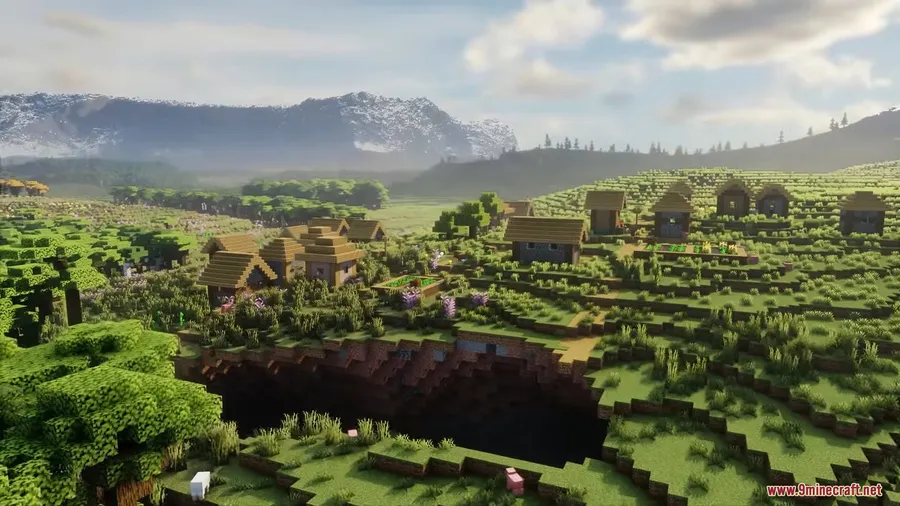
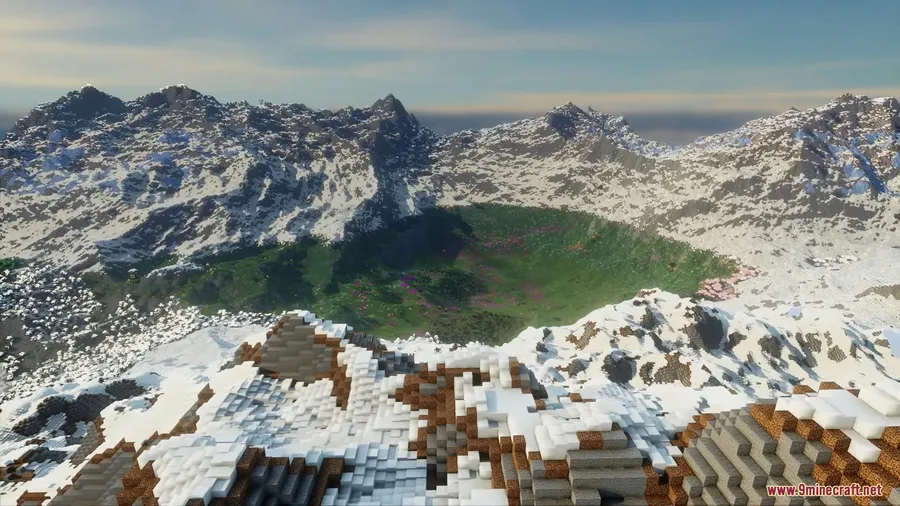
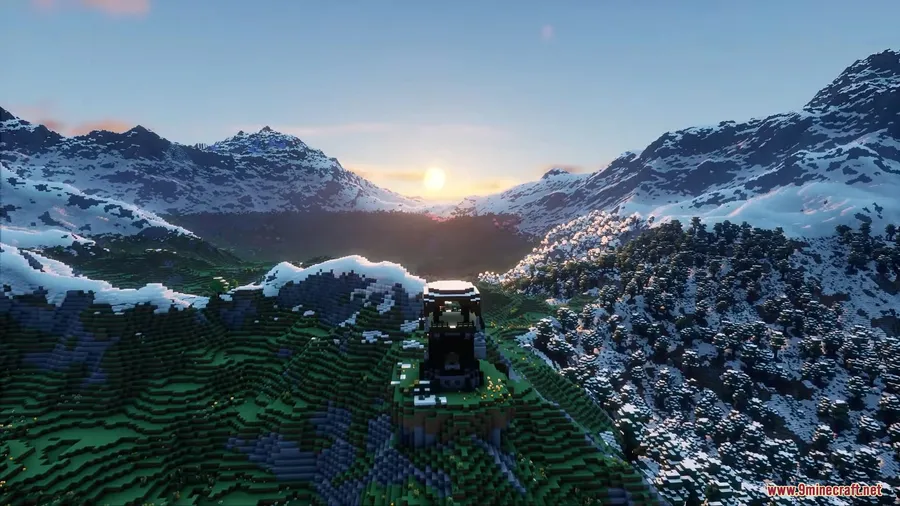
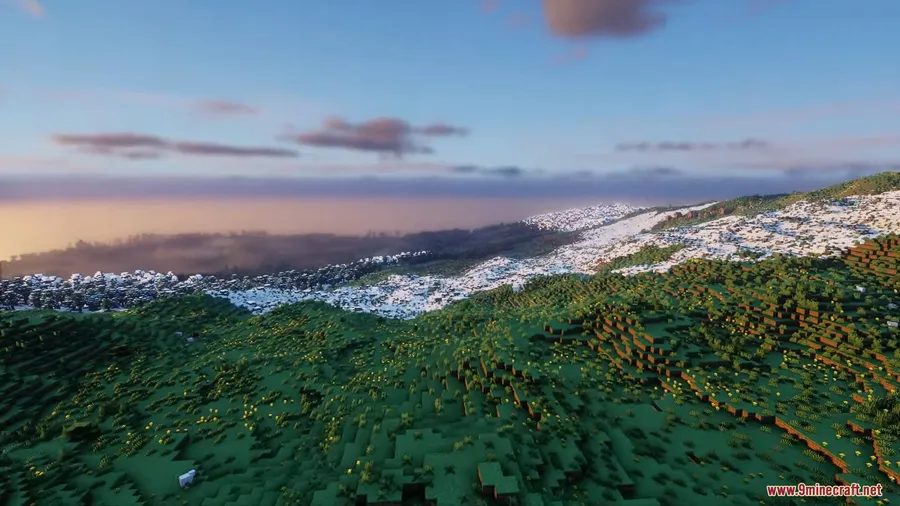
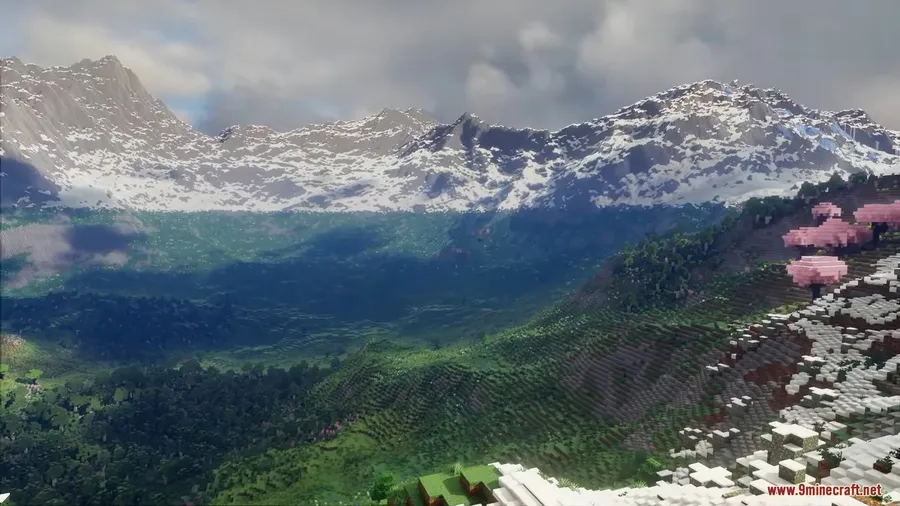
How to Install
- Download and install your preferred mod loader — Fabric, Forge, or NeoForge — for your Minecraft version.
- Install the required API for your loader (e.g., Fabric API for Fabric).
- Download the Reterraforged Mod file matching your Minecraft version and loader from the links below.
- Place the downloaded
.jarfile into your.minecraft/modsfolder. - Launch Minecraft and create a new world — Reterraforged terrain generation will be available as a world type option.
Requirements
| Requirement | Details |
|---|---|
| Mod Loader | Minecraft Forge, Fabric, or NeoForge |
| Dependencies | Fabric API (for Fabric users) |
| Minecraft Version | 1.19.4, 1.20.1, 1.20.2, 1.20.6, 1.21, 1.21.1, 1.21.4, 1.21.5 |
Pros & Cons
Pros
- Dramatically more realistic and immersive terrain compared to vanilla generation
- Actively maintained for the latest Minecraft versions, including 1.21.5
- Supports all three major mod loaders (Fabric, Forge, NeoForge)
- Highly configurable — lets players customize terrain to their preferences
- Continues the legacy of the original TerraForged, which stopped at 1.18.2
Cons
- NeoForge and Forge support is limited to certain versions — newer releases are Fabric-only
- Custom terrain generation may affect compatibility with other world-generation mods
- Only applies to newly generated chunks — existing worlds won't be retroactively changed
Download
Always download mods from official sources to stay safe.
FAQ
Is Reterraforged the same as TerraForged?
Reterraforged is a continuation of the original TerraForged mod, which stopped development at Minecraft 1.18.2. Developer racoonman2 took over the project and has been updating it for modern Minecraft versions, including 1.21.5.
Can I use Reterraforged with other biome mods like Biomes O' Plenty?
Reterraforged replaces Minecraft's terrain generation system, so compatibility with other world-generation mods may vary. It's best to test combinations in a new world before committing to a long-term save.
Does Reterraforged work on multiplayer servers?
Yes, Reterraforged can be installed on a dedicated server. All players connecting to the server will experience the custom terrain generation without needing the mod installed client-side, as terrain is generated server-side.


![[Let's Do] Meadow Mod (1.21.1) - thumbnail](http://mcinside.com/wp-content/uploads/2026/04/thumbnail-64-52x52.webp)


![Not Enough Recipe Book [NERB] Mod (1.21.11) - thumbnail](http://mcinside.com/wp-content/uploads/2026/04/thumbnail-63-52x52.webp)


