

Tired of plain white text on every sign, book, and chat message in Minecraft? Text Formatting Everywhere Mod by Potat369 unlocks the section sign (§) formatting codes across the entire game, letting you style text with colors, bold, italic, and more — anywhere you can type. With over 1 million downloads on Modrinth since its 2024 release, this lightweight utility has quickly become a go-to pick for players who want more expressive in-game text without complex setup.
Key Features
- Universal § formatting codes — Use the section sign (§) followed by standard formatting codes in places where Minecraft normally blocks them, including signs, books, chat, anvil renaming, and more.
- Full style support — Apply bold, italic, underline, strikethrough, obfuscated text, and all 16 color codes to customize how your text appears in-game.
- Zero configuration needed — Install the mod and start typing formatting codes immediately. No config files to edit or keybinds to set up.
- Multi-loader support — Available for Fabric, Forge, NeoForge, and Quilt, so it fits into virtually any modded setup.
Screenshots


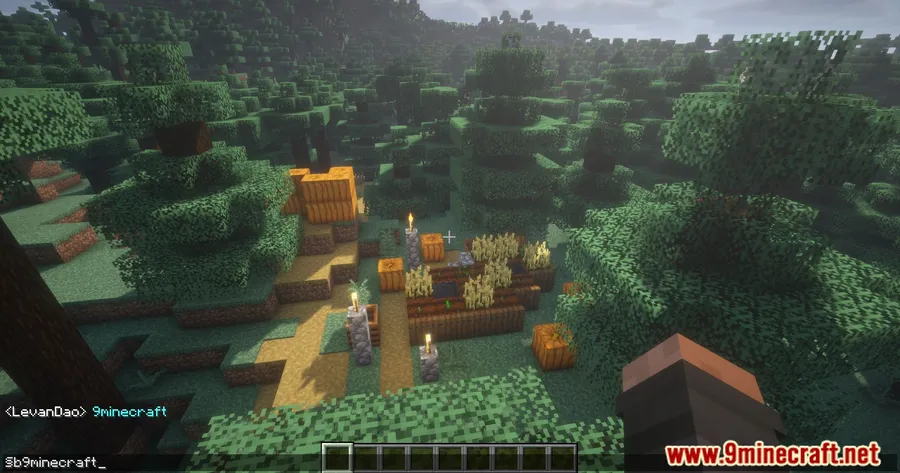
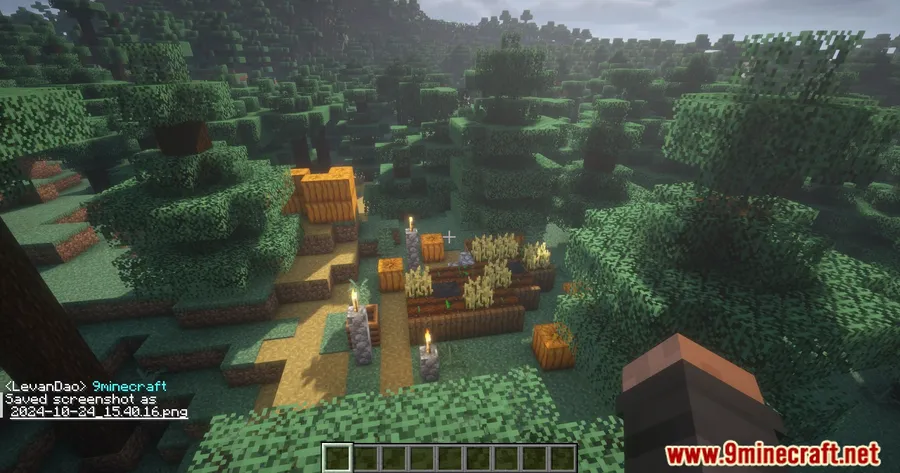
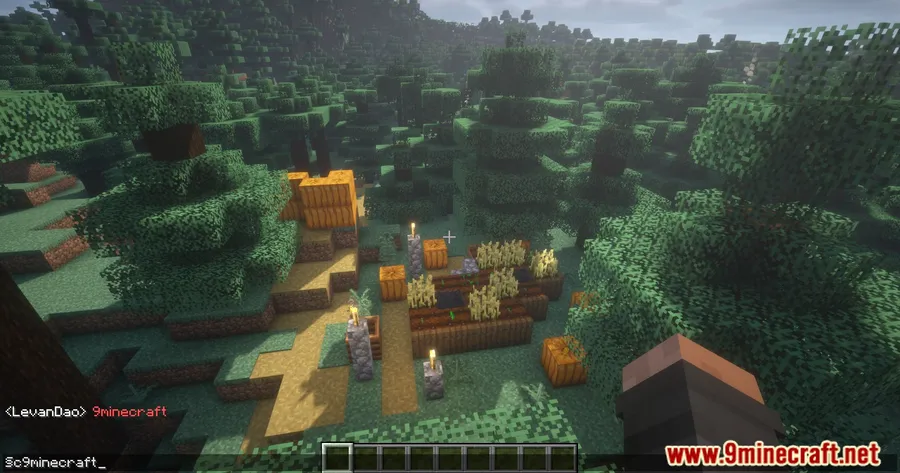
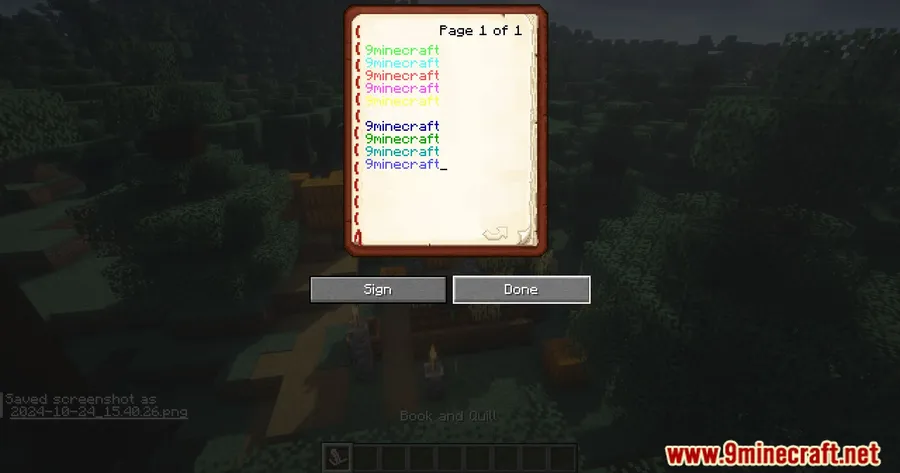
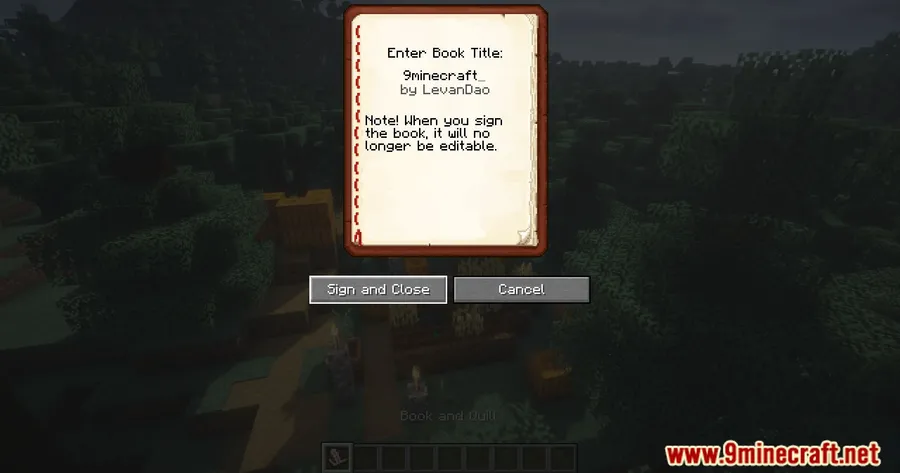
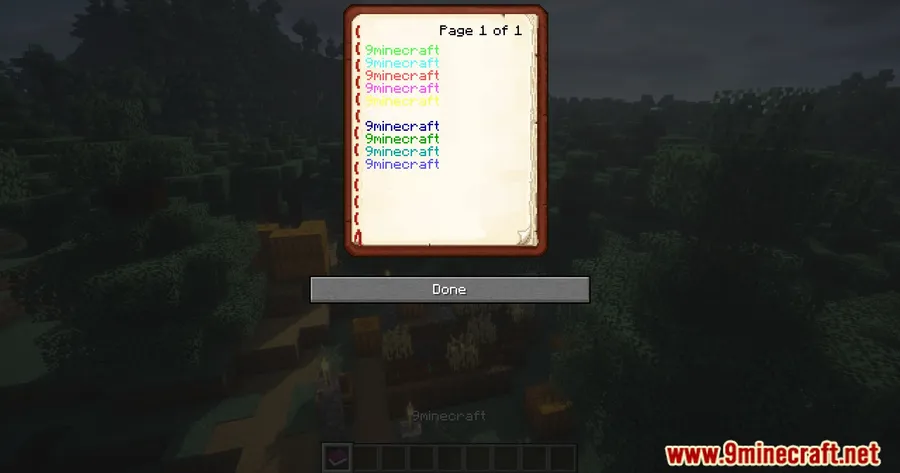
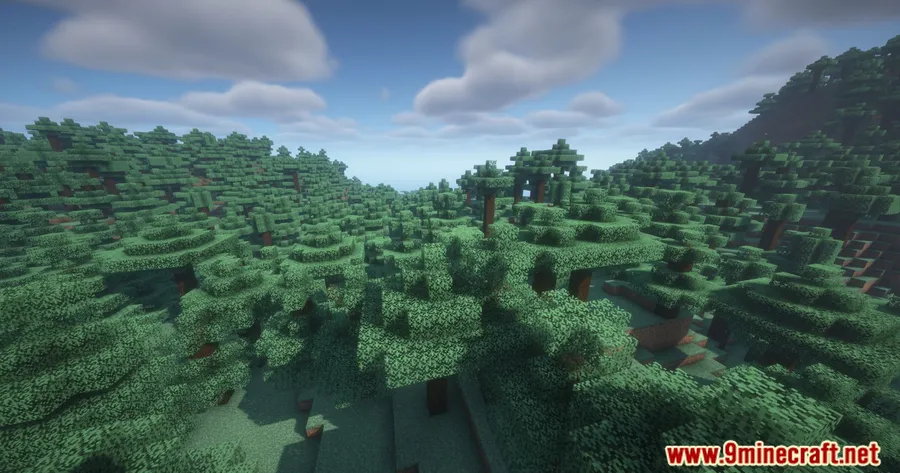
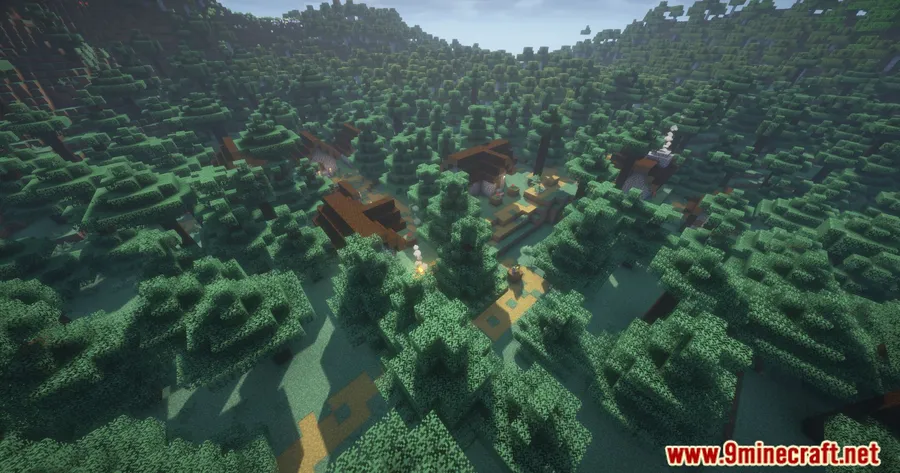
How to Install
- Download and install Fabric Loader (or Forge/NeoForge) for your Minecraft version.
- Download Fabric API and place it in your
modsfolder (required for Fabric installations). - Download Text Formatting Everywhere Mod for your Minecraft version from the link below.
- Move the downloaded
.jarfile into your.minecraft/modsfolder. - Launch Minecraft and start using § codes to format text anywhere in the game.
Requirements
| Requirement | Details |
|---|---|
| Mod Loader | Fabric, Forge, NeoForge, Quilt |
| Dependencies | Fabric Modloader, Fabric API |
| Minecraft Versions | 26.1, 1.21.11, 1.21.10, 1.21.9, 1.21.8, 1.21.7, 1.21.6, 1.21.5, 1.21.3, 1.21.1, 1.20.6 |
Pros & Cons
Pros
- Extremely simple to use — just type § codes like you would in older Minecraft versions
- Works across multiple game areas including signs, books, chat, and more
- Available for all major mod loaders (Fabric, Forge, NeoForge, Quilt)
- Broad version support from 1.20.6 through 26.1
- Open source under MIT license with active maintenance
Cons
- Requires Fabric API as a dependency when running on Fabric
- Formatted text may not display for other players on servers unless they also have the mod installed
- Limited to Minecraft's built-in formatting codes — no custom fonts or extended styling
Download
Always download mods from official sources to stay safe.
What's New
- Fixed a crash that occurred on Minecraft 1.21.9 and newer versions.
- Expanded compatibility to cover Minecraft versions up to 26.1.
- Continued support for Forge, NeoForge, and Fabric on the latest releases.
FAQ
How do I type the § symbol in Minecraft with this mod?
You can type the section sign (§) by holding Alt and pressing 0167 on your numpad (Windows), or by using Option+6 on macOS. Once the mod is installed, Minecraft will recognize the § codes and apply the formatting.
Does Text Formatting Everywhere Mod work on multiplayer servers?
The mod enables § formatting on the client side. On multiplayer servers, whether other players see your formatted text depends on server configuration and whether they have the mod installed as well.
Is Text Formatting Everywhere Mod compatible with Forge and NeoForge?
Yes. Starting from Minecraft 1.21.6, the mod is available for Forge and NeoForge in addition to Fabric. Earlier versions (1.20.6 through 1.21.5) are Fabric-only.




![[Let's Do] Candlelight - Farm&Charm compat Mod (1.21.1) - thumbnail](http://mcinside.com/wp-content/uploads/2026/04/thumbnail-81-52x52.webp)


![[Let's Do] Meadow Mod (1.21.1) - thumbnail](http://mcinside.com/wp-content/uploads/2026/04/thumbnail-64-52x52.webp)


![Not Enough Recipe Book [NERB] Mod (1.21.11) - thumbnail](http://mcinside.com/wp-content/uploads/2026/04/thumbnail-63-52x52.webp)