Tetra is a modular equipment mod that lets you modify and improve tools, weapons, shields, bows, and other gear for Minecraft Forge and NeoForge. It focuses on progression through customizable parts, material choices, and exploration-based upgrades.
Vanilla gear progression can feel too linear once you know the recipe path, and that is the main problem Tetra solves. Instead of crafting a tool once and moving on, this mod turns equipment into something you refine through use, scavenging, schematics, and material choices, which makes exploration and loot feel more meaningful. With more than 1 million downloads on Modrinth, it also has the kind of adoption that suggests many players are looking for exactly this style of progression-focused equipment overhaul.
Key Features of Tetra
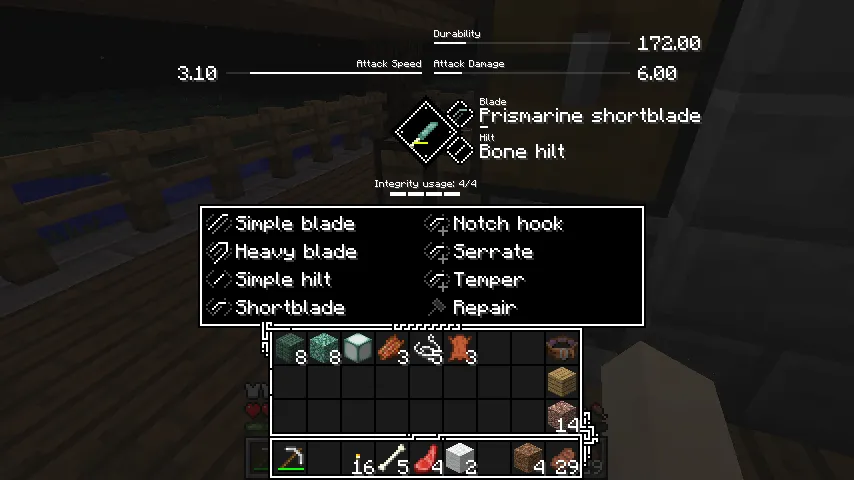
- Modular tools and weapons — Tetra lets you rebuild and customize equipment instead of treating every item as fixed. That matters because it gives you more control over how your gear develops, so upgrades feel like decisions rather than simple recipe replacements.
- Equipment improves through use — Modified items can get better over time as you keep using them. This gives your favorite tools and weapons a sense of long-term value, which makes progression feel more personal and less disposable.
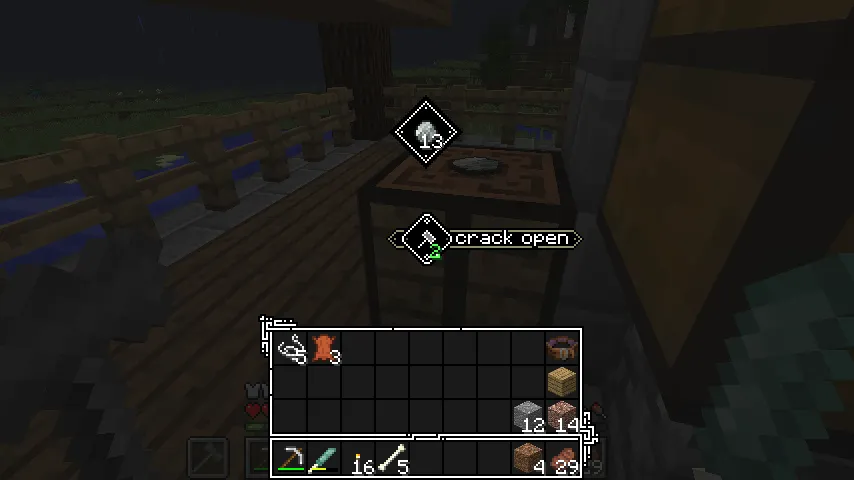
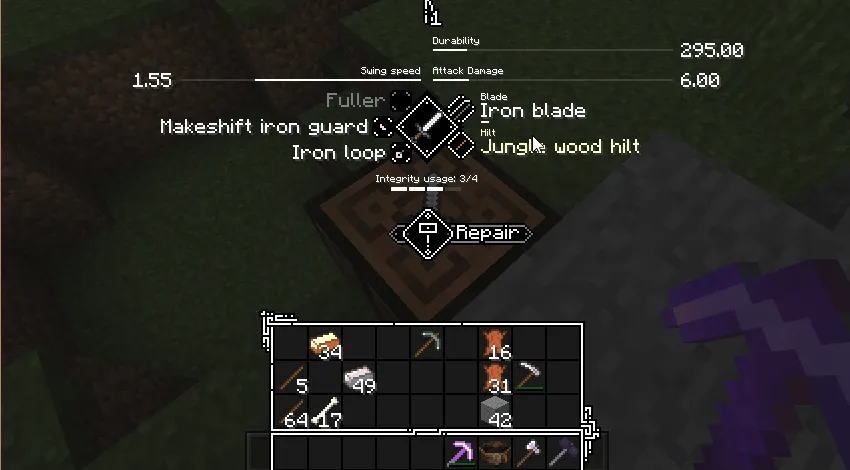
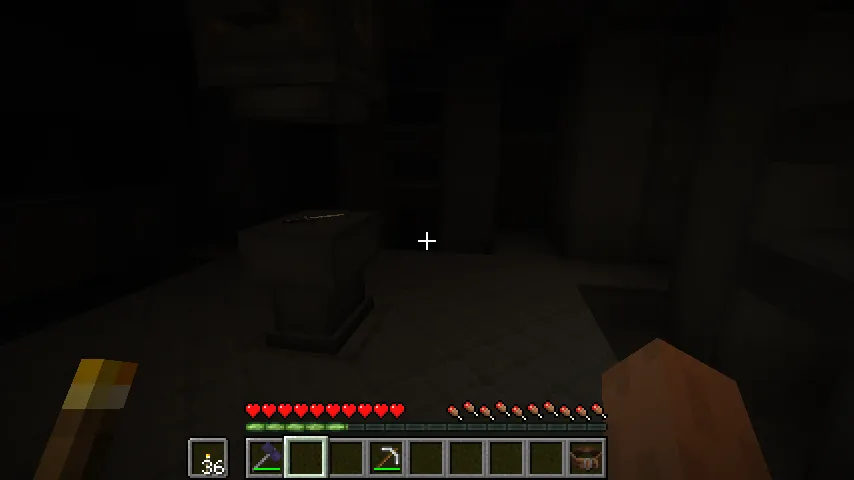
- Workbench-based upgrading — The mod introduces a clear starting point by turning a normal crafting table into a workbench with a mallet. That simple setup makes the system feel grounded in Minecraft rather than detached from it, so learning the mod is easier than it first appears.
- Exploration for schematics and parts — Better parts and schematics are found by scavenging ancient ruins or through trade and barter. This is important because your strongest upgrades are tied to exploration and world interaction, not just staying at home and mass-crafting.
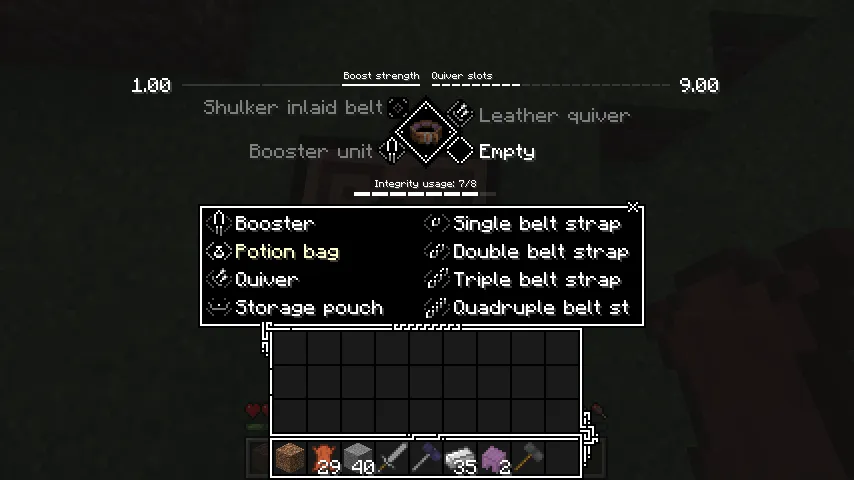
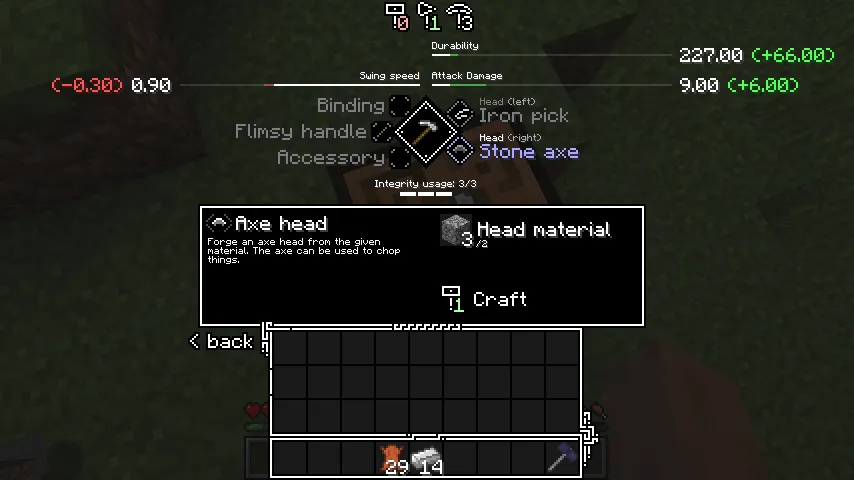
- Holosphere stat overview — Tetra includes a holosphere that shows the stats of modules, improvements, and materials. For players who like to optimize equipment, that visibility matters because it helps you compare options before committing to a build.
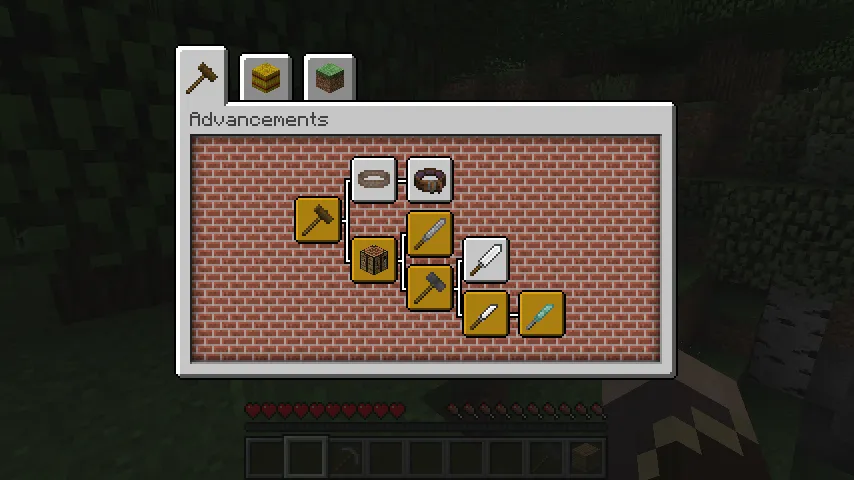
- Structured progression through advancements — The mod has two advancement tabs that cover most of the available content. That makes the experience easier to follow, especially for first-time users who want direction without constantly leaving the game to look things up.
Screenshots


How to Install Tetra
- Install the correct mod loader for your game version: Minecraft Forge for 1.20.1, 1.19.2, 1.19.1, or 1.19, or NeoForge for 1.20.1.
- Download the Tetra version that matches your Minecraft version and loader combination.
- Install the required utility library, mutil, if your launcher does not add dependencies automatically.
- Place both mod files into your Minecraft
modsfolder, then start the game with the same loader profile you installed. - Once in-game, craft a mallet, upgrade a vanilla crafting table into a workbench, and check the advancement tabs to begin learning the system.
Requirements & Compatibility
| Category | Details |
|---|---|
| Mod Loader | Minecraft Forge, NeoForge |
| Supported Minecraft Versions | 1.20.1, 1.19.2, 1.19.1, 1.19 |
| Main 1.20.1 Support | Forge and NeoForge |
| Dependency | mutil utility library may need manual installation if you are not using the CurseForge installer |
| Default Compatibility | Curios compatibility is included for the toolbelt |
| Extra Compatibility | Tetracelium and the official compatibility list are referenced for broader mod interaction |
| Category | Minecraft Mods |
| Tags | adventure, equipment, game-mechanics, worldgen |
What's New
- Recent updates adjust several material and equipment-related stats, including turtle shell, shulker shell, hide, leather, and turtle scute values.
- New mangrove root, mangrove wood, and azalea root materials have been added, which expands the material pool for customization.
- The materials view now includes flexmesh, giving players more information inside the mod's stat and material interface.
- Several issues tied to crafting requirements and material names for some modules have been fixed, which should make progression behavior more consistent.
- Technical changes also improve how overridden schematics and stat getter behavior are handled behind the scenes.
Pros and Cons
Pros
- Turns tools and weapons into long-term progression pieces instead of one-time crafts.
- Connects upgrades to exploration, trading, and scavenging, which gives the world more purpose.
- The workbench, advancements, and holosphere provide a clearer learning path than many complex gear mods.
- Supports Forge and NeoForge on Minecraft 1.20.1.
Cons
- It has a learning curve if you only want simple vanilla-style crafting.
- You may need to install the mutil library manually depending on how you install mods.
- Some players may prefer straightforward equipment tiers over modular customization systems.
- Broader compatibility may require looking into additional companion projects or official documentation.
Alternatives to Tetra
- Tetracelium — A companion option mentioned by the project for expanding mod compatibility around Tetra.
- Curios — A useful complementary mod if you want to make use of Tetra's built-in toolbelt compatibility.
- mutil — Not an alternative in gameplay terms, but an essential companion library for installations that do not resolve Tetra's dependency automatically.
Download Tetra
| Minecraft Version | Forge | NeoForge |
|---|---|---|
| For Minecraft 1.20.1 | Download | Download |
| For Minecraft 1.19.2 | Download | — |
| For Minecraft 1.19.1 | Download | — |
| For Minecraft 1.19 | Download | — |
Always download mods from official sources to stay safe.
Frequently Asked Questions
What does Tetra add to Minecraft?
Tetra adds modular gear customization to Minecraft. It allows you to modify and improve tools, weapons, shields, bows, and other equipment, then continue improving some of that gear through regular use.
Is Tetra available for Forge and NeoForge?
Yes — Tetra supports both Forge and NeoForge on Minecraft 1.20.1. For Minecraft 1.19.2, 1.19.1, and 1.19, the listed loader support in the provided download data is Forge.
Do I need any extra library to run Tetra?
Yes — Tetra uses the mutil utility library. If your installer does not add dependencies for you automatically, you need to install mutil manually.
How do you start using Tetra in a new world?
You start by crafting a mallet and using it on a vanilla crafting table to turn that table into a workbench. After that, place a vanilla tool, weapon, shield, or bow into the workbench and use the advancement tabs as your guide for further progression.
Does Tetra encourage exploration?
Yes — exploration is one of the core reasons to install Tetra. Powerful parts and schematics are tied to ancient ruins, trading, and bartering, so progression is connected to the world rather than only to crafting recipes.
Is Tetra a good choice if I want deeper gear progression?
Yes — Tetra is built around deeper gear progression. Its modular system, upgrade path through use, and stat-focused material choices make it a strong fit for players who want equipment decisions to matter for longer.
![[Let's Do] Farm & Charm Mod (1.21.1, 1.20.1) - Cooking & Recipes](https://mcinside.com/wp-content/uploads/2026/04/thumbnail-82-300x169.webp)